# Shopify Metafield Multiple Values: Filters That Actually Work
> Shopify's filter system reads metafield list values individually. Storing attributes as text strings means filters return zero results. Here is how to fix it.
- Published: 2026-07-12
- Author: Importier Team
- Category: Store Management / SEO & Discoverability
- Canonical: https://www.importier.app/blog/shopify-metafield-multiple-values
---
A camera accessories merchant sets up a filter for memory card compatibility on their collection page. The filter options show eight card types: SD, SDHC, SDXC, CFexpress, CFast, CompactFlash, microSD, and XQD. They import 50 card readers, each listed in their supplier catalogue with a "Compatible Cards" column containing values like "SD, SDHC, SDXC" or "CFexpress, CFast, SDXC".
The filter panel appears on the collection page. Customers can select "SDXC" from the Compatible Cards filter. The result: zero products. Every filter option returns zero products, despite 50 card readers sitting in the catalogue with SDXC listed in their specifications.
The products have the right data. The filter has the right options. The problem is how the compatibility data is stored: as a single text string rather than as a list of individually selectable values. Shopify's filter system does not parse comma-separated text strings. It matches each filter selection against individual stored values. A stored value of "SD, SDHC, SDXC" does not match a filter selection of "SDXC"; they are different strings.
## How Shopify stores metafield values
Shopify's product metafield system supports two different value types for attribute fields: single-value and list (multi-value).
A **single-value** metafield stores one selection per product. A single-value Colour metafield on a blue product stores "Blue". The collection filter for Colour: Blue finds every product where that field equals "Blue".
A **list metafield** stores multiple values per product. A list-type Compatible Cards metafield on a card reader stores ["SD", "SDHC", "SDXC"] as three separate values in a structured array. The collection filter for Compatible Cards: SDXC searches for products where "SDXC" appears as one of the values in the list. The card reader appears in the filtered results.
The distinction matters because Shopify's collection filter system evaluates each stored value in a list independently. A product with ["SD", "SDHC", "SDXC"] in its Compatible Cards list appears for a filter on SD, for a filter on SDHC, and for a filter on SDXC. All three filter selections are satisfied by different values in the same list.
A text string metafield containing "SD, SDHC, SDXC" stores a single value: the string "SD, SDHC, SDXC". A list metafield containing ["SD", "SDHC", "SDXC"] stores three values: "SD", "SDHC", and "SDXC". Only the list version allows the filter to match on any individual card type. The text string version matches nothing, because no filter option equals the full string "SD, SDHC, SDXC".

## Which attributes commonly need multi-value support
Not all product attributes are single-value. Many product categories have attributes where a product legitimately has more than one correct value. These are the attributes that break filter behaviour when stored as text strings.
**Electronics and technology accessories:**
- Compatible Devices (works with iPhone 15 AND Samsung Galaxy S24)
- Compatible Operating Systems (Windows AND macOS AND Linux)
- Compatible Memory Cards (SD AND SDHC AND SDXC)
- Connectivity (USB-C AND Bluetooth AND Wi-Fi)
- In the Box (cable AND adapter AND carry case AND documentation)
**Home and garden:**
- Room (bedroom AND living room; a side table that works in both)
- Style (Scandinavian AND minimalist AND mid-century)
- Material (for composite products: aluminium AND stainless steel AND silicone)
**Apparel and accessories:**
- Features (breathable AND water-resistant AND UV-protective)
- Suitable For (hiking AND running AND cycling; for multi-sport gear)
**Food and supplements:**
- Dietary Suitability (gluten-free AND vegan AND keto-friendly)
- Allergens (suitable for nut-free environments AND dairy-free AND soy-free)
**Sports and fitness:**
- Sport (compatible with swimming AND trail running AND triathlon)
- Surface (outdoor AND indoor AND gym floor)
For all of these, the correct Shopify metafield type is a list. A product that is both gluten-free and vegan and keto-friendly needs all three values individually stored so that a customer filtering by "Dietary Suitability: Vegan" finds the product even if they are not filtering for gluten-free or keto.
## Why import tools get this wrong
Most import tools that support metafields treat every attribute value as a text string. They read the "Compatible Cards" column in the supplier CSV, see "SD, SDHC, SDXC", and write that string to the metafield. The metafield type they create is a single-value text field, not a list.
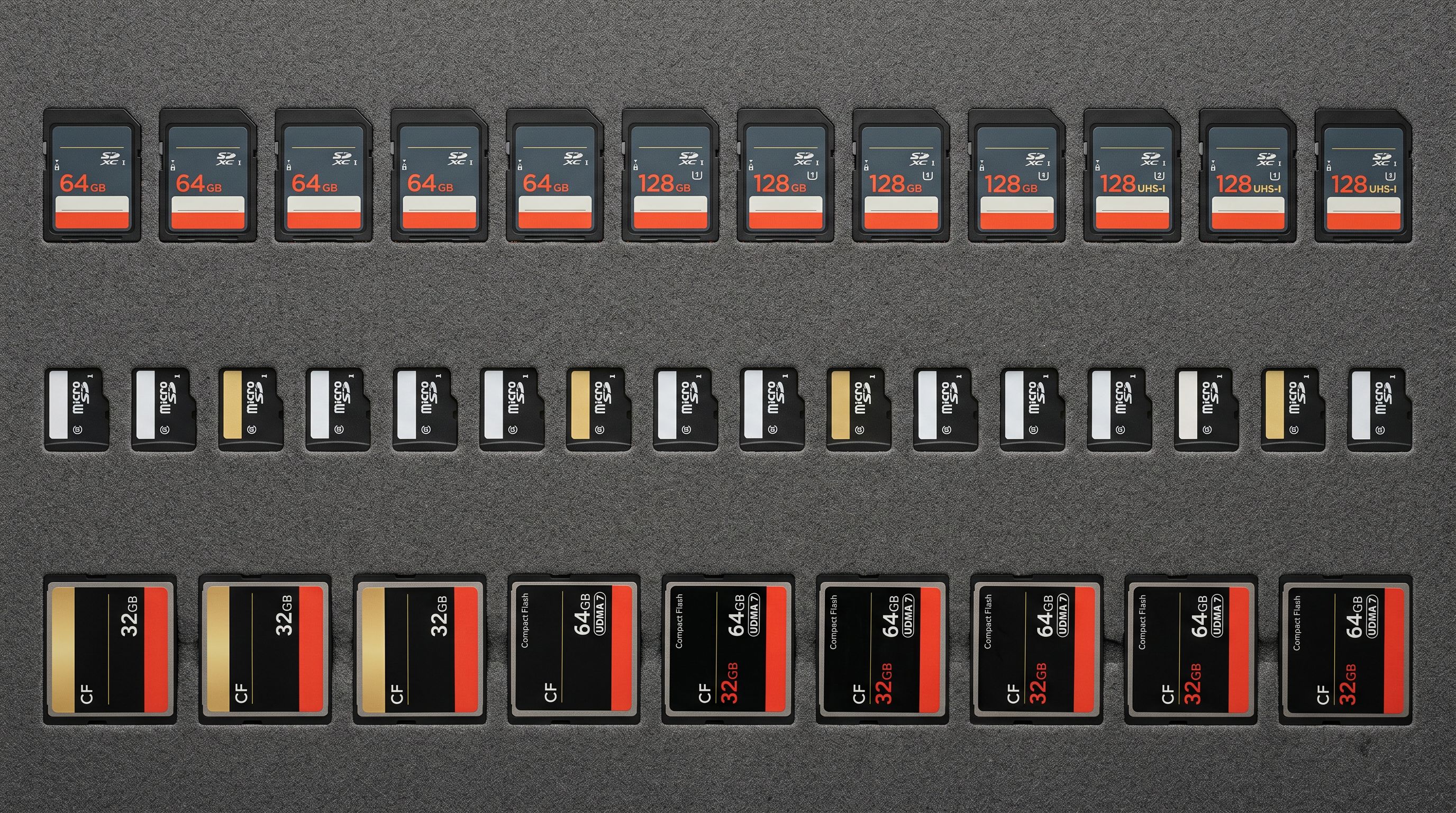
This happens for a predictable reason: text string parsing is straightforward; list metafield creation requires understanding Shopify's metafield type system and creating the correct field type before populating it. Without knowing which attributes Shopify expects as lists, a generic import tool has no way to distinguish between "Colour: Navy Blue" (single-value, no comma) and "Compatible OS: Windows, macOS, Linux" (should be a list, contains commas).
Shopify's standard product taxonomy defines which attributes for each product category are list types and which are single-value types. This specification is embedded in Importier's Industry Pack definitions, which cover 22 product categories and 3,758 attribute types. For each attribute, the Industry Pack defines whether the correct Shopify metafield type is a single value or a list.
When a supplier column contains comma-separated values and the corresponding Industry Pack attribute is a list type, Importier splits the string on commas and stores each value as a separate list entry. "SD, SDHC, SDXC" becomes ["SD", "SDHC", "SDXC"] in the metafield. Each value is individually filterable by Shopify's collection filter system.
## What Importier does with taxonomy values
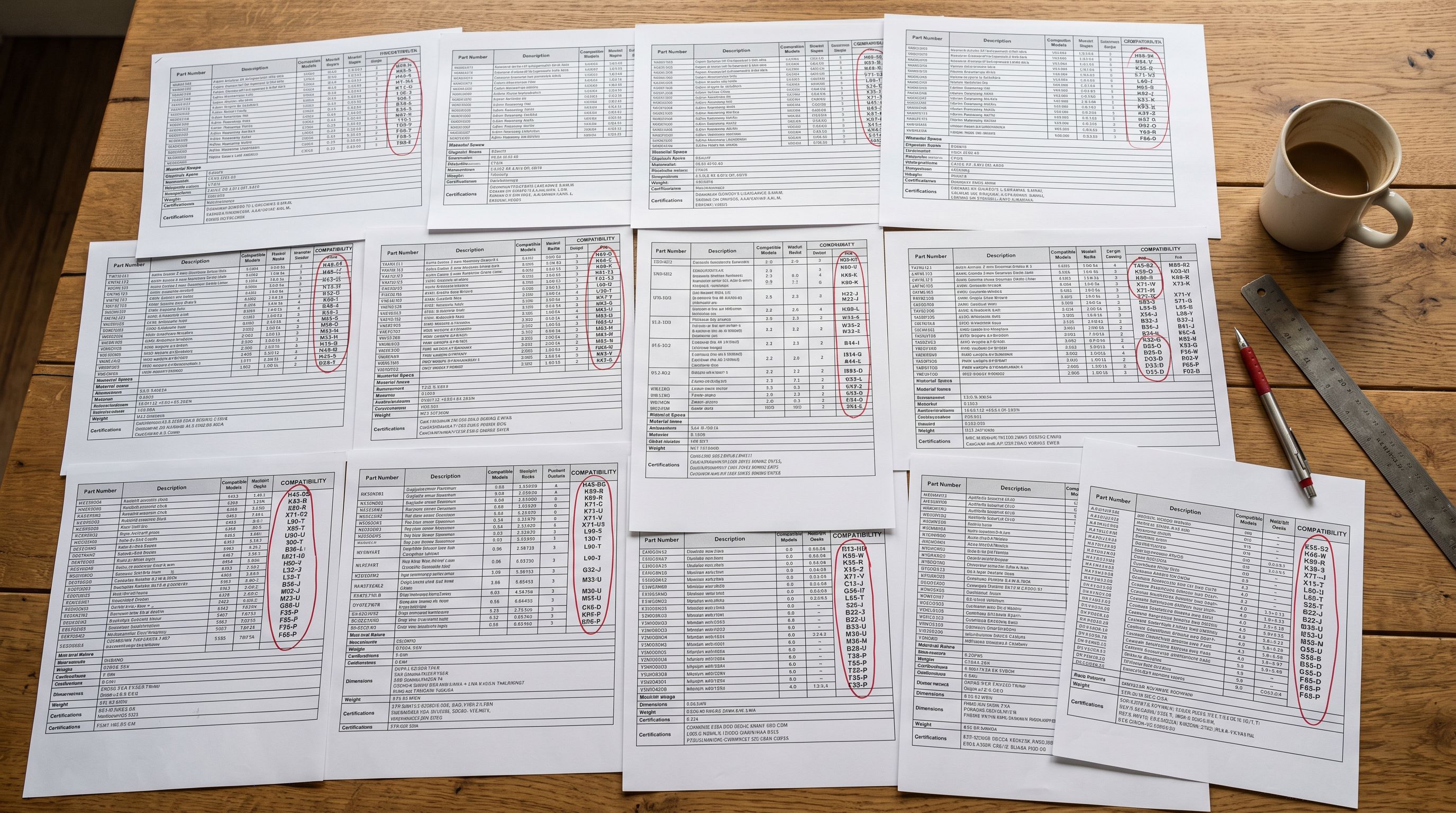
List-type metafields have an additional constraint: Shopify's taxonomy defines which values are valid for each attribute. A "Compatible OS" attribute does not accept "Mac OS" as a value; it accepts "macOS". A "Connectivity" attribute accepts "Bluetooth" but not "BT" or "Bluetooth 5.0". The valid value set for each taxonomy attribute is fixed.
Importier's AI maps supplier column values to valid taxonomy terms before populating the list metafield. A supplier that lists "MacOS" gets mapped to "macOS". A supplier that lists "BT 5.2" gets mapped to "Bluetooth". A supplier that lists "WiFi 6" gets mapped to "Wi-Fi". These mappings ensure that list values match the options Shopify's filter system recognises.
When a supplier value cannot be matched to any valid taxonomy term for the attribute, Importier leaves that value out of the list rather than storing an invalid term. An invalid stored term does not appear as a filter option and does not break the filter, but it also does not help the merchant. The attribute value preview step in the import wizard shows which values were successfully mapped and which were not, giving the merchant the opportunity to add context via the enrichment context field before the import runs.
## How Shopify's collection filter reads list metafields
Once products have list-type metafields populated with correctly typed values, the collection filter configuration in Shopify's theme editor reads them automatically. The filter system detects the list metafield type and generates a multi-select filter option for it: customers can select one or more values from the filter, and the results show products that contain at least one matching value in their list.
A customer filtering by Compatible Cards: SDXC and Compatible Cards: microSD (two simultaneous selections) sees products that support SDXC OR microSD. A customer filtering by Compatible OS: macOS sees only products where macOS is one of the values in the Compatible OS list. Multi-value list metafields enable this filtering behaviour directly; text strings do not.
For existing catalogues where compatibility attributes were imported as text strings, the Store Scanner can re-populate these fields as list values in a targeted batch pass. The enrichment identifies the attribute type from the Industry Pack definition, parses the existing text string value, and writes the correct list structure to the metafield. Products already in the catalogue become filterable immediately after the Store Scanner batch completes.
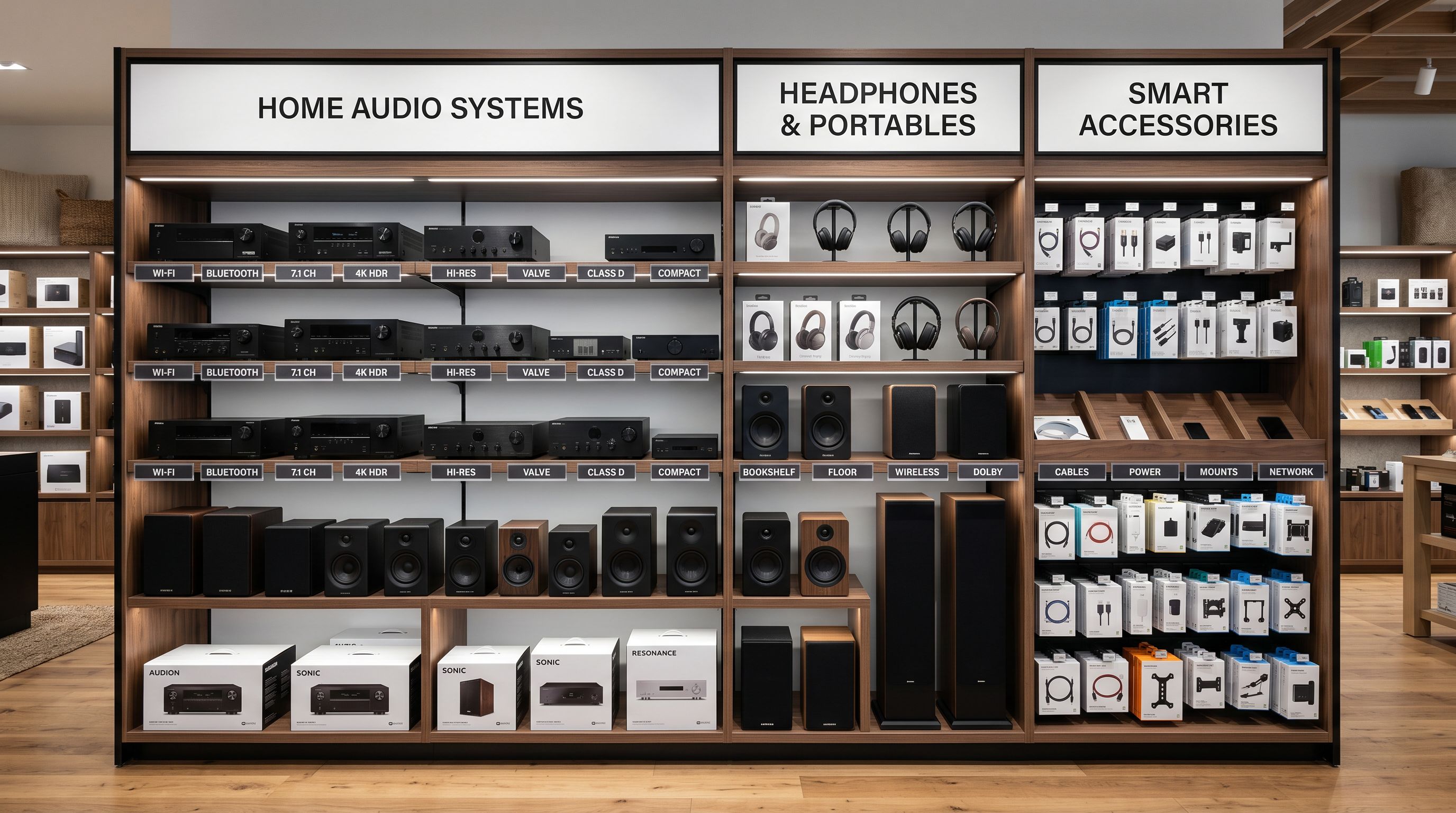
Read more about [how Industry Packs define which attributes are list types and which are single-value types for each product category](https://importier.app/blog/shopify-industry-packs).
Read more about [how the Store Scanner re-populates metafield attributes on existing products in the catalogue](https://importier.app/blog/shopify-store-scanner).
[Shopify's developer documentation on list metafields](https://shopify.dev/docs/api/storefront/latest/objects/Product) explains the metafield type system and which value types are available for each attribute definition. [Shopify's collection filter documentation](https://help.shopify.com/en/manual/online-store/themes/customizing-themes/filter-and-sort/collection-filters) explains how the filter system reads different metafield types to generate filter options.
The difference between a text string and a list is invisible in the Shopify admin product panel. Both show the same comma-separated text when you view the attribute in the product editor. The difference only appears at filter evaluation time: one returns results, the other returns zero. Setting the correct metafield type at import time, rather than discovering the gap six months later when customers report broken filters, is what the Industry Pack's type definitions are for.