# Shopify Import Variant Images: Per-Variant Scraping
> Marketplace imports often give all variants the same image. Importier's per-variant scraping captures the right image and barcode for each colour or size.
- Published: 2026-07-15
- Author: Importier Team
- Category: Marketplace / Marketplace Sources
- Canonical: https://www.importier.app/blog/shopify-import-variant-images
---
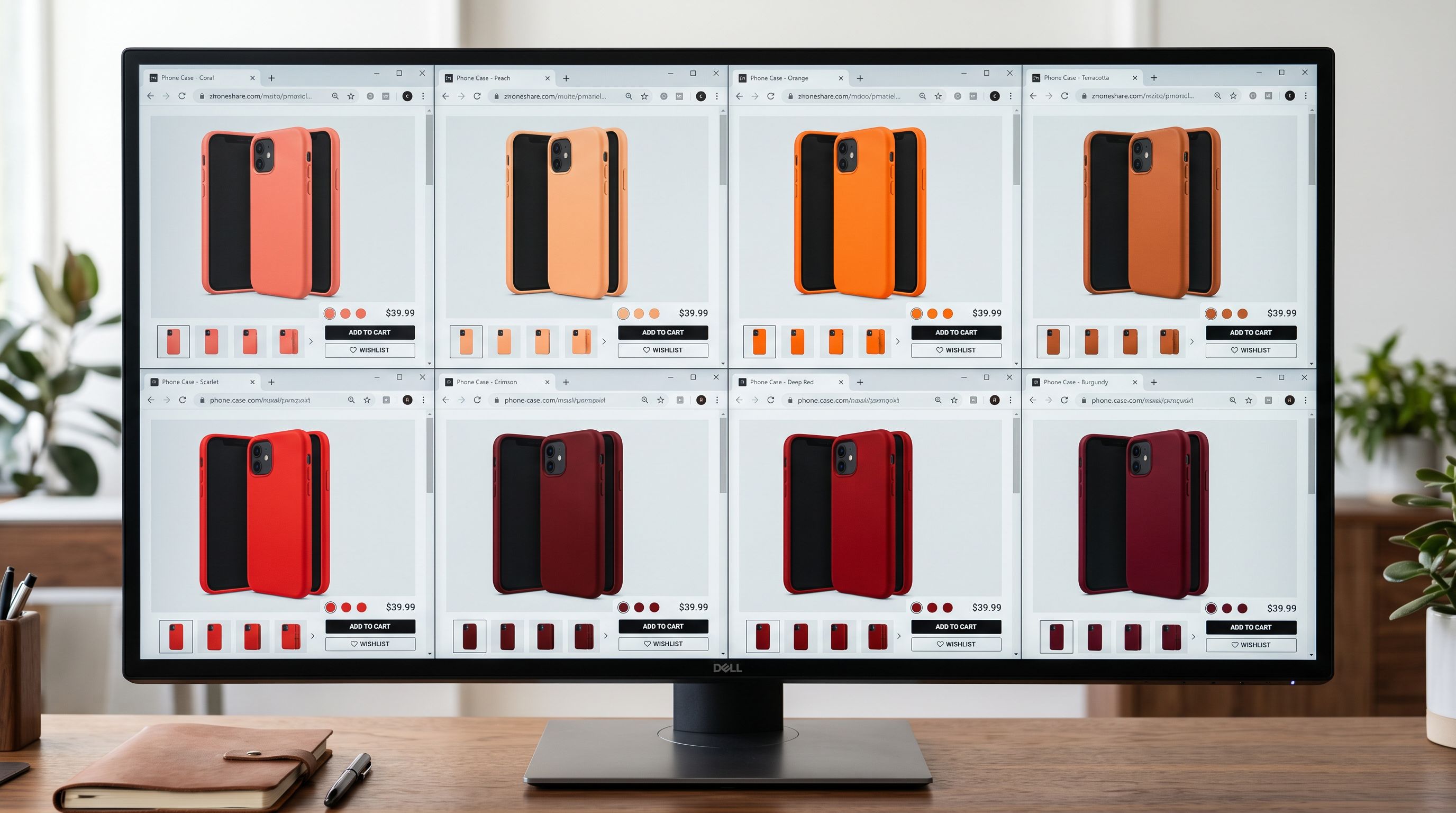
A phone accessories merchant imports a case line from AliExpress. Eight colours: coral, mint, navy, sage, graphite, ivory, sky blue, crimson. Twelve phone models. Ninety-six variants in total. The import runs without errors, the products publish, and the merchant opens the first listing to check. Every colour option, on every phone model, shows the same image: the default black case that appeared on the product's main AliExpress page. Seven colours are invisible in the storefront.
The customer who clicks "Coral" to see what it looks like sees a black case. The customer who clicks "Sage" sees a black case. The product technically has eight colours, but there is no visual evidence of any of them. Returns follow, because buyers are ordering colours they never actually saw.
This is the variant image problem, and it happens with most standard marketplace importers. Shopify import variant images require per-variant page visits, not just a single import of the main product URL.
## Why standard marketplace imports assign the same image to all variants
When a marketplace product URL is submitted for import, the default behaviour is to visit that URL, extract all extractable data, and build a product record. For a multi-variant product on AliExpress, the URL shows whichever variant the platform defaults to, typically the first colour in the listing, often the most popular, often black or white for electronics accessories.
The import tool captures the images visible on that page: three to five photos of the default colour variant. It assigns those images to the main product record. When Shopify displays the product, all variants share the same image gallery because all variants share the same product record images.
The per-variant images exist on AliExpress. Navigate to the listing, click "Colour: Coral", and the page changes. A new URL loads. The coral case appears in the gallery. But the import tool only visited the main URL. It never clicked through to each colour.
The image is the primary purchase signal for colour and style variants. A buyer choosing between eight colours needs to see what each colour looks like. An import that assigns one colour's images to all eight variants eliminates that visual confirmation. Shopify's [product variant media documentation](https://help.shopify.com/en/manual/products/variants/product-variants-media) supports separate image sets per variant specifically because the purchase decision for colour, style, and pattern relies on visual confirmation, not just the variant label.
## How per-variant scraping captures the correct image for each colour
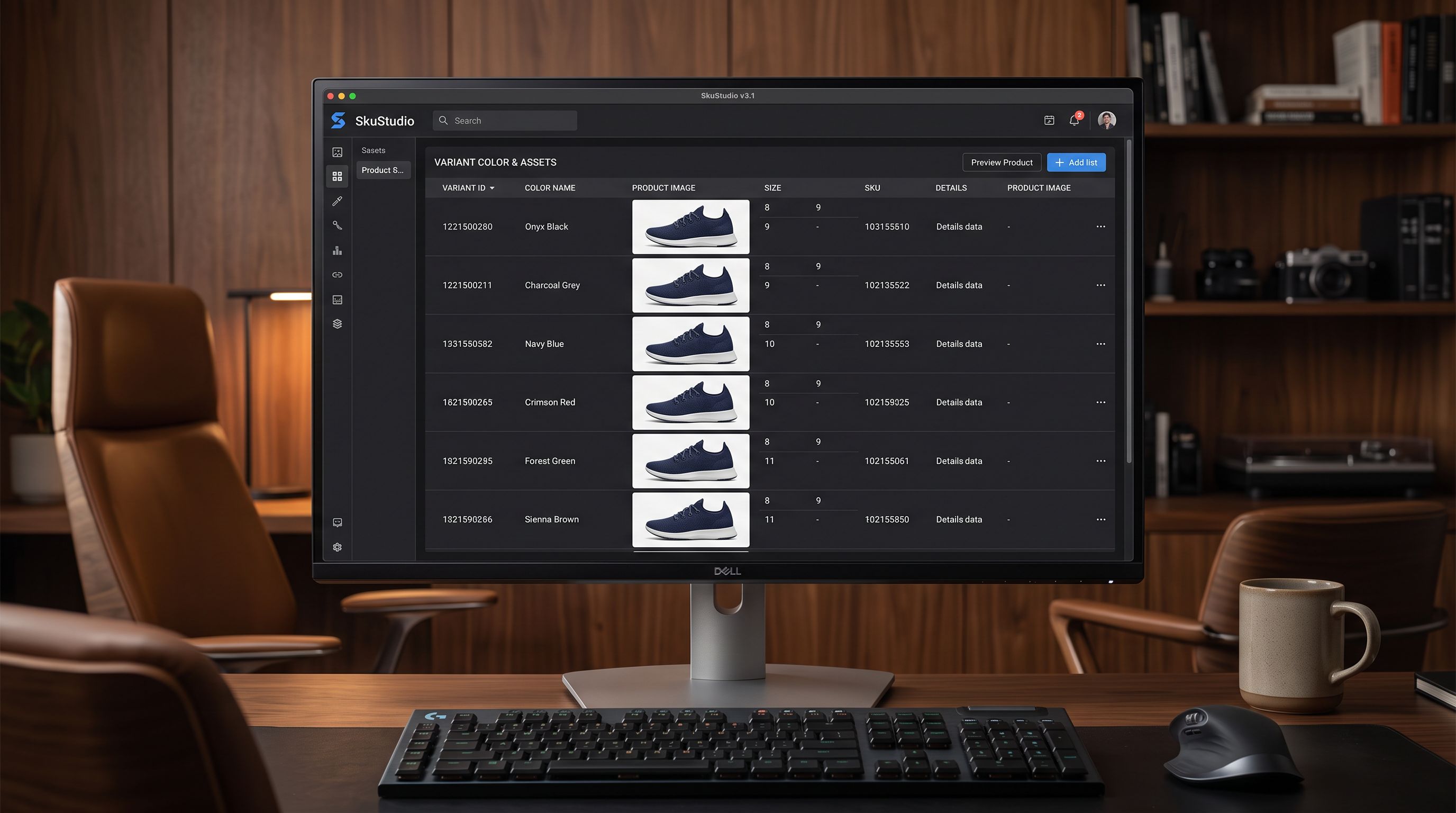
Importier's marketplace import processes multi-variant products differently. When a product URL is submitted for import and Importier detects variant structure, it maps the available variant options before capturing images. For each distinct variant combination, Importier visits the variant's specific page and captures the images and data present on that page.
For the eight-colour phone case:
- Coral: Importier visits the coral variant page, captures the coral case gallery images and the coral variant's barcode or SKU.
- Mint: Importier visits the mint variant page, captures mint case images and mint barcode.
- Navy, sage, graphite, ivory, sky blue, crimson: each receives the same treatment.
The result in Shopify: each colour option has its own image set. When a buyer selects "Sage" in the storefront, the sage images appear. When the buyer switches to "Crimson", crimson images appear. This is the standard Shopify variant media experience, enabled by the import capturing what is actually on each variant's page rather than what appeared on the main listing URL.
## Which marketplaces support per-variant page visits
Not every marketplace structures its listings the same way. Per-variant image capture depends on whether individual variant selections load a distinct page with variant-specific images.
For Amazon products, Importier imports from the ASIN page. The images captured reflect what is shown on the main listing. Amazon does not expose per-variant image URLs through the product page structure that importers can navigate, so per-variant image differentiation is not available for Amazon imports. Merchants importing Amazon products with distinct variant images will need to add variant-specific images manually in Shopify after import, or source the image set directly from the brand's asset library.
## The barcode fix that happens alongside images
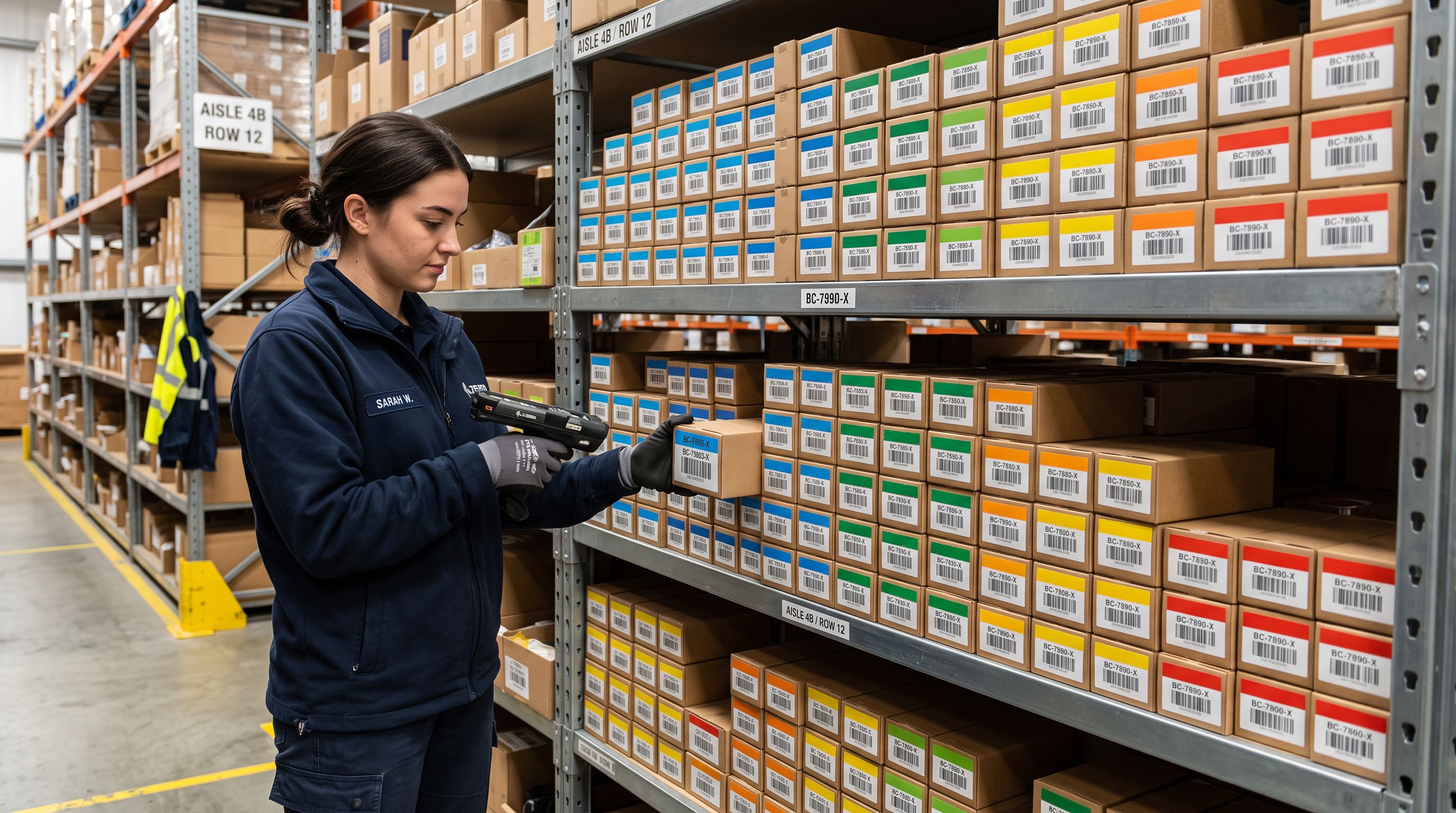
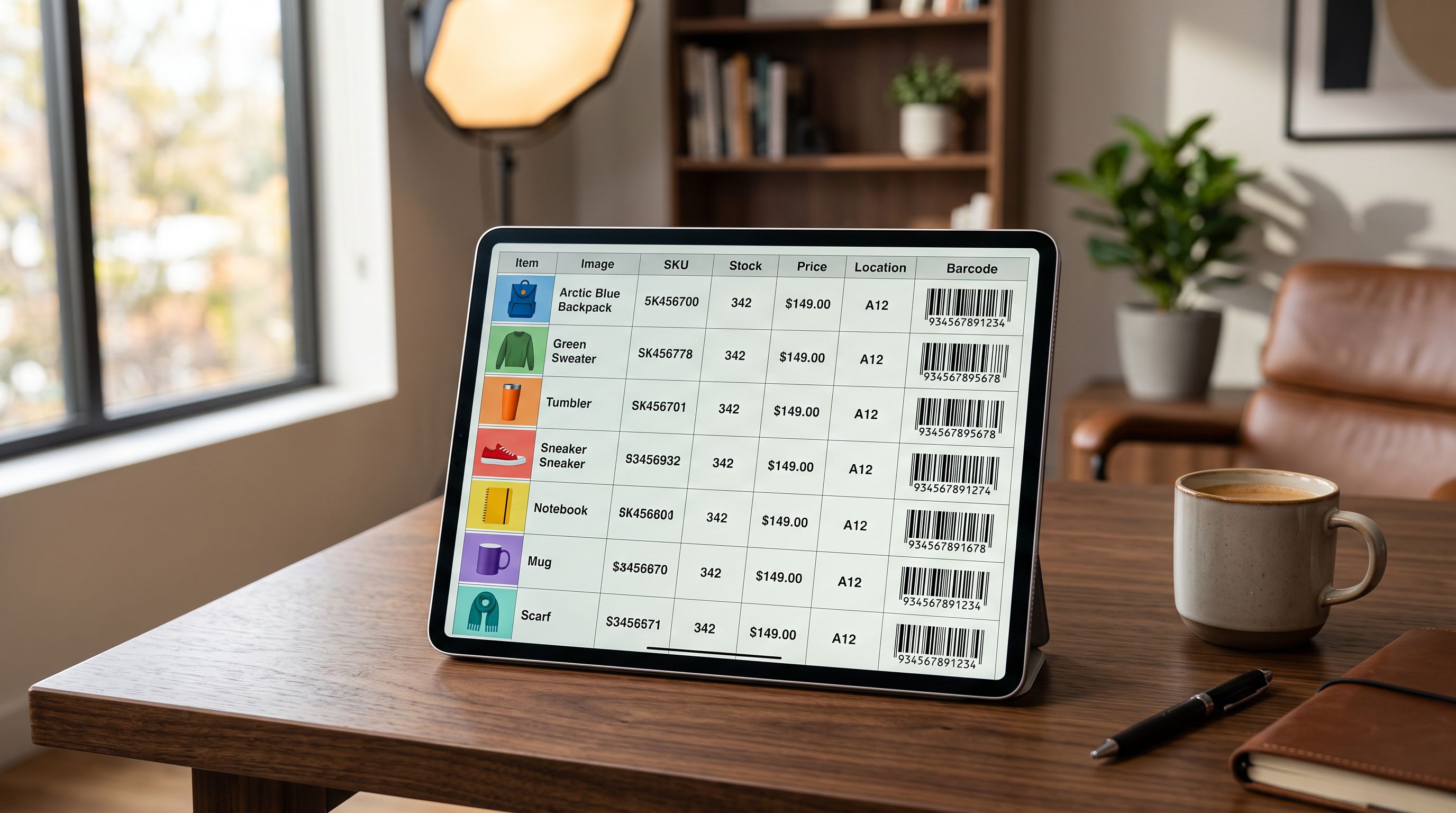
Per-variant scraping captures more than images. Many marketplaces list a distinct barcode or seller SKU for each variant. For AliExpress listings, each colour variant often carries its own manufacturer barcode. Importier captures that barcode at the same time as the images.
The impact on warehouse operations is significant. A merchant fulfilling orders by barcode scanning cannot distinguish between a coral and a sage case if both variants carry the same barcode. With per-variant barcodes captured at import, each variant has a unique, scannable identifier from the start.
## Processing time for large variant catalogues
The ninety-six page visits that a twelve-model, eight-colour phone case line requires do not multiply the import time by ninety-six. Importier processes variant page visits in parallel rather than in sequence. Each variant's page is visited concurrently, so the wall-clock time for a ninety-six-variant import is closer to the time for a single-page visit plus a small overhead for managing the parallel results.
Per-variant scraping processes all variant pages concurrently. A ninety-six-variant phone case line does not take ninety-six times longer than a single-variant product to import with accurate images and barcodes.
For merchants running bulk marketplace imports of multi-variant lines, this parallel processing model means the time cost of accurate variant images is low compared to the time cost of manually assigning them after a standard import. A batch of twenty multi-variant products, each with an average of eight colour options, is 160 per-variant page visits. At sequential processing, that would add substantial time to every import. At parallel processing, the overhead is modest.
## When per-variant images are not available from the marketplace
Amazon ASIN pages are the primary case where per-variant images are not accessible through URL navigation. For merchants importing Amazon-sourced products, the practical options are:
First, contact the brand or manufacturer directly. Most brands maintain a press asset library or brand portal with per-colour product photography available for authorised resellers. Importing those images via [Dropbox or Google Drive folder links](https://importier.app/blog/shopify-image-import) gives Importier the image set to assign at import time.
Second, run the import with the shared images from the ASIN page, then manually assign variant-specific images in the Shopify admin after import. Shopify's variant media tool allows image assignment per variant option after the product is created. For a small number of products this is a manageable task; for catalogues of hundreds of Amazon products each with colour variants, the brand asset library route is far more efficient.
## Images and variant descriptions together
Per-variant images address the visual layer of variant differentiation. [Variant descriptions](https://importier.app/blog/shopify-variant-descriptions), stored as metafields on each variant, address the copy layer. A coral phone case with correct coral photos and a description that reads "coral case, high-impact polycarbonate shell, compatible with iPhone 17 range" presents as a fully distinct product option, not a colour switch on a generic listing.
The combination matters for [Google Shopping product data](https://importier.app/blog/shopify-google-shopping-product-data), where variant-level images and descriptions improve listing quality scores. Google's [image requirements for product data](https://support.google.com/merchants/answer/6324350) specify that variant products must include images representing each variant accurately. A listing where all colour variants show the same image may be flagged for image quality issues.
## What to take away
When standard marketplace importers visit a product URL, they capture what appears on the main page and assign those images to all variants. For multi-variant products where each colour or style has its own page on the marketplace, this means all variants share one colour's images.
Key points:
- Per-variant scraping visits each variant's page separately to capture the correct images and barcode for that variant.
- AliExpress and Etsy support per-variant pages and benefit fully from per-variant scraping. Amazon ASIN pages do not expose per-variant URLs.
- Barcodes are captured per variant alongside images, enabling accurate barcode scanning in warehouse and fulfillment operations.
- Parallel processing means the time cost of visiting ninety-six variant pages is not ninety-six times a single-page import.
- For Amazon imports where per-variant images are not accessible, brand asset libraries imported via cloud folder links are the correct alternative.
- Combining per-variant images with Importier's variant descriptions produces a fully differentiated variant record for each colour, size, or style option.
Import multi-variant marketplace products with accurate per-colour images and barcodes at [importier.app](https://importier.app). Enterprise plan includes full Marketplace Import with per-variant scraping across AliExpress, Etsy, Walmart, and any supplier site.