# Shopify Import Audit Log: Track What Changed, Failed, and Succeeded
> How to build a Shopify import audit log using Import History, manual batch records, and the Shopify activity log to track every bulk product change.
- Published: 2026-09-24
- Author: Importier Team
- Category: Import Guides / File Imports
- Canonical: https://www.importier.app/blog/shopify-import-audit-log
---
A food retailer importing 400 new products discovered a problem three days after launch: one product had an incorrect allergen claim in the description. The product had been live for 72 hours. The question the operations manager needed answered was: which import batch introduced this product, what file was the source, and which other products from the same file might carry the same error?
Without an audit log, the answer required manually cross-referencing four separate import CSVs against 400 live products. With an audit log, the answer was in the Import History entry: one batch, one file, a downloadable CSV for that batch, and an undo option if the full batch needed reverting while the source was corrected.
Shopify has no native product changelog. There is no built-in record of which product was created on which date from which file, who approved it, or what it looked like before the last change. For merchants running occasional manual imports, this is a minor limitation. For merchants importing hundreds or thousands of products across multiple files, staff accounts, and supplier relationships, the absence of a product history creates accountability gaps that surface at the worst possible moment.
## What Shopify Does and Does Not Track
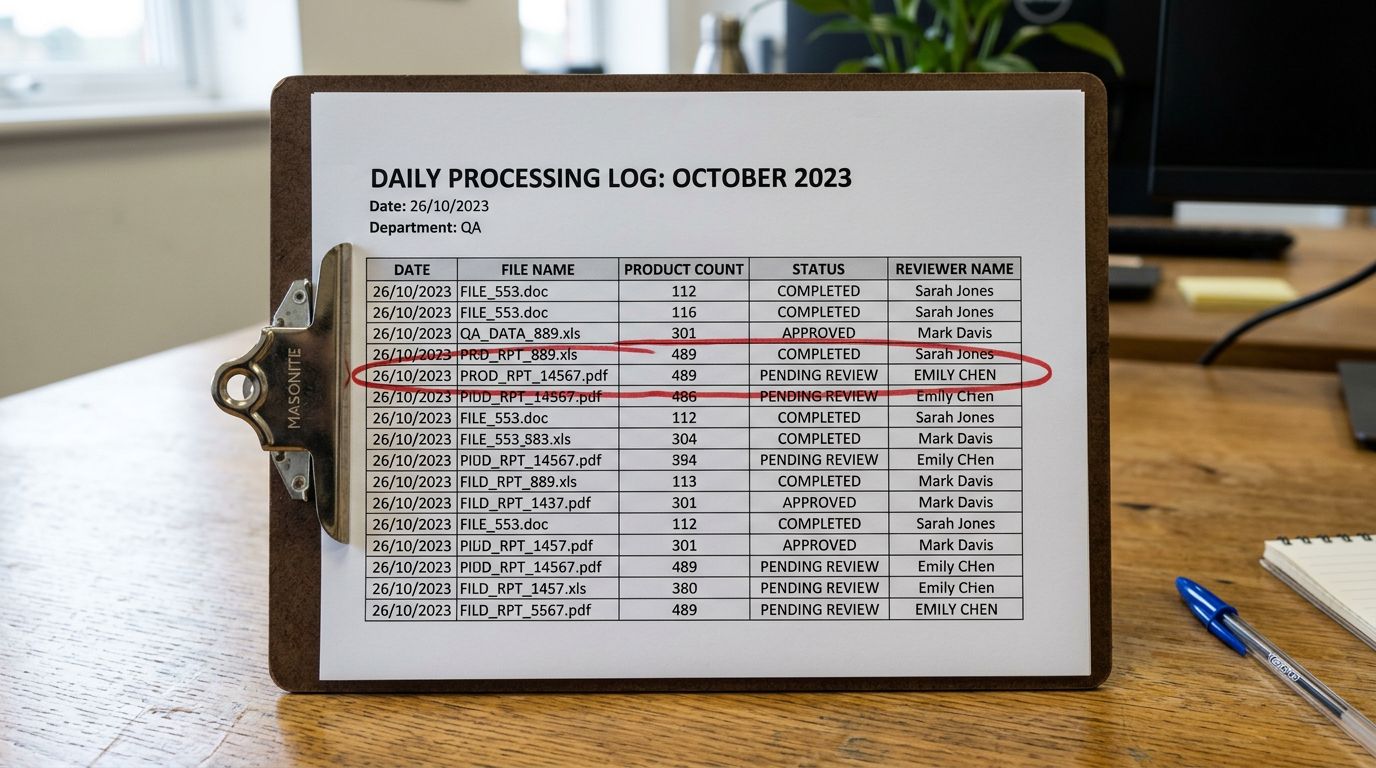
Shopify's staff account activity log records administrative actions taken within Shopify admin: which staff member made a change, when, and what it was. For compliance purposes, this log is useful but limited for import operations because it records Shopify-level events, not import-session-level events.
According to [Shopify's staff account documentation](https://help.shopify.com/en/manual/your-account/staff-accounts), the activity log captures actions like product creation, product editing, and inventory adjustments. What it does not capture is the import session context: which CSV file was used, how many products were created versus updated, which products failed validation, and what the pre-import state of updated products was.
For a merchant importing 200 products in a single session, the Shopify activity log will show 200 product creation events. It will not show that 12 of those products had their price field silently defaulted to zero because the price column was mapped incorrectly, or that 3 products failed to import entirely because their handle contained a disallowed character.
This is the gap an import audit log fills.
Shopify's activity log records what changed in admin. An import audit log records why it changed, from which file, and what the import session produced. Both are needed for a complete picture.
## What an Import Audit Log Should Record
A useful import audit log captures five categories of information for every import session:
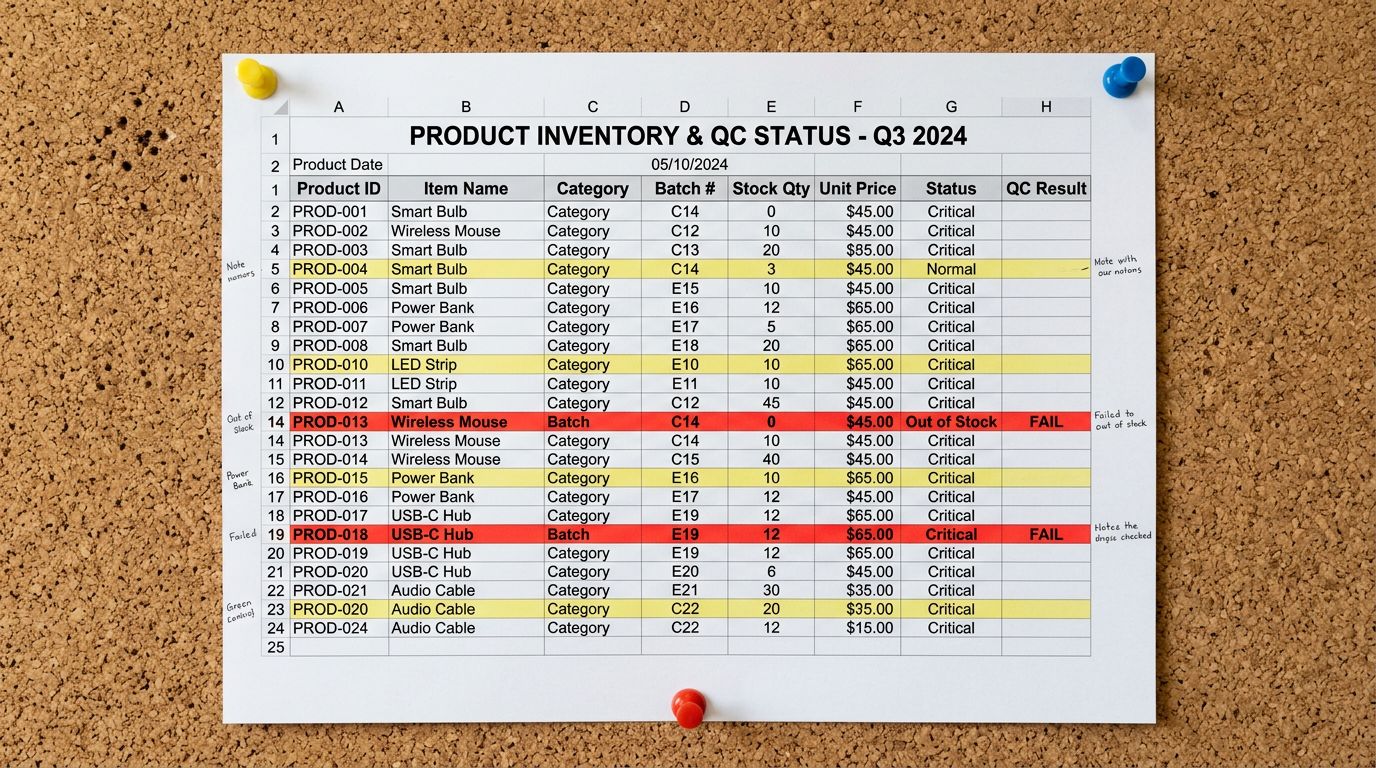
**1. Session identity.** Date and time of the import, the name and version of the source file (e.g. `collins-wholesale-apparel-2026-09-24-v2-final.csv`), and the name of the staff member or agent who ran the import.
**2. Scope.** Products created (new records added to Shopify), products updated (existing records modified), and products skipped or failed (validation errors, duplicate handles, missing required fields). The ratio of created to updated tells you immediately whether the import ran in the right mode.
**3. Settings applied.** Which import profile was used, which AI description settings (model, style, Industry Pack, persona) were applied, and what the publication status was set to (Draft or Active).
**4. Outcome verification.** Whether a post-import review was completed, who verified it, and the result (approved for publishing, held for correction, or rolled back).
**5. Post-import actions.** Any corrections made after the initial import: re-imports from corrected files, undo operations, manual edits to specific products, and the reason for each.
For most merchants, a shared spreadsheet with one row per import session covers this structure. The investment is five minutes per import. The return is the ability to answer any question about catalogue state at a specific point in time without opening every product record individually.
## Import History: The Importier Audit Mechanism
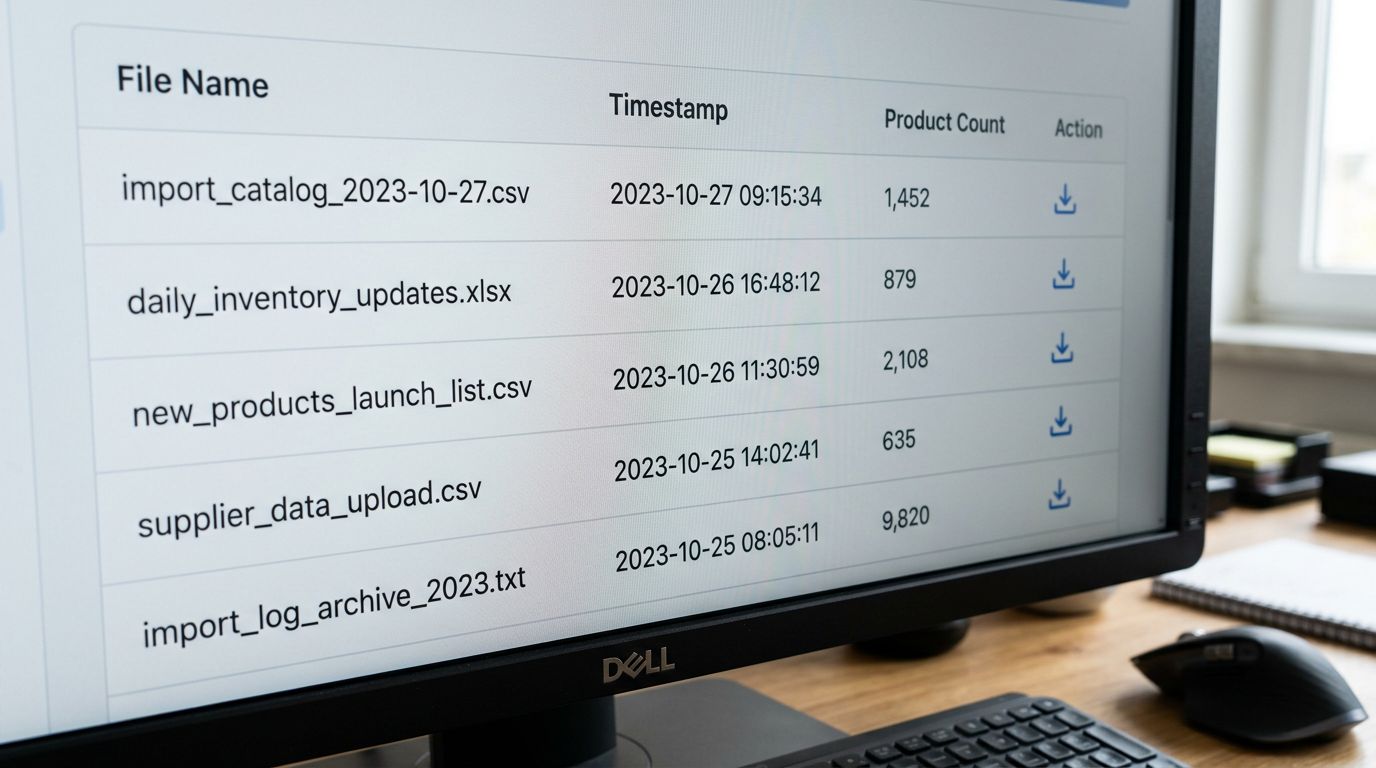
Importier's Import History log provides the session-level record that Shopify's activity log does not. Every import and export operation is logged with date, time, file name, product count, and a downloadable CSV of the affected products. The log retains up to 20 snapshots, and each CSV download link remains active for 60 days.
For the food retailer's allergen situation, the Import History entry for the problematic batch showed: the exact file name and timestamp, the 34 products included in that batch, and the Undo option to revert all 34 products to their pre-import state while the source file was corrected and re-imported.
The Import History CSV export is particularly useful for retrospective audits. The exported file contains the product handles, titles, and field values as they were at import time. For compliance purposes, this provides a point-in-time snapshot of catalogue state. No other mechanism in a standard Shopify setup produces this automatically.
For [large catalogue imports run across multiple batches](https://importier.app/blog/shopify-large-catalogue-import-strategy), Import History creates a natural checkpoint log: each batch of 300 to 400 products appears as a separate entry. If a problem surfaces in products from batch 7 of 31, the Import History entry for that batch isolates the affected products without reviewing the full 12,000-product catalogue.
The undo function deserves specific mention. Import Undo reverts all products from a batch to their pre-import state using the snapshot retained at import time. For multi-pass imports (where Pass 1 created product records and Pass 2 added descriptions), Undo operates on each pass independently. Reverting Pass 2 removes the descriptions added in that pass while leaving the product records from Pass 1 intact. This granularity makes correction workflows significantly faster than deleting and reimporting from scratch.
Import History is the de facto Shopify product changelog. Shopify tracks admin actions; Import History tracks import sessions. Together they answer: what changed, when, from which file, and by whom.
## Building an Audit Trail for Compliance-Sensitive Industries
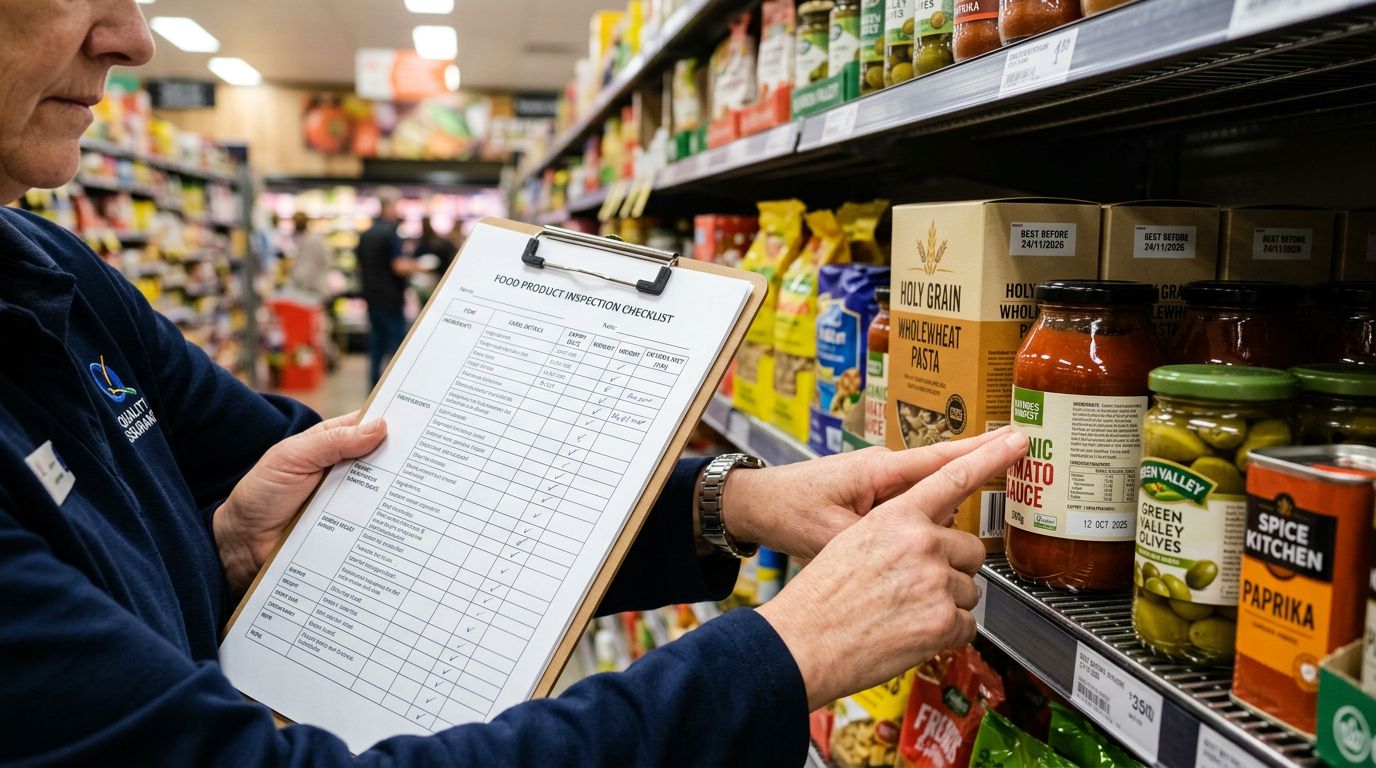
For merchants in regulated product categories (food, medical devices, children's products, supplements), an import audit log is not a convenience. It is a defence against liability and a requirement for recall preparedness.
The specific requirements vary by jurisdiction and product category, but the common thread is traceability: the ability to identify which products came from which supplier batch, when they were added to the catalogue, and what information was displayed at the time of sale.
Import History provides the first layer. A manual log with supplier batch references provides the second. A compliance-ready import workflow for a food merchant looks like:
The source file name includes the supplier batch code: `suppliers-name-batch-A2409-2026-09-24-final.csv`. The import log records this file name, the import timestamp, and the number of products created. After the import, a QA reviewer checks a sample of the batch for allergen accuracy before the publication status changes from Draft to Active. The Import History CSV for this batch is downloaded and stored alongside the original supplier file and the QA sign-off in the batch record.
If a recall or regulatory query surfaces six months later, the batch record contains: the supplier's batch code, the import timestamp, the full product list for that batch, the QA reviewer's name and sign-off, and the exact product data as imported. This chain of evidence is difficult to reconstruct without a structured audit log; with one, it is a two-minute retrieval.
The [enterprise product data standards article](https://importier.app/blog/shopify-enterprise-product-data-standards) covers the data quality requirements for compliance-sensitive categories in detail. The import audit log is the operational complement: data standards define what the product record should contain; the audit log proves what it contained at a specific point in time.
For [multi-team import workflows](https://importier.app/blog/shopify-multi-team-product-import-workflow), the audit log also identifies which team member ran each import session. Combined with the tag-based approval chain (seo-approved → copy-approved → publish-approved), the log provides a complete accountability record from import to publication.
## Retrospective Audit When Something Goes Wrong
Every significant import operation eventually produces an unexpected outcome: a pricing error that pushes 50 products live at zero, a description batch that overwrites existing content in update mode when create-only was intended, or a tag column that removes existing tags instead of appending to them.
The retrospective audit determines three things: what happened, when it happened, and how far the impact extends. A structured audit log makes each of these faster.
**What happened:** The Import History entry shows the file name, the import mode, and the product count. Cross-referencing the file against the Shopify activity log shows which specific fields changed on which products. For pricing errors, the Pricing export preset in Importier produces a current-state CSV that, compared against the Import History batch CSV, shows the delta.
**When it happened:** The Import History timestamp is precise to the minute. The Shopify activity log, filtered to the same time window, shows the same event from the Shopify side. For compliance queries, the timestamp also determines which orders placed during the error window may be affected.
**How far the impact extends:** The Import History batch CSV lists every product in the affected import. For errors introduced in a specific batch, the batch CSV defines the scope of the correction. Products not in that batch are unaffected; the correction re-import targets only the batch scope.
The [BFCM catalogue audit workflow](https://importier.app/blog/shopify-bfcm-catalogue-audit) covers the pre-launch audit process for seasonal catalogues: reviewing products for data completeness before they go live. The import audit log is the post-event complement: reviewing what the import actually produced after it ran, against what it was expected to produce.
According to [Shopify's product data documentation](https://help.shopify.com/en/manual/products/details), a product requires only a title and a price to be valid. This minimum bar means many import errors pass Shopify's own validation: a product with a blank description, a zero price, or a missing category metafield is still a valid Shopify product. The import audit log catches these gaps by recording expected versus actual product counts and triggering the SEO Audit export preset as a completeness check against the batch scope.

## Keeping the Log Current
An import audit log only works if it is maintained consistently. The log entry for an import session takes five minutes at the time of the import and saves hours when the information is needed retrospectively.
The practical pattern: the import log lives in the shared folder alongside the import files. Every import file is named with version and date before the import runs. The log entry is completed before the import session closes. The Import History CSV is downloaded and attached to the batch record for any compliance-sensitive import.
The [saved import profile approach](https://importier.app/blog/shopify-import-template-library) integrates naturally with the audit log. The profile name records which settings were applied, removing the need to document AI settings individually for every batch. A log entry that records "Profile: Collins-Wholesale-Apparel-v3, Publication: Draft, Verified by: J. Nguyen" contains enough information to reproduce the import conditions or explain a discrepancy six months later.
For teams running four or more imports per week, the log also surfaces patterns: which suppliers produce files that require consistent correction before import, which product categories generate the most failed rows, and which import types (create-new vs. update-existing) produce the most post-import corrections. That pattern data feeds directly into the brief and profile setup for future import runs, reducing the correction load over time.
Try Importier free at importier.app.