# Shopify FAQ Generator: Filter Products by SKU Pattern
> Generate Shopify product FAQs by SKU prefix with Importier. Target specific product groups for relevant questions without creating new collections.
- Published: 2026-09-05
- Author: Importier Team
- Category: Agentic Commerce / AI Product Descriptions
- Canonical: https://www.importier.app/blog/shopify-faq-generator-sku-filter
---
An industrial safety distributor carries 400 products across four product types: safety harnesses, safety helmets, protective boots, and cut-resistant gloves. Every product lives in a single Shopify collection called "Safety Equipment." The SKU system tells the real story: harnesses start with "HRN-", helmets with "HLM-", boots with "BT-", gloves with "GLOV-". The product types are clearly defined in the SKU, but Shopify collections don't reflect that structure.
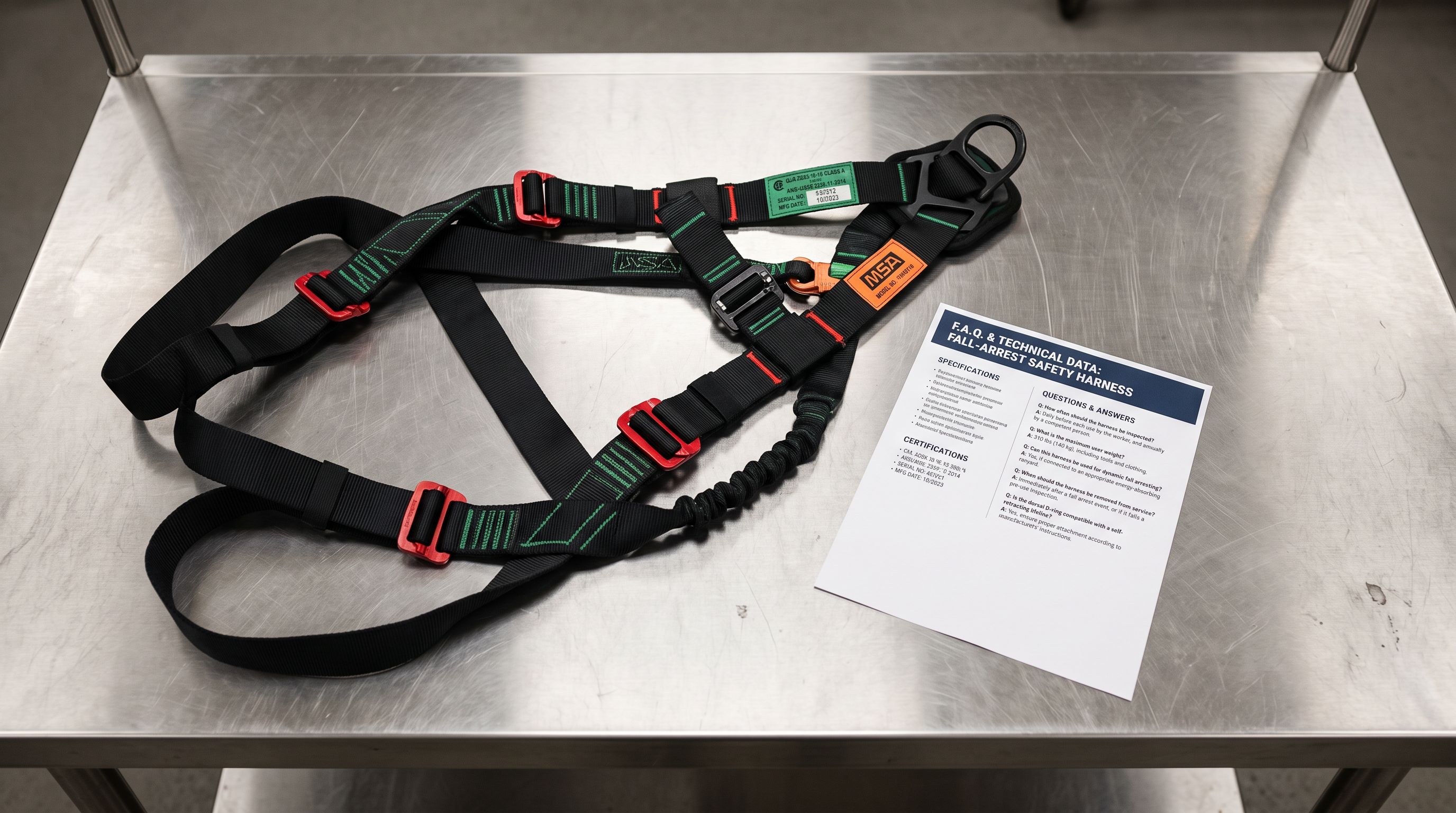
Running FAQ Generator across the entire 400-product catalogue produces generic questions that could apply to any personal protective equipment. "What material is this product made from?" "Is this suitable for outdoor use?" "What is the recommended care procedure?" These questions are not useless, but they are interchangeable across product types. A buyer looking at a fall-arrest harness needs to know the load rating in kN, the EN361 certification status, the number of attachment D-rings, and what connector type the dorsal ring accepts. None of those questions appear when the AI generates from a mixed PPE catalogue without targeting context.
The FAQ Generator's SKU filter solves this without requiring the merchant to restructure the Shopify catalogue.
## How the SKU Filter Targets Product Groups
The SKU filter in Importier's FAQ Generator accepts a prefix pattern and targets every product in the Shopify store whose SKU starts with that pattern. The filter operates on the first variant's SKU by default.
To target the harness range, the distributor enters "HRN-" as the SKU filter. The generator shows a count of matching products: 85 harnesses. The merchant then sets the FAQ configuration specifically for harnesses: 7 FAQs per product (enough to cover certification, sizing, attachment points, compatibility, and care), a higher-tier model for technical accuracy, and Replace mode because no FAQs exist on these products yet.
The same workflow runs three more times: once for HLM- helmets (7 FAQs covering impact standard, electrical insulation, suspension system, accessory compatibility), once for BT- boots (5 FAQs covering protection toe standard, waterproof rating, ESD compliance, sole material), and once for GLOV- gloves (5 FAQs covering cut resistance level, material composition, grip surface, hand sizes).
The SKU filter matches by prefix, not by exact SKU. Entering "HRN-" targets every product whose SKU starts with "HRN-" (for example, HRN-001, HRN-002-L, HRN-ELITE-XL) without requiring an exact list of SKU values.
## What Category-Specific FAQs Look Like
The difference between filtered and unfiltered FAQ generation shows most clearly in the technical specificity of the questions.
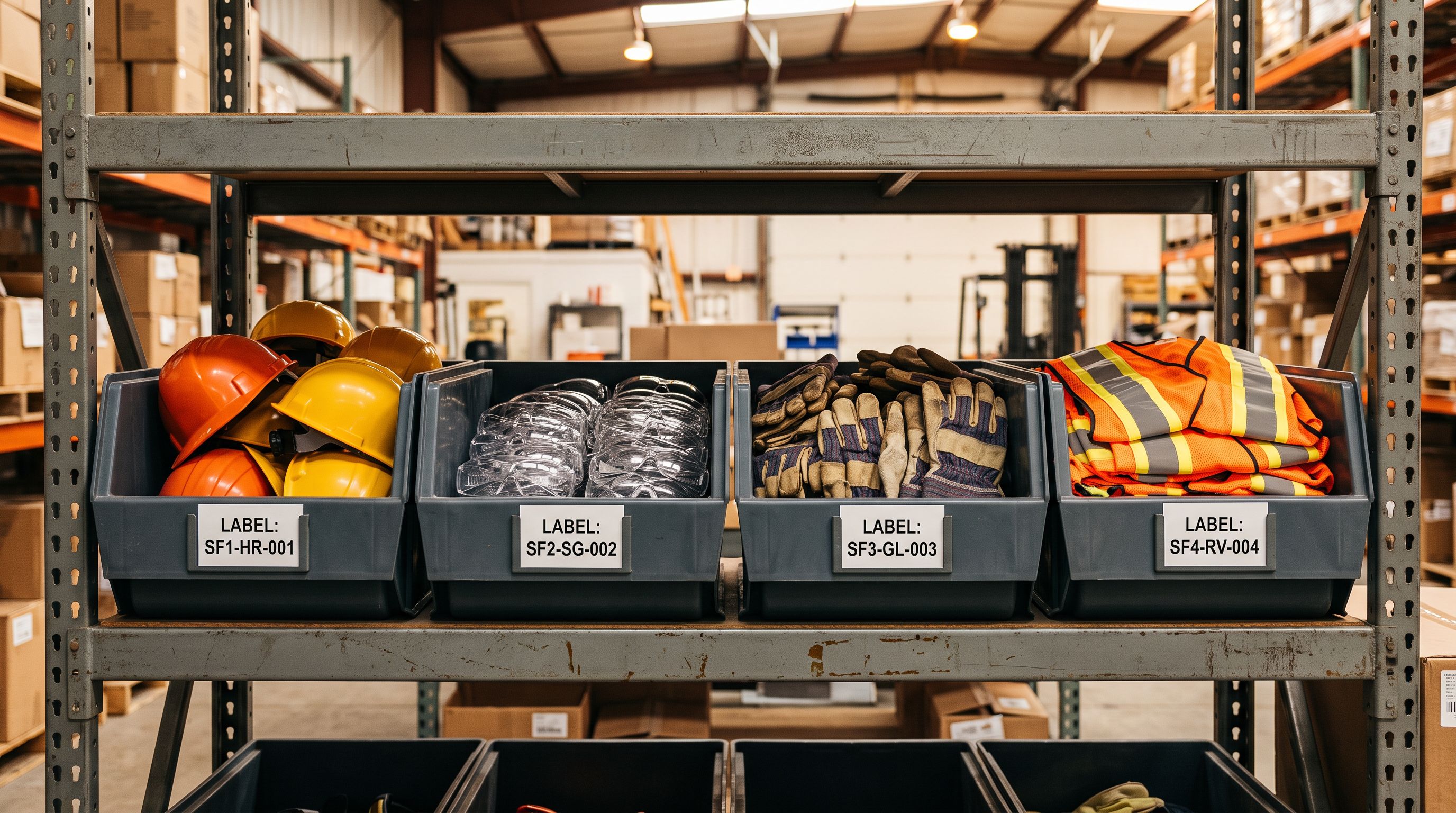
Without SKU filtering, FAQ Generator draws from the product title and description to generate questions relevant to the specific product. For a 400-product safety equipment catalogue with a single collection, the AI sees "Safety Equipment" as the primary context. The questions it generates are safety-equipment-adjacent but not harness-specific.
With the HRN- SKU filter active, the generator's scope narrows to 85 harnesses. The shared context across those 85 products (fall arrest, EN361, kN ratings, D-ring configurations, lanyard compatibility) shapes the questions the AI considers relevant. The generated FAQ set for each harness addresses the questions a construction site manager or HSE officer would actually ask before ordering: load rating, certification status, whether the harness works with their existing lanyards, inspection interval, whether it qualifies for confined-space rescue.
A buyer comparing two harnesses on the product page can now see the answers to those specific questions without contacting the distributor.
Four SKU prefix runs. Four product groups. Four distinct FAQ sets. Under two hours for a 400-product catalogue.
## SKU Filter, Collection Filter, or Vendor Filter
The FAQ Generator offers three targeting dimensions: collection, vendor, and SKU pattern. The right choice depends on how the Shopify catalogue is structured.
**Use the collection filter** when your product catalogue is already organised into distinct Shopify collections per product type, and those collections reflect genuine buyer intent differences. A home goods merchant with separate collections for kitchen, bedroom, and bathroom products has collection-level targeting already built into their store structure.
**Use the vendor filter** when you carry products from multiple brands and the key variable is supplier or brand rather than product category. A multi-brand electronics distributor might run FAQ Generator vendor by vendor, using brand-appropriate personas for each supplier's product range.
**Use the SKU filter** when your internal product organisation is SKU-coded rather than collection-coded. This is common in B2B and wholesale contexts: industrial distributors, safety equipment suppliers, professional tools merchants, and trade supply companies often use structured SKU prefixes to encode product type, supplier, or specification tier, without necessarily creating separate Shopify collections for each group.
The SKU filter is also the right choice when products span multiple collections but share a product type encoded in the SKU. A merchant whose safety harnesses appear in both a "Fall Arrest" collection and a "Height Safety Kits" collection can target all harnesses using the HRN- prefix regardless of collection membership.
## SKU Naming and Filter Accuracy
The SKU filter works from the product data already in Shopify. Its accuracy depends on the consistency of the merchant's SKU naming convention.
If harness SKUs are a mix of "HRN-", "HARN-", and "HARNESS-" across batches imported from different supplier files, a single prefix filter will not capture all harnesses. The filter only matches what it is given. "HRN-" will not match "HARN-001" or "HARNESS-DELTA-L".
Consistent SKU prefixes set at import time solve this. In Importier's import wizard, the field mapper lets merchants modify SKU values during import. A formula-based transformation can standardise supplier SKU formats to a consistent internal prefix convention, converting "HARN-001-BLK-L" to "HRN-001-BLK-L" during the import pass, before the products reach Shopify.
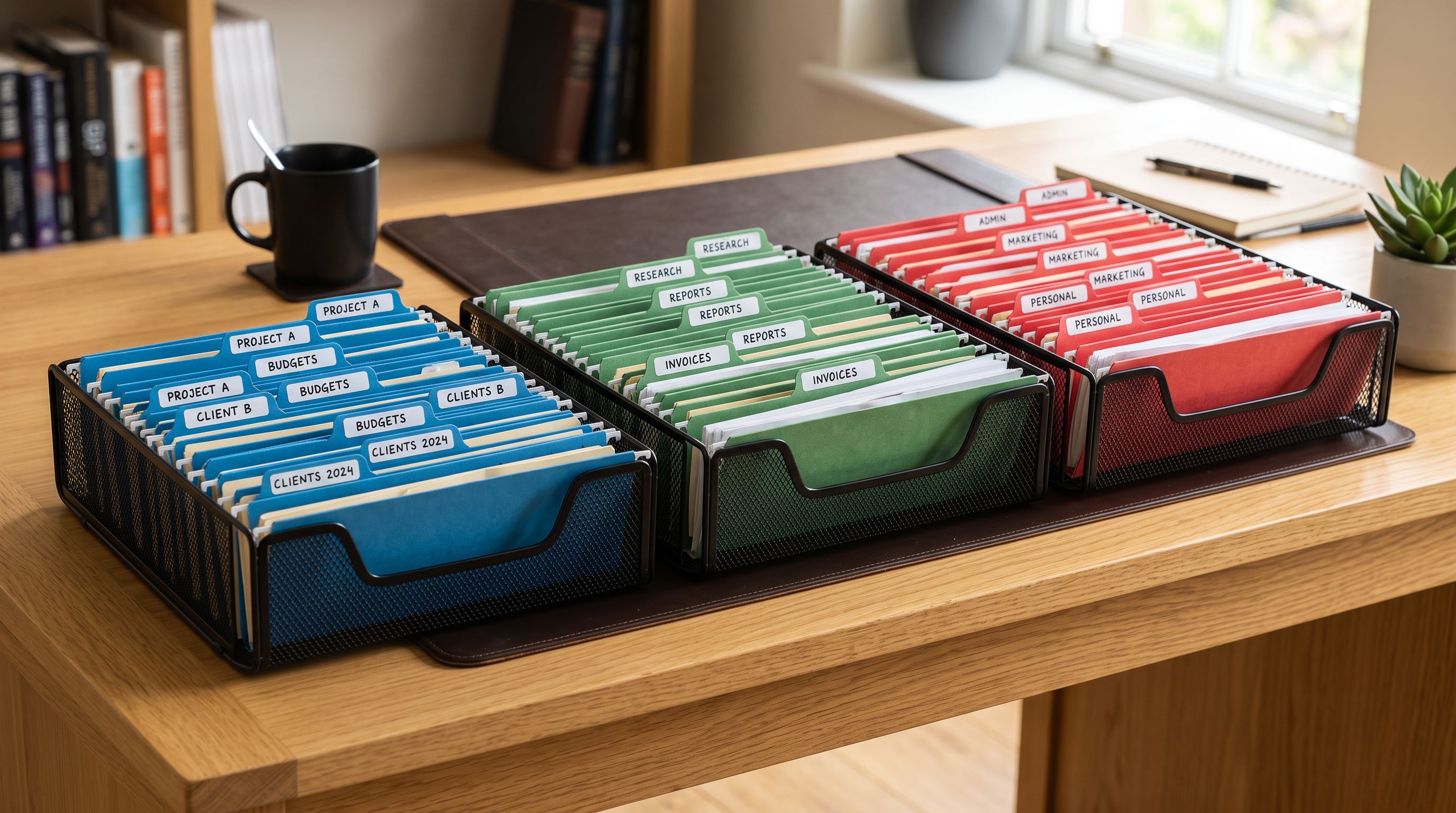
Alternatively, if existing products have inconsistent SKU prefixes, Importier's Store Scanner export (via the Descriptions Only or Full Shopify CSV presets) gives the merchant a complete SKU list to audit and correct before running the FAQ Generator with a prefix filter.
According to [Shopify's product data documentation](https://help.shopify.com/en/manual/products/details), the SKU field is set per variant and is not enforced for uniqueness or format by Shopify itself. The structure is entirely under the merchant's control. That flexibility makes a disciplined prefix convention valuable: it is the only built-in field that reliably groups products by internal category without creating separate collections.
[Schema.org's FAQPage structured data specification](https://schema.org/FAQPage) defines the format that themes use to mark up FAQ content for Google's structured data parsers. When a Shopify theme renders Importier's generated FAQs with FAQPage markup, category-specific questions with answers that use the technical terminology of that product group and are more likely to match the queries buyers type into Search than generic questions across a mixed catalogue.
## Key Takeaways
- **The FAQ Generator's SKU filter targets products whose first variant SKU starts with the specified prefix.** It does not require separate collections or any catalogue restructuring. It works from the SKU data already in Shopify.
- **Industrial and B2B catalogues often encode product type in the SKU prefix** without reflecting that structure in Shopify collections. The SKU filter bridges that gap, letting FAQ generation run on meaningful product groups without reorganising the store.
- **Each SKU prefix run is independently configurable.** FAQ count per product, generation model, and Append vs Replace mode can vary per run. Technical product categories (safety equipment, tools, electrical components) benefit from higher FAQ counts and higher-tier models; simpler product groups need fewer FAQs.
- **SKU naming consistency determines filter accuracy.** A mixed-prefix catalogue reduces targeting precision. Setting a consistent prefix convention at import time, using Importier's field mapper during the import wizard, makes every future SKU-based operation more reliable. Not just FAQ generation.
- **400 products across 4 product types, targeted correctly.** The alternative is either generic FAQ content across the full catalogue, or manually writing 400 product FAQ sets. Under two hours with the SKU filter covers all four groups with category-specific questions.
Generate FAQs for each product group in your catalogue at [importier.app](https://importier.app).