# Shopify Enterprise Product Data Standards at Scale
> When you add products weekly across multiple operators, description quality drifts. Here is how to set data standards that hold at 1,000 SKUs or more.
- Published: 2026-08-11
- Author: Importier Team
- Category: Store Management / SEO & Discoverability
- Canonical: https://www.importier.app/blog/shopify-enterprise-product-data-standards
---
A wholesale homewares brand catalogues 3,200 SKUs across 22 categories. They add 60-80 new products each Monday from three different supplier feeds, each handled by a different team member. Eighteen months in, a review of their product pages finds that descriptions for their linen range open with a benefits statement, descriptions for their kitchen range are specification-heavy, and descriptions for their storage category read like technical manuals. Every description is accurate. None of them sound like they come from the same store.
The problem is not individual quality. Each description passed review when it was written. The problem is consistency over time. Without shopify enterprise product data standards, each import batch reflects the defaults and judgment calls of whoever ran it that week.
At 100 products, a merchant notices and corrects. At 1,000, the inconsistency is embedded into the catalogue at a scale that makes manual correction impractical.
## What Shopify Enterprise Product Data Standards Prevent at Scale
Product data consistency is not just a style preference. It affects how products perform across every channel where Shopify sends data.
Google Shopping reads product titles and descriptions to determine query relevance. When a 3,200-SKU catalogue uses "natural linen" in some descriptions and "linen fabric" in others, with some descriptions frontloading materials and others frontloading end use, the Shopping algorithm receives a mixed signal about what each product is and who it is for.
The Shopify Search and Discovery app builds its autocomplete index from the product type, vendor, and tag fields. When these fields are populated inconsistently across import batches, the autocomplete suggestions for common search terms become unreliable. A customer who types "storage" in the site search gets results based on whichever tag convention was used most recently.
At scale, shopify enterprise product data standards are the mechanism that keeps all 3,200 descriptions, all vendor fields, and all category metafields aligned to a single spec regardless of which operator ran the import and when.
## Brand Voice as a catalogue governance tool
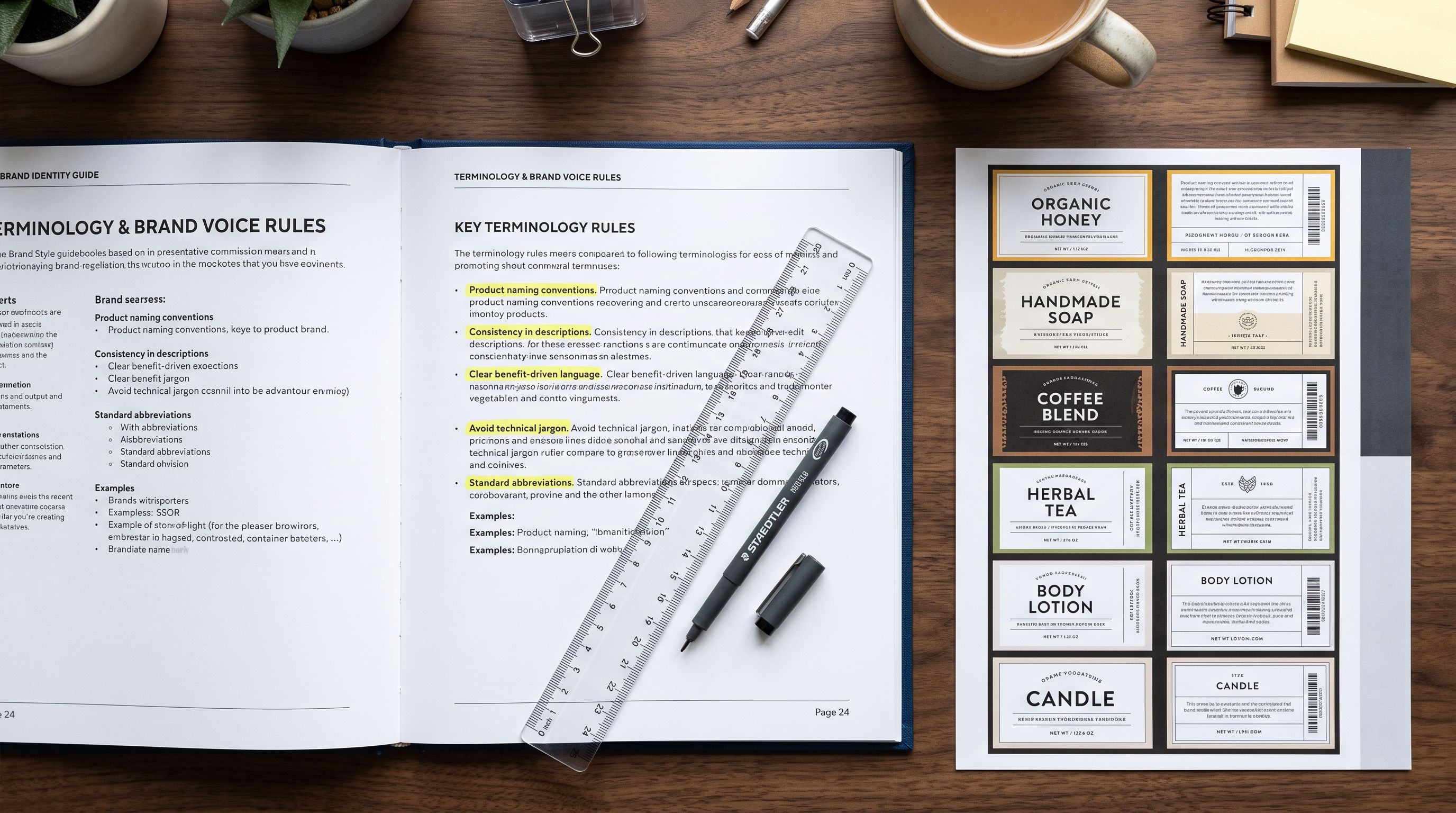
Importier's Brand Voice configuration is designed for this problem. It operates at the generation stage, before any AI description is written, and applies to every batch regardless of who configures the import.
Brand Voice has four components:
**Description context.** A free-text field that tells the AI the brand's position, tone, and the type of customer it is selling to. For the homewares brand: "Natural, considered Australian homewares for design-conscious households. Descriptions should lead with how the product lives in a space, not with specifications."

**Keywords to include.** Terms the AI should use consistently across descriptions. For homewares: "natural materials", "considered design", "Australian homes". Every description that passes through Brand Voice will incorporate these terms where they fit naturally.
**Words to avoid.** Banned terminology that undermines brand positioning or creates legal risk. For homewares: "luxury", "premium", "eco-friendly" (without certification). These words are filtered from every AI output.
**Example phrases.** Three to five sample phrases that model the brand's preferred sentence structure and vocabulary. The AI uses these as a style anchor for every description it generates.
Every description Importier generates passes through the Brand Voice configuration before it is finalised. An operator who forgets to set a description style or chooses a different persona still gets descriptions anchored to the brand's keyword list, avoidance rules, and example phrases. The Brand Voice layer holds even when individual operator decisions vary.
This is the feature that resolves the 18-month drift problem. The homewares brand that adds 60 products each Monday gets descriptions that reflect the same Brand Voice configuration that was set up in week one. The descriptions for month 18 read the same as the descriptions from month one because the governance layer has not changed.
An operator who generates descriptions using Importier's 156 expert personas and 7 description styles can vary their approach batch to batch. The Brand Voice configuration limits that variation to what matters: the style and persona choice can differ, but the terminology, avoidance rules, and example phrase patterns remain constant. For more on how personas interact with Brand Voice, [Shopify AI product description personas](https://importier.app/blog/shopify-ai-product-description-personas) covers how the 156 personas fit within the brand voice framework.
## Import History as a compliance audit trail
At 3,200 SKUs with four active operators, "who changed what" is not a trivial question. An import that incorrectly updates 200 product descriptions needs to be traceable to a specific batch, a specific date, and a specific file before it can be undone.
Importier's Import History logs every import and export with the date, time, file name, product count, and the operator who ran it. Each entry is a record of what entered the catalogue and when.
For enterprise catalogue management, Import History provides two capabilities that manual auditing cannot:
**Batch-level accountability.** The import log shows exactly which batch introduced a set of products. If a quality review in month 12 finds that a group of kitchen accessories has inconsistent descriptions, the log narrows the investigation to a specific week and file, not to a general "somewhere in the past year".
**Import undo.** Any batch in Import History can be reverted. Importier restores every product in the batch to its pre-import state. For enterprise catalogues where a bad batch might touch 200 SKUs, this is a single action rather than a 200-product manual correction. According to Shopify's guidance on [managing products in bulk](https://help.shopify.com/en/manual/products/manage-products-in-bulk), batch operations are the only practical approach at high product counts. Import undo applies the same principle to error recovery.
Import History turns each batch into an accountable unit. A bad import is not a permanent condition; it is a named batch with a revert button.
The 20-snapshot retention limit means Import History covers the most recent 20 batches, with CSV download links available for 60 days. For operations running weekly imports, that is five months of batch-level audit coverage.
## How Scheduled Imports enforce a consistent data pipeline
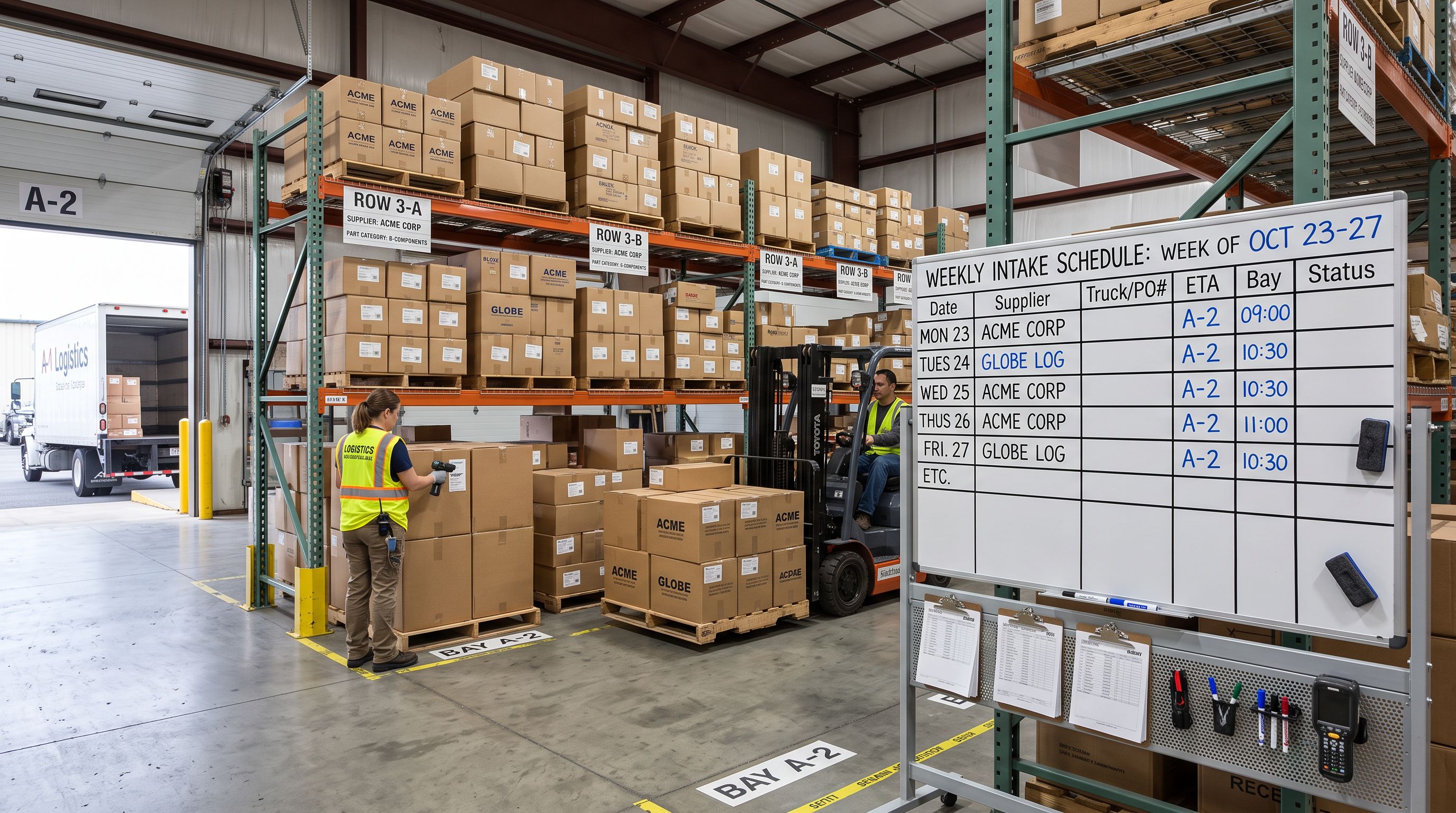
The second source of data drift is operator variation in import settings. An operator running a Monday batch might configure different AI description settings from the operator who ran last Monday's batch, producing different results even with identical source files.
Importier's Scheduled Imports feature removes operator variation from recurring imports. A scheduled import stores the complete configuration: the source file, the column mapping, the AI description settings (style, persona, Brand Voice), and the variant detection rules. The same settings run on the same schedule automatically.
Scale plan supports two active schedules. Enterprise plan supports ten.
For the homewares brand, a practical setup is three schedules: one for each supplier feed, each configured with the supplier-specific column mapping, the brand's standard description style and Brand Voice, and the appropriate Industry Pack for that category. The supplier updates their export file on the schedule, and Importier runs the import at the configured time with no operator intervention required.
The consistency benefit is structural. Each schedule is a fixed configuration. Operator decisions about style, persona, and column mapping happen once, at schedule creation, not every Monday morning.
## Export presets for periodic data quality audits
Maintaining shopify enterprise product data standards requires periodic verification. Brand Voice enforces consistency at generation time, but descriptions imported from supplier files or generated before Brand Voice was configured may not meet the current standard.

Importier's 8 export presets include two that are useful for data quality audits:
**SEO Audit.** Exports all products with title, description, meta title, meta description, primary keyword, and word count. For a 3,200-SKU catalogue, the SEO Audit export identifies products with short descriptions (under 150 words), missing meta descriptions, and titles that do not front-load the primary keyword. This is the starting point for a quarterly description quality review.
**Descriptions Only.** Exports all product descriptions in a single file. This can be reviewed for tone consistency, brand voice compliance, and the presence of terminology from the avoid list.
This four-step cycle, Brand Voice configuration, scheduled imports, quarterly audit, Import History review, is the operational form of a product data standard. It does not require a dedicated data team. It requires setting up the configuration once and running the audit cycle consistently.
## The practical difference: with and without a data standard
## What to do about products already in the catalogue
Brand Voice and Scheduled Imports govern new additions. Existing products may pre-date the current data standard.
Importier's Store Scanner addresses this. Store Scanner scans the existing Shopify catalogue and identifies products with missing or short descriptions. The merchant can filter the scan by collection, vendor, or SKU pattern, and generate new descriptions for the affected products using the current Brand Voice configuration.
For the homewares brand, this means running Store Scanner on products imported before Brand Voice was configured, generating new descriptions for those products in bulk, and reviewing the [import preview and confirm step](https://importier.app/blog/shopify-import-preview-confirm) before committing the updates. After the Store Scanner pass, the catalogue is aligned to the current standard.
The maintenance cycle from that point is: new additions through Scheduled Imports with Brand Voice, quarterly SEO Audit export for anomaly detection, and Store Scanner as needed when products fall below the current standard.
## Selective Field Updates Inside Shopify Enterprise Product Data Standards
One practical concern at scale is that price and inventory updates from supplier files should not overwrite AI-generated descriptions. An import file from a supplier that includes a description column would overwrite every description in the batch if the Description column is mapped.
The safest approach is a selective import: map only the fields the supplier file should update (price, inventory, SKU) and leave the Description column set to "Do not import". This is the same principle covered in [Shopify import without overwriting inventory](https://importier.app/blog/shopify-import-without-overwriting-inventory). Selective mapping protects fields that should not change during a targeted update.
For enterprise catalogues on a weekly import cadence, this means maintaining two file configurations: a full import configuration for new product additions (all fields mapped, AI generation active, Brand Voice applied) and a maintenance import configuration for price and inventory updates (only price, inventory, and SKU mapped, AI generation disabled). According to Shopify's [product import documentation](https://help.shopify.com/en/manual/products/import-export/import-products), the match key (Handle, SKU, or barcode) determines whether a row creates a new product or updates an existing one. Using the same match key in both configurations ensures new additions go through the full pipeline and updates touch only the fields they should.

## Key takeaways
Shopify enterprise product data standards are not a single setting or feature. They are a configuration that spans Brand Voice, Import History, Scheduled Imports, and the export audit cycle.
- **Brand Voice is the governance layer.** Configure it once and it applies to every description batch, every operator, every scheduled import. The terminology, avoidance rules, and example phrases enforce consistency without requiring each operator to make those decisions fresh each Monday.
- **Scheduled Imports fix operator variation.** Storing the complete import configuration in a schedule means each supplier feed runs with the same settings every week. Two schedules on Scale, ten on Enterprise.
- **Import History is the audit trail.** Every batch is logged with date, file, and operator. Import undo reverts any batch to its pre-import state. For 200-SKU batches, this is the difference between a one-action recovery and a 200-product manual correction.
- **The SEO Audit export finds drift.** A quarterly run of the SEO Audit preset surfaces under-spec descriptions, missing meta fields, and title problems across the full catalogue without opening individual product pages.
- **Store Scanner retrofits the standard.** Existing products that pre-date the current Brand Voice configuration can be brought up to standard with a targeted Store Scanner pass and a selective update import.
Set up your product data standard before your catalogue outgrows manual oversight at [importier.app](https://importier.app).