# Shopify Custom Product Description Style in Importier
> When none of Importier's six built-in styles fit your brand, the custom description style lets you write your own AI generation instruction.
- Published: 2026-08-19
- Author: Importier Team
- Category: Agentic Commerce / AI Product Descriptions
- Canonical: https://www.importier.app/blog/shopify-custom-product-description-style
---
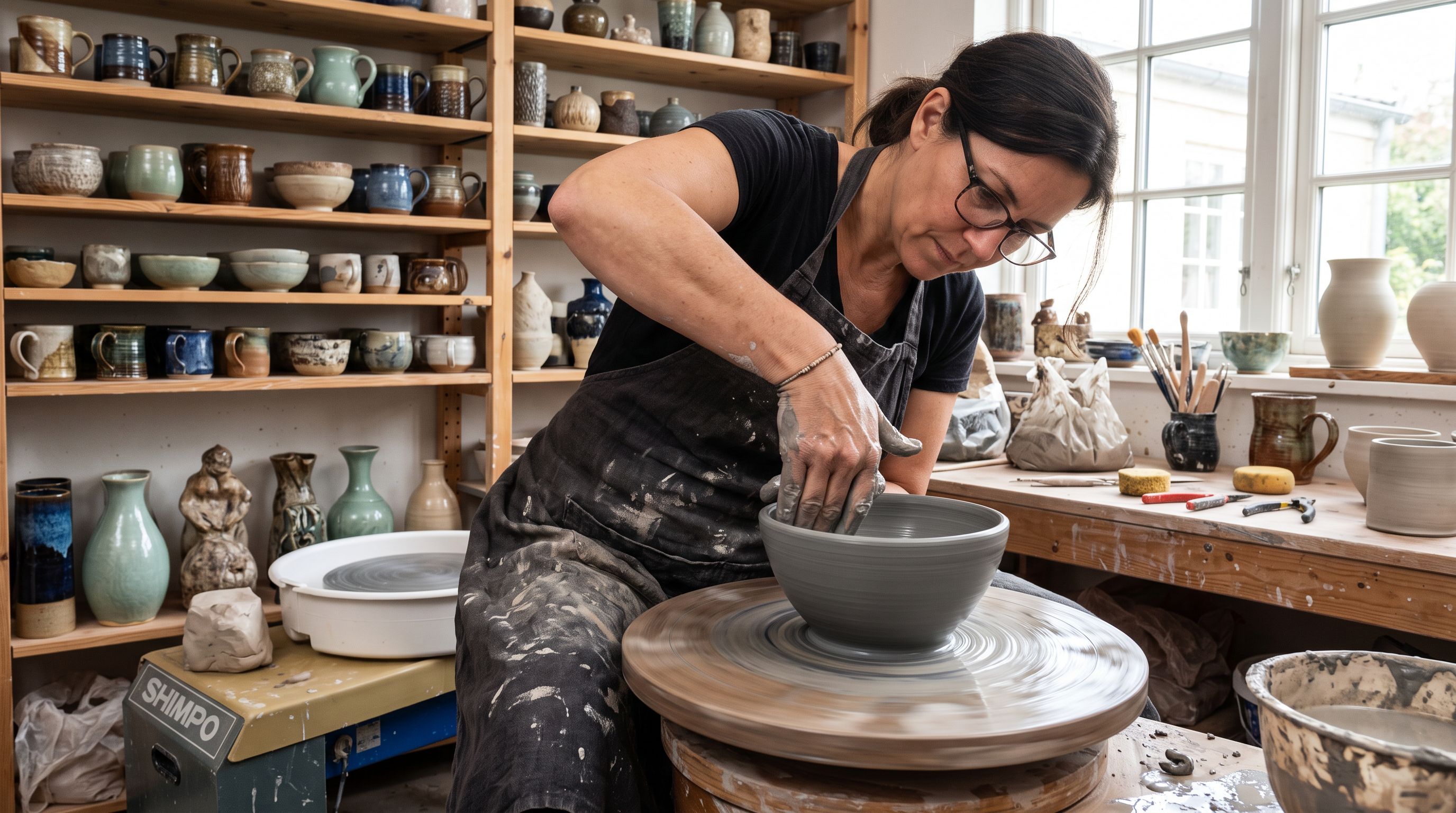
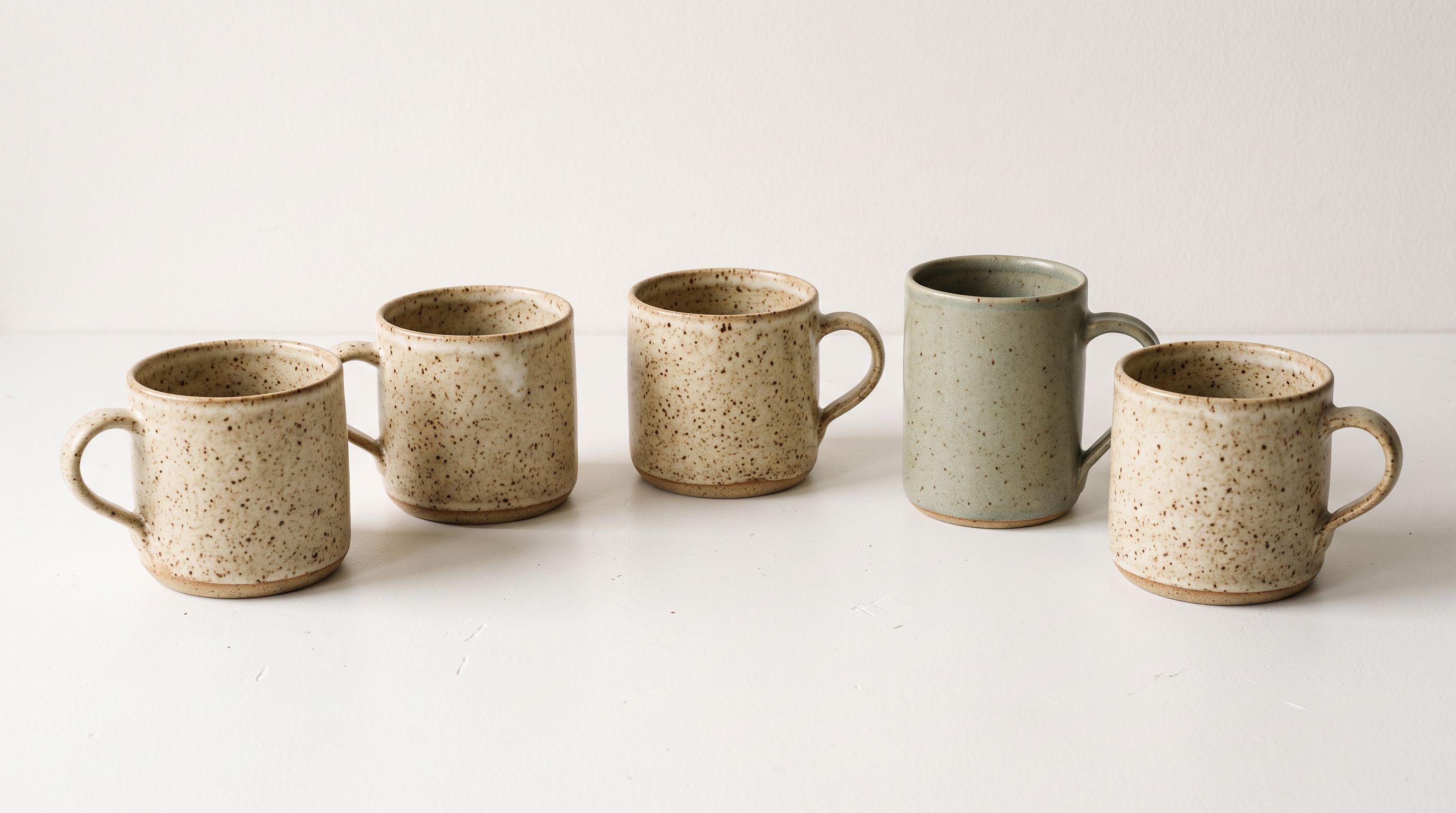
An artisan ceramics merchant in Melbourne makes hand-thrown bowls, mugs, and vases fired in a wood-burning kiln. Their products are not utilitarian. They are objects with a story: the maker, the process, the clay, the fire. The six built-in description styles in Importier cover technical gadgets, sensory appeal, ingredient spotlights, and emotional storytelling. None of them open with the making process, describe the tactile qualities of a hand-thrown rim, and close with kiln-fired care instructions.
The Custom description style does.
## What the Custom Style Is
Importier includes six built-in description styles: Standard, Technical Gadget, Emotional Storytelling, Benefits-First, Sensory-Rich, and Ingredient Spotlight. Each style has a pre-configured generation instruction that determines how the AI opens the description, what it prioritises in each paragraph, and how it closes.
The seventh option, Custom, replaces that pre-configured instruction with one you write yourself. The field is a plain text prompt that tells the AI exactly what structure, emphasis, and language to use for your products. The built-in styles exist because they cover the most common use cases well. The Custom style exists for the cases they do not.
Choosing Custom does not mean writing a description manually. You write the generation instruction once. Every product you run through the AI uses that instruction as the template. A 300-product catalogue generates 300 descriptions, each following your custom structure, without you writing a word of the individual descriptions.
Brand Voice and Custom style work at different layers. Brand Voice sets tone: the keywords to include, the words to avoid, example phrases that sound like your brand, and the overall voice. The Custom style sets structure: what the description covers, in what order, at what length. For products where both matter, use both together. The AI receives your custom structure instruction and your brand voice constraints simultaneously.
## When the Built-In Styles Are Not Enough
The six built-in styles cover a wide range of product types. Before writing a custom style, it is worth testing each built-in option to see which comes closest. A custom style takes more effort to set up correctly, and one of the six may already produce what you need.
Cases where merchants reliably need a custom style:
**Handmade and artisan products.** Products where the making process is part of the value proposition need descriptions that talk about the maker and the method before the product itself. Standard, Emotional Storytelling, and Sensory-Rich styles lead with the product's qualities or emotional resonance. For handmade goods, the process comes first.

**Products with regulatory or compliance requirements.** Some industries (supplements, medical devices, industrial tools) require specific disclaimer language, specific claim structures, or specific regulatory identifiers in every product description. The built-in styles do not include these. A custom style can mandate disclaimer placement and exact regulatory phrasing.
**Subscription or service-included products.** Products that come with a service component (installation, ongoing support, a subscription to software) need descriptions that explain the service alongside the physical product. The built-in styles describe the object. A custom style can require the service description to appear in a dedicated section with specific language.
**Products with a technical + lifestyle split.** Some products need to speak to two audiences in the same description: a technical specifications section for the buyer who researches, and a lifestyle section for the buyer who browses. None of the built-in styles do both. A custom style can require both sections and specify their order.
**Vintage and secondhand goods.** Resale products need language about provenance, condition, and era rather than the features and benefits framing that applies to new goods. Descriptions for vintage items read differently by convention, and a custom style maintains that convention across the catalogue.
## How to Write a Custom Style Instruction
The Custom style field accepts plain text. You are writing instructions to the AI, not the description itself. The AI reads your instruction before generating each description and follows it as the governing rule for that product.
What makes a good custom style instruction:
**Specify the opening sentence type.** The AI's default is to open with a product-category sentence ("This merino wool sock..."). If your brand opens differently, say so explicitly. "Open with the use context or activity before naming the product type" produces a different first sentence than "Open by naming the product and its primary material." [Shopify's guide to writing product descriptions](https://www.shopify.com/blog/product-descriptions) notes that the opening sentence determines whether a shopper continues reading; the custom style instruction is where you control what that sentence does.
**Name the sections in order.** If you want three defined sections, name them: "Write three sections: (1) the making process in 2-3 sentences, (2) the tactile and aesthetic qualities in 3-4 sentences, (3) care instructions in 1-2 sentences." Unordered instructions produce less consistent results than ordered ones.
**Set word count or sentence count.** Without a length instruction, the AI calibrates to the built-in style defaults. For products where a specific length matters (short descriptions for a catalogue, longer descriptions for a content-led store), include it.
**Use your actual language.** If your brand calls the product a "vessel" rather than a "bowl", and a "studio" rather than a "workshop", include that. The custom style instruction is where you encode your terminology.
**Include what to exclude.** If your brand never makes performance claims, say "do not use comparative language or superlatives." If your descriptions should never mention competitors, say so. Exclusion instructions matter as much as inclusion instructions.
The most effective custom style instructions read like a brief to a new copywriter on their first day: specific about structure, explicit about language, clear about what to leave out.
## A Custom Style Example
The artisan ceramics merchant's custom style instruction:
"Write three sections. First section (2-3 sentences): the making process: describe that the piece is hand-thrown on a wheel in our Melbourne studio, fired in a wood-burning kiln, and finished with ash glaze. Use the word 'fired' at least once. Second section (3-4 sentences): the tactile and visual qualities of this specific piece: describe the rim, the weight in the hand, the colour variation, the texture of the surface. Use sensory language but avoid abstract metaphors. Third section (2 sentences): care instructions. Specify that it is food-safe, microwave-safe, and dishwasher-safe, and that handwashing extends the glaze life."
The AI receives this instruction for every product in the ceramics catalogue. A bowl, a mug, a vase: each gets the same three-section structure with the same mandatory opening about the studio and kiln, followed by sensory language specific to that piece's shape and glaze, followed by the same care instruction close.
The result is a catalogue where every description is recognisably from the same maker, written in the same voice, structured the same way, without the merchant writing a single description word.
Read more about [how Brand Voice works alongside the Custom style](https://importier.app/blog/shopify-product-description-brand-voice) for the full picture of how tone constraints and structure instructions interact.
Read more about [all seven Importier description styles](https://importier.app/blog/shopify-product-description-styles) to understand where the built-in options end and when Custom makes sense.
## Testing and Refining Your Custom Style
A custom style instruction rarely reaches its final form on the first attempt. The standard workflow is to run 3-5 test products through the AI with your draft instruction, review the outputs, and refine the instruction before running the full catalogue.
What to check in test outputs:
**Does the structure appear consistently?** If you specified three sections, do all five test descriptions have three sections? If some have two, the section instruction needs to be more explicit.
**Does the opening sentence type vary appropriately?** For handmade goods, the making-process opening should adapt to the specific product (a bowl references throwing on the wheel; a wall piece references the pinching technique) while keeping the studio and kiln mention. If the AI uses identical opening language across different products, the instruction is too prescriptive.
**Does the excluded content stay out?** Run your test outputs through [Shopify's guidelines for product description quality](https://help.shopify.com/en/manual/products/details/product-description) as a reference point. If your exclusion instructions are working, the outputs should already meet those standards by default. If your exclusion instructions are working, the outputs should already meet those standards by default.
**Is the length right?** Count words in the test outputs. If they are consistently shorter or longer than your target, add a word count instruction to the custom style.
After refining, run a slightly larger test batch (20-30 products) to check consistency across a representative sample before committing to the full catalogue.
## Custom Style Across Multiple Product Categories
Some merchants have products in more than one category that need different description structures. A homewares brand might sell artisan ceramics (process-led descriptions) and functional kitchen accessories (utility-led descriptions). Importier supports this through import profiles.
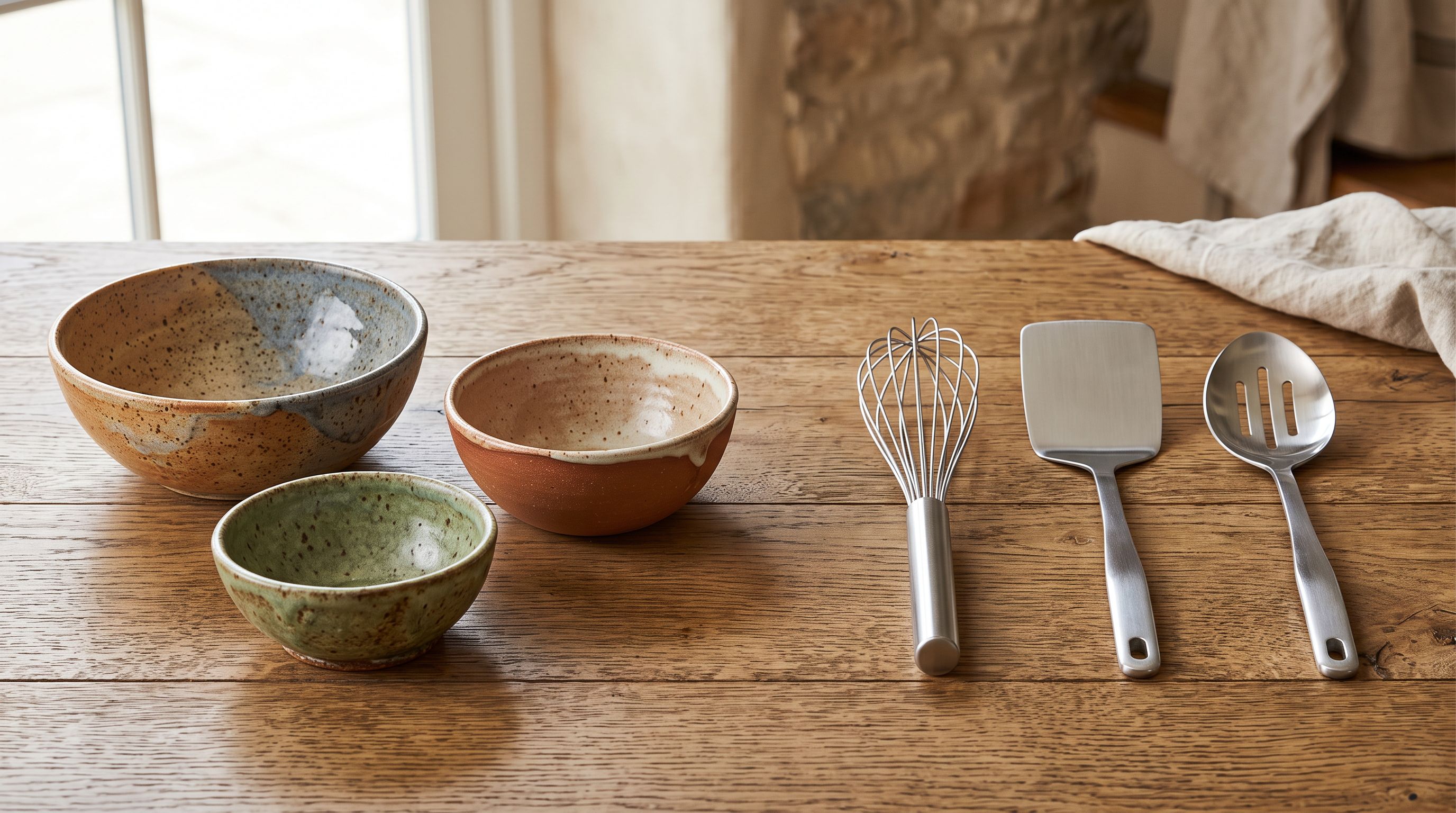
An import profile saves a full set of import settings including the description style. Creating a profile for ceramics (Custom style, process-led instruction) and a separate profile for kitchen accessories (Benefits-First or a second Custom style) means each product category uses the appropriate generation instruction without resetting settings manually between batches.
## Key Takeaways
The Custom description style is the right choice when none of Importier's six built-in styles produce the structure your brand needs. It is not a workaround; it is a power feature for merchants whose products have a distinctive description convention.
- **The Custom style replaces the built-in generation instruction with one you write.** Every product the AI generates uses your instruction as its governing rule for structure, emphasis, and language.
- **Write the instruction like a brief to a copywriter:** specify sections in order, name the opening sentence type, include mandatory language, and exclude what should never appear.
- **Test with 3-5 products before running the full catalogue.** Check structure consistency, opening type, length, and exclusion effectiveness. Refine the instruction, then scale.
- **Custom style and Brand Voice work at different layers.** Brand Voice sets tone and vocabulary. Custom style sets structure. Both apply simultaneously.
- **Use import profiles to apply different custom styles to different product categories.** Artisan ceramics and functional kitchen accessories can each have their own generation instruction without manual style switching.
Set up your custom description style at [importier.app](https://importier.app).