# Shopify Christmas Gift Catalogue Import: Turn Your Existing Products Into a Gift Guide
> How to export your live Shopify catalogue, identify gift-worthy products using a five-point filter, add recipient and price-tier tags, and reimport to build automated Christmas gift guide collections.
- Published: 2026-11-06
- Author: Importier Team
- Category: Import Guides / File Imports
- Canonical: https://www.importier.app/blog/shopify-christmas-gift-catalogue-import
---
By November 1st, most Shopify merchants with an established catalogue have everything they need to build a Christmas gift guide. The products exist. The photos exist. Many of the descriptions exist. What is missing is the structure: recipient tags, price-tier tags, occasion tags, and the automated collections those tags power.
Building a Christmas gift guide from scratch (importing new gift sets, creating dedicated product records, writing gift-occasion descriptions for new SKUs) is covered in the [Christmas gift season import guide](https://importier.app/blog/shopify-christmas-gift-season-product-import). This article is different. It is for merchants who already have 150-400 live products and want to surface a curated gift guide from that existing inventory before the Christmas research window opens in mid-November.
The Australian and UK Christmas research window opens in the second week of November. Merchants who have gift guide collections live by November 10 capture a full six weeks of gift-intent traffic. Merchants who launch their gift guide in December capture two to three weeks, after the highest-intent early shoppers have already purchased.
The workflow has four steps: export your existing catalogue, identify which products meet the gift-worthiness criteria, build a tag import file, and reimport to populate the collections. The whole process can run in a single afternoon.
## The Gift-Worthiness Filter
Not every product in your catalogue belongs in a Christmas gift guide. Putting 400 products in a gift guide is not a gift guide; it is the full catalogue with a seasonal banner. The goal is to identify the 60-100 products that are genuinely gift-appropriate and present them with the structure a gift buyer needs.
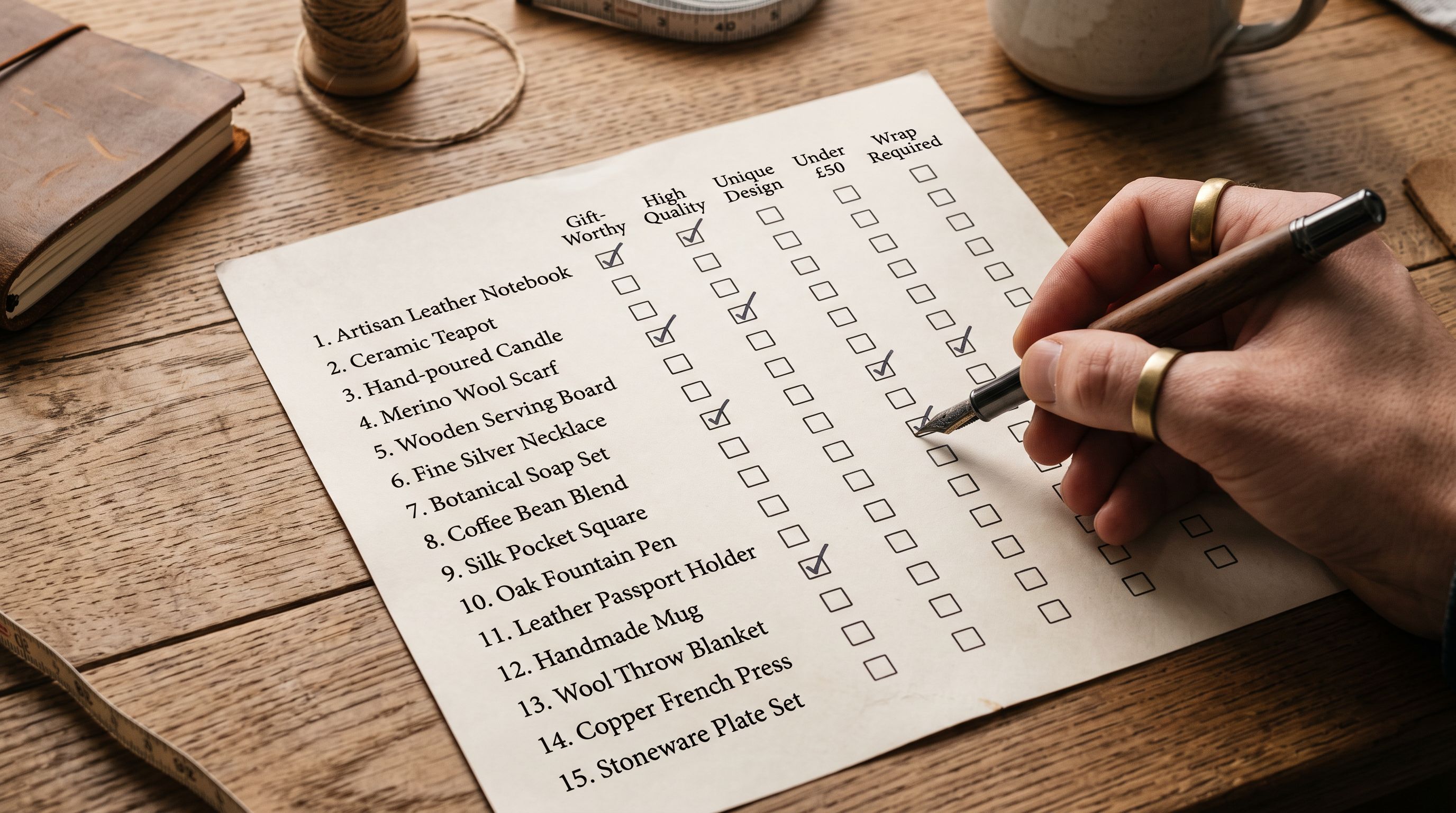
The five-point gift-worthiness filter runs against your Shopify product export:
**1. Price range.** The practical gift range for most Australian and UK online retailers sits between $20 and $300. Products below $20 feel like stocking stuffers (which is a category, not a main gift guide position). Products above $300 require a separate consideration-stage buyer who is not primarily browsing a gift guide. Apply the filter as: Variant Price ≥ 20 AND Variant Price ≤ 300. This is filterable in a spreadsheet from the export's Variant Price column.
**2. Product type.** Exclude products that are components, consumables, professional-use items, or bulky freight. Gift guides work for things a buyer can pick, buy, and give without technical knowledge. Filter out: spare parts, consumables with short shelf life, industrial equipment, and products requiring professional installation. The Product Type column in your export identifies these.
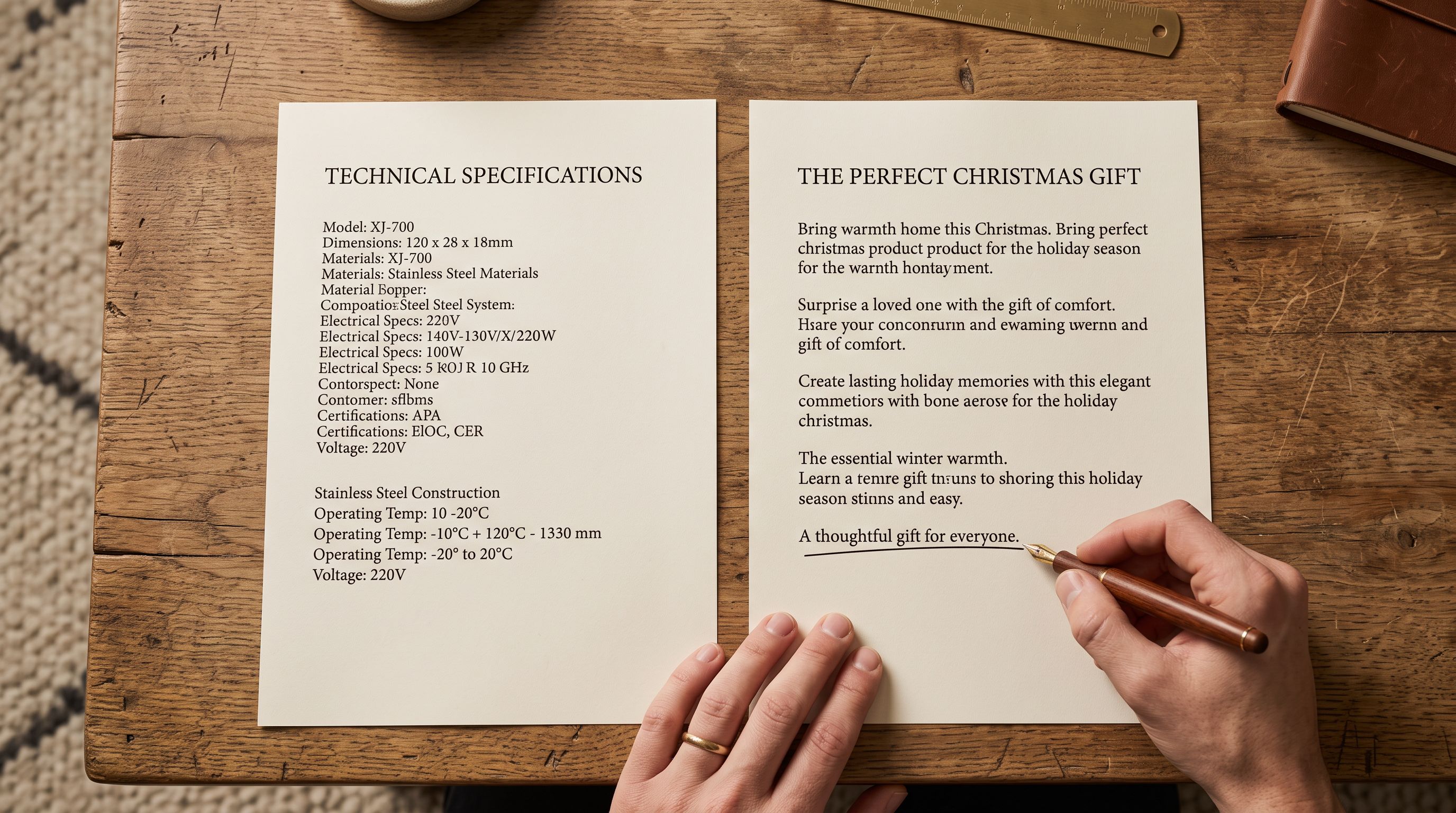
**3. Description quality.** Products with AI-generated descriptions that lead with the benefit or the experience convert better in a gift context than products with spec-first supplier copy. If the description starts with a model number or a technical specification, it is not ready for a gift guide without a description refresh. Products with benefit-first descriptions are gift guide-ready as-is.
**4. Gift occasion compatibility.** Some products suit specific occasions that a gift buyer searches for: home decor suits housewarming and Christmas; apparel suits birthday and Christmas; bath and body suits Mother's Day, birthday, and Christmas. If the product type has no obvious occasion fit, it may not perform in a gift guide even if it is priced correctly.
**5. No existing clearance or sale tags.** A product already tagged `clearance` or `sale-price` creates confusion in a gift guide. Gift buyers interpret sale pricing as a credibility signal about product quality. Gift guide products should be presented at full price with a clean pricing state. The [bulk Compare At Price management guide](https://importier.app/blog/shopify-compare-at-price-bulk) covers how to identify and clear stale Compare At values before the gift guide launch.
After applying the filter, most catalogues of 200-400 products yield 60-120 gift guide candidates. That is the right size for a curated guide.
## The Tag Structure
The [gift guide collection structure article](https://importier.app/blog/shopify-gift-guide-collection-structure) covers the full four-dimensional taxonomy in detail. For a Christmas-specific gift guide built from an existing catalogue, the minimum viable tag set is two dimensions: recipient and price tier.
**Recipient tags** (pick the ones that apply to your product range):
- `gifts-for-her`
- `gifts-for-him`
- `gifts-for-kids`
- `gifts-for-the-home`
- `gifts-for-the-foodie`
- `gifts-for-the-gardener`
**Price tier tags:**
- `gift-under-50` (Variant Price ≤ 50)
- `gift-under-100` (Variant Price ≤ 100)
- `gift-under-150` (Variant Price ≤ 150)
Each product gets one or more recipient tags and one price tier tag. A scented candle at $45 might get `gifts-for-her`, `gifts-for-the-home`, and `gift-under-50`. A leather wallet at $85 might get `gifts-for-him` and `gift-under-100`.
A product can carry multiple recipient tags if it genuinely suits multiple recipient types. Do not over-tag: if a product primarily suits one recipient type, one recipient tag is correct. Gift collections built on over-tagged products dilute the experience for buyers browsing "gifts for him" who find products that are clearly "gifts for her" with the tag added for coverage.
Add a universal `christmas-2026` tag to every product in the gift guide. This provides a single-tag filter to export all gift guide products after Christmas for the [seasonal catalogue management](https://importier.app/blog/shopify-seasonal-catalogue-management) archive pass.
## The Tag Import File Structure
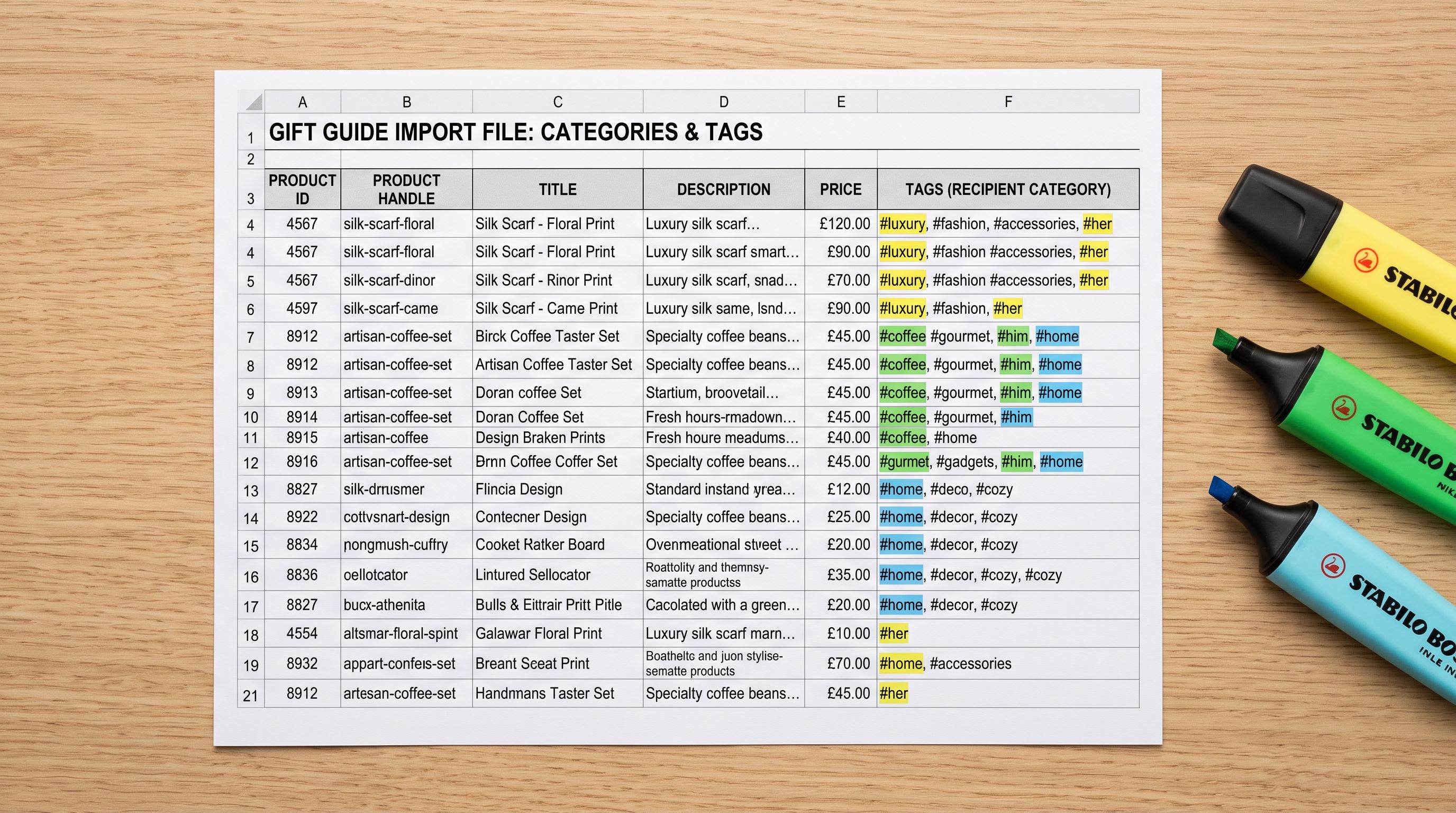
The tag import file for adding gift guide tags to existing products is Handle and Tags only. No other columns needed.
```
Handle,Tags
linen-tablecloth-natural,"gifts-for-the-home,gift-under-100,christmas-2026"
cedar-soy-candle-250ml,"gifts-for-her,gifts-for-the-home,gift-under-50,christmas-2026"
leather-card-holder-tan,"gifts-for-him,gift-under-50,christmas-2026"
```
**Critical:** The Tags column in Shopify CSV format is the complete tag set for the product. If you import only the gift guide tags, you will overwrite any existing tags on the product. The safe approach:
1. Export your full product list with the Tags column included.
2. In a spreadsheet, add the gift guide tags to the existing Tags value for each product, separated by commas.
3. Import the updated Tags column.
This preserves `sale`, `new-arrival`, `bfcm-2026`, or any other existing tags on the product while adding the gift guide taxonomy.
If a product has no existing tags, the import simply sets the gift guide tags.
## Setting Up the Gift Guide Collections
Before running the import, create the automated collections in Shopify Admin with the matching tag conditions:
- **Gifts for Her**: Tag contains `gifts-for-her`
- **Gifts for Him**: Tag contains `gifts-for-him`
- **Gifts for Kids**: Tag contains `gifts-for-kids`
- **Gifts for the Home**: Tag contains `gifts-for-the-home`
- **Gifts Under $50**: Tag contains `gift-under-50`
- **Gifts Under $100**: Tag contains `gift-under-100`
- **Full Christmas Gift Guide**: Tag contains `christmas-2026`
Shopify's automated collections update within minutes of a product receiving the matching tag. When the import runs, all tagged products populate their collections immediately, with no manual curation needed.
Name the collections to match how buyers search. "Gifts for Her" outperforms "Women's Gift Ideas" because it matches the literal search intent. Keep collection names short enough to fit cleanly in navigation menus without truncation.
## Refreshing Descriptions for Gift Context
Products already in your catalogue have descriptions written for buyers making a direct purchase decision. Gift buyers read differently: they are buying for someone else, they want to know how the gift will land, and they respond to occasion-first language more than feature lists.
A description that opens with "Handcrafted from 100% natural linen with a 180gsm weave" converts well for a buyer who researches tablecloths. A description that opens with "A tablecloth that makes Christmas dinner feel deliberate, the kind that gets commented on" converts better for a gift buyer.
For the gift guide product set, run a description refresh using Importier's AI generation with the Emotional Storytelling style and a gift writer persona. The pass overwrites the existing description with occasion-first language for the Christmas period. After Christmas, the same products can have their descriptions restored or refreshed to evergreen language using a second Importier pass.
This is optional but meaningful. Gift guide products with gift-framed descriptions consistently outperform products with unchanged spec-first descriptions in occasion-driven collections.
## After the Import
Once the tag import runs and collections populate, verify the gift guide against three questions:
**Does each collection have enough products?** A gift guide collection with fewer than 8 products feels thin. A collection with more than 40 products loses editorial coherence. If a recipient category has only 4 products, consider merging it into a broader category or supplementing with additional products from your catalogue.
**Are the price tiers accurate?** The Gift Under $50 collection should not contain products at $65 that received the tag due to a filtering error. Check the top and bottom of each price-tier collection for mismatches.
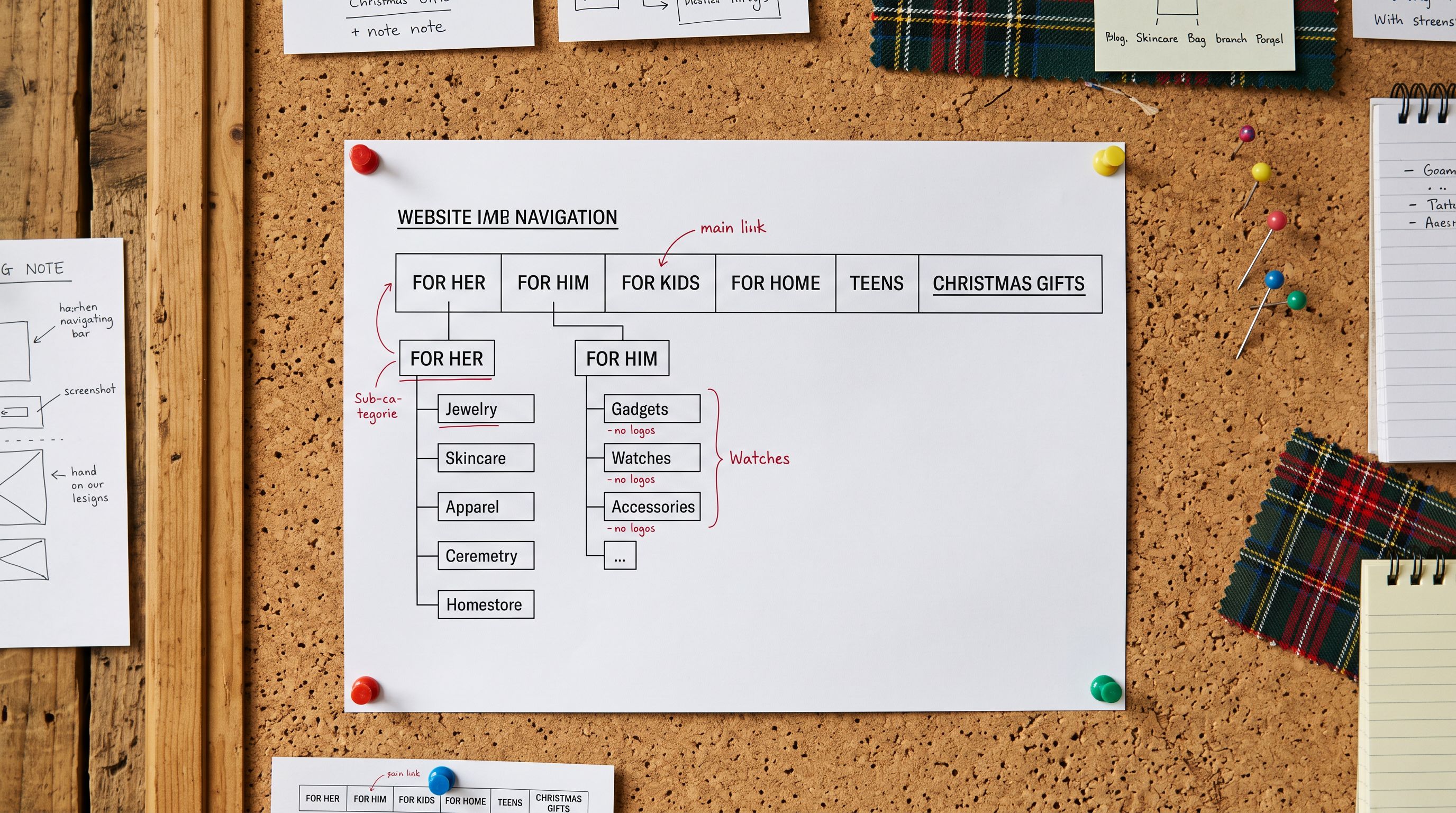
**Do the collections appear in navigation?** Gift guide collections should be linked from the main navigation during the Christmas period, not buried in a dropdown. A gift guide nobody can find does not convert.
The Shopify [collections documentation](https://help.shopify.com/en/manual/products/collections/automated-collections) covers how automated collection conditions work and how to adjust collection sort order after the import populates it.
A gift guide built from your existing catalogue is faster to launch than one built from new products, and it is in-stock from day one: the inventory already exists.
The November deadline is real. Shopify's research on Australian Christmas shopping behaviour, cited by the [Australian Retailers Association](https://www.retail.org.au), shows that early-research shoppers (the buyers who convert with the highest average order value) peak in the second and third weeks of November. A gift guide live by November 10 captures this cohort. A gift guide live on December 1 does not.

For merchants running this workflow for the first time, the tag import file is worth saving as a template. The Handle and Tags structure is identical each year; only the product selection and the year suffix on `christmas-2026` changes. By the second December, the gift guide setup takes a fraction of the original time because the filter criteria are known, the collection structure is in place, and the tag taxonomy is documented from the previous year's export file.
Try Importier free at [importier.app](https://importier.app).