# Shopify Christmas Email Metafields: Fix Blank Product Cards
> Blank compare-at prices in Christmas emails trace to missing Shopify metafields. Audit and batch-import the data gaps before your campaign calendar starts.
- Published: 2026-11-15
- Author: Importier Team
- Category: Store Management / SEO & Discoverability
- Canonical: https://www.importier.app/blog/shopify-christmas-email-product-data-metafields
---
# Shopify Christmas Email Metafields: Fix Blank Product Cards
Discovering on December 1 that your Shopify Christmas promotional emails are showing blank product cards is not a configuration problem. It is a metafields import problem. The compare-at price field is empty. The featured image is a placeholder. The product type shows nothing. Each failure traces back to product data that was never imported.
Fixing 150 products manually during the busiest week of the year takes the better part of a day. A single batch reimport takes fifteen minutes. The difference is knowing which fields to audit before your campaign calendar starts, not after the first send goes out.
## Which Shopify Fields Email Platforms Actually Read
Email platforms construct product cards from two data sources: Shopify's standard product fields and product metafields. Standard fields (title, price, handle, main image) almost always come through cleanly on import because they map directly to Shopify's core product schema. Metafields require explicit mapping.
The fields that cause the most email product card failures at Christmas:
**Compare-at price** lives on the variant record, not the product. A supplier import that leaves the Compare At Price column blank creates variants with a null compare-at value. Email templates that use this field for strikethrough pricing (like "Was $89, Now $59") show nothing.
**Product type** is Shopify's native categorisation field. Email platforms use it for conditional content blocks: show a size guide link if `product_type == 'Footwear'`, show care instructions if `product_type == 'Apparel'`. When the product type column is not mapped during import, the field defaults to blank and all conditional logic fails silently.
**Vendor** powers brand-specific email segments. A missing vendor field means a "All [Brand] products on sale" segment returns zero products, with no error raised.
**Tags** are the most critical field for email platform logic. Flow triggers, segment conditions, and conditional content blocks all depend on specific tags being present. A Christmas catalogue imported without gift-relevant tags (`gift-under-50`, `bestseller`, `new-arrival`) is invisible to any email logic that filters on them.
Compare-at price is the most commonly missed field on BFCM supplier imports. If your Christmas email template uses strikethrough pricing to signal value and that field is blank, every product card in the send looks full-price. The campaign loses its urgency framing before anyone clicks.
For [email-ready product data structure](https://importier.app/blog/shopify-product-data-email-marketing) to hold through the Christmas season, all four of these fields need to be present on every product that will appear in a campaign. If they were not set at import time, a targeted reimport adds them without touching anything else.
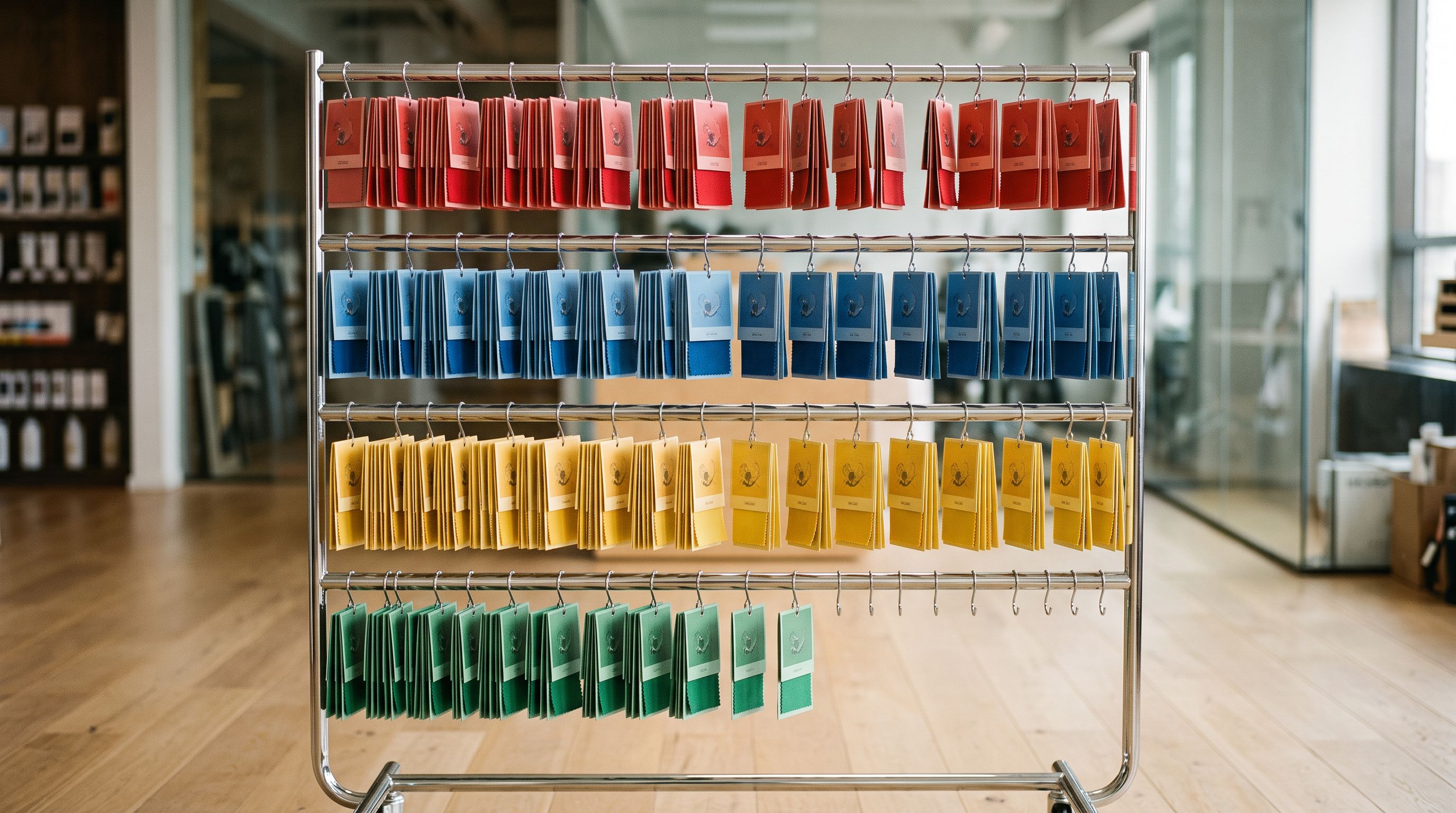
## The Three Metafields That Break Christmas Email Campaigns Specifically
Standard fields cover the common failures. Custom metafields power the more sophisticated Christmas email logic that drives higher AOV.
**custom.gift_message_enabled**: a boolean indicating whether the product supports personalised gift messaging. Email platforms use this to conditionally show "Add a gift message" copy in product cards, but only when the product actually supports it. Without this metafield, merchants either show the gift message option on everything (including products where it cannot be fulfilled) or suppress it everywhere.
**custom.gifting_occasion**: used in email personalisation to recommend products by occasion. A product tagged `gifts-for-her` and carrying a `custom.gifting_occasion = "christmas"` metafield can appear in both a "Gifts for Her" send and a "Christmas Picks" send without double-tagging or complex segment logic. The metafield provides the precision the tag provides the breadth.
**custom.stock_level_indicator**: a text metafield that controls the urgency display label in email product cards. Standard Shopify inventory shows raw numbers; this metafield lets merchants control the display string ("Only 3 left", "Low stock", "Back in stock") that email platforms surface in campaign content.
Each of these metafields must exist in Shopify before the email platform can access them. Creating them happens at import: include the `custom.*` column in your import file, map it to the correct metafield namespace, and Importier writes the value to every product in the batch.
According to [Shopify's Custom Data documentation](https://help.shopify.com/en/manual/custom-data/metafields), metafields created via import require one additional step before external platforms can read them: the metafield must be exposed in Shopify admin under Settings → Custom Data. Import writes the value; admin controls the visibility. This is the step most merchants miss.

## How to Check Your Christmas Products for Data Gaps
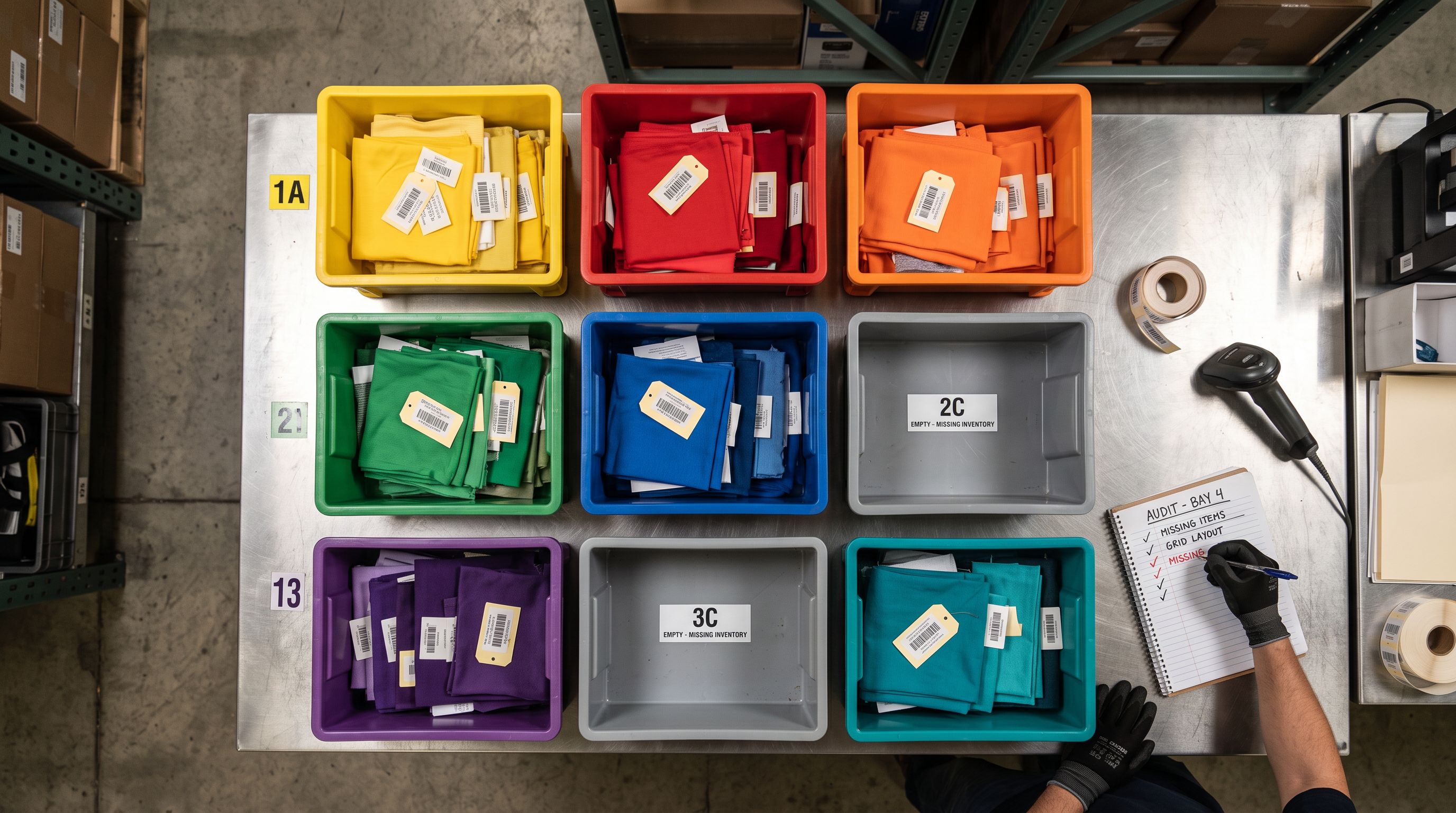
The cleanest audit is a gap check: export your current product data, then verify each field your email templates expect.
The Replace mode behaviour is what makes this safe to run mid-season. A Replace import containing only Handle, Compare At Price, Product Type, and Vendor updates exactly those four fields per product. Descriptions, images, inventory, and other tags stay as they are.
This approach also works for adding new metafields. An import file with Handle and `custom.gifting_occasion` columns adds that metafield to every matched product without touching anything else. The import can run against 300 products as reliably as it runs against 30.
## The November 20 Deadline
Email platform sync intervals create a deadline that most merchants underestimate.
Most email platforms sync standard product field changes (price, title, image) within a few hours of a Shopify update. Metafield changes propagate on a longer cycle because they require a separate API call to the [Shopify Storefront API](https://shopify.dev/docs/api/storefront/latest/objects/Product), which many platforms poll less frequently. A metafield fix made on the morning of a send may not appear in the product card for that send.
The safe rule: complete the product data audit and any reimports by November 20. That gives a week of sync buffer before the first major Christmas campaign send on November 28. For merchants with automated flow triggers (browsed-but-didn't-buy sequences, back-in-stock flows, product launch emails), this matters even more because those flows fire on individual events, not on a scheduled send that you can hold if data is not ready.
An apparel merchant discovered on November 28 that compare-at prices were blank on 150 products imported during BFCM. At 3 minutes per product to fix manually, that is 7.5 hours of editing during the busiest week of the year. A batch reimport corrected all 150 in four minutes.
The timing pressure compounds for merchants running multiple email platforms or selling on multiple channels. A product data fix via Importier reimport updates the Shopify product record once, and all connected channels read from that same source.

## Connecting the Metafield Audit to Your Christmas Calendar
A product data audit is most useful when it is tied to a specific date, not done when you get around to it.
The practical trigger is your campaign content calendar. If your first Christmas email goes out on November 25, work backwards:
- November 20: last safe date for metafield reimports
- November 18: audit completed, corrected file prepared
- November 15: audit started, priority products identified
For merchants still planning the Christmas catalogue after post-BFCM variant cleanup, this audit runs in sequence after the [Christmas gift catalogue import](https://importier.app/blog/shopify-christmas-gift-catalogue-import): import first, enrich and add metafields second, then audit for email readiness before the campaign calendar starts.
The audit also produces a useful output beyond fixing the data. Reviewing which products are missing which fields reveals patterns in the original supplier import. If 40% of your BFCM imports are missing compare-at price, that is a column mapping issue in your import template. Fixing the template before the next supplier refresh prevents the same gap appearing in January.
For merchants already managing [product tags for Klaviyo email flows](https://importier.app/blog/shopify-klaviyo-product-import-tags), the metafield reimport follows the same pattern: prepare a CSV with Handle plus the fields to update, import in Replace mode, verify the result in Importier's Import History log.
## Key Takeaways
- Email product card failures (blank compare-at price, wrong product type, missing featured image) trace to data gaps in the original import, not to email platform configuration errors.
- The highest-risk fields for Christmas campaigns are: compare-at price on variants, product type, vendor, and tags used for segmentation or flow triggers.
- Audit by exporting your Christmas campaign products and checking each field your email templates reference against the export CSV.
- Replace mode in Importier updates only the columns you map. Descriptions, images, and existing tags are not affected.
- Custom metafields added via import must be exposed in Shopify admin under Settings → Custom Data before email platforms can access them. Import writes the value; admin controls the visibility.
- Complete the product data audit and any reimports by November 20. Email platform sync intervals mean changes made the day of a send may not reflect in that campaign.
The supplier import gets products live. The metafield audit gets them email-ready. Running both before the Christmas campaign calendar starts keeps your product cards accurate when the highest-AOV campaigns of the year are sending.
Try Importier free at [importier.app](https://importier.app).
## Related Articles
- [How Shopify Product Data Powers Email Marketing Campaigns](/blog/shopify-product-data-email-marketing)
- [Shopify Christmas Gift Catalogue Import](/blog/shopify-christmas-gift-catalogue-import)
- [Product Tags for Klaviyo Email Flows](/blog/shopify-klaviyo-product-import-tags)