Shopify Boxing Day Sale Import: Bulk Price Updates and Clearance
On this page
Boxing Day is the largest single-day retail event in Australia, the UK, and New Zealand. For Shopify merchants, preparing the pricing update falls in an inconvenient window: the import file needs to be tested and ready before Christmas Day, because pushing a 300-variant price update at 11pm on December 25 while trying to manage a family lunch is not a process that benefits from time pressure.
The right time to build a Boxing Day import file is November. The right time to push it is Christmas Eve.
Boxing Day pricing is different from BFCM pricing in one important way: it is typically a genuine clearance, not a marketing-led "was/now" promotion. BFCM sets Compare At Price to create a sale appearance around products at their normal price. Boxing Day reduces Variant Price on products that did not sell through BFCM, end-of-season stock the merchant needs to clear before January, and slow movers that have been sitting since October. The price reduction is real, the clearance is real, and the import structure reflects that.
Identifying the Boxing Day Product Scope
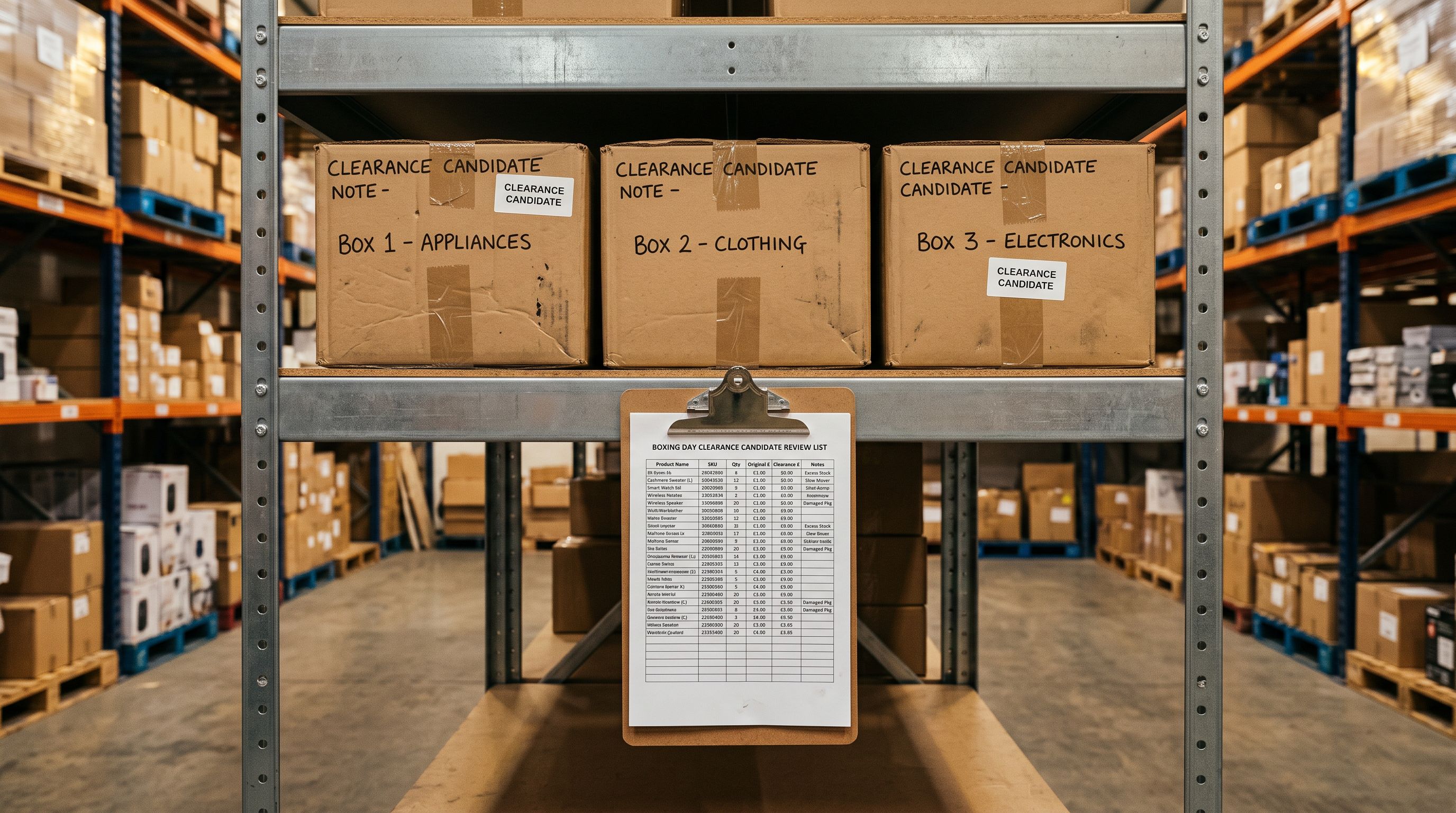
Boxing Day stock comes from three sources.
Post-BFCM overstock: products that had inventory going into Black Friday and still have inventory left over on December 2. These did not clear at BFCM pricing. If they did not sell at a 20% BFCM discount, they will likely need a steeper Boxing Day cut to move.
End-of-season slow movers: products tied to the season ending in December: summer apparel in Australia and New Zealand, winter apparel in the UK, seasonal homewares, Christmas-themed accessories that will be unsaleable in January. These need to clear before the January range arrives.
Pre-BFCM overstock that did not make the BFCM cut: products that were marginal for BFCM promotion but accumulated excess inventory through October. They were not promoted in November but still sit on the shelf.
Building the product scope in November gives you time to review the list before the import, check supplier return windows (some suppliers accept returns on overstock before December 31), and decide which products genuinely warrant clearance pricing versus which ones can hold at full price through the gifting season.
The bulk Compare At Price guide covers how to identify products by inventory age and tag them for a sale event; the same tagging approach applies here to scope the Boxing Day candidate list.
The Boxing Day Import File Structure
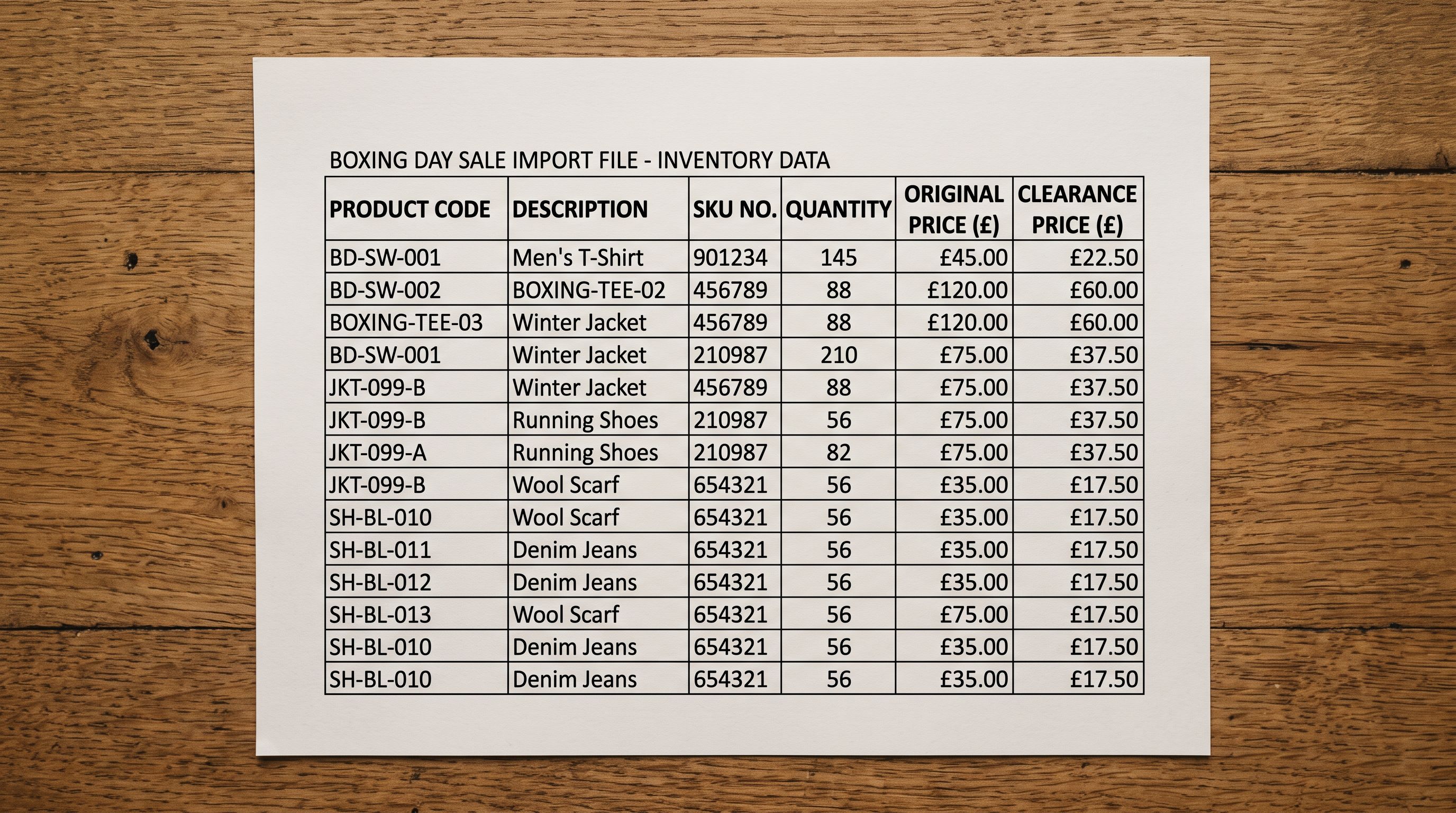
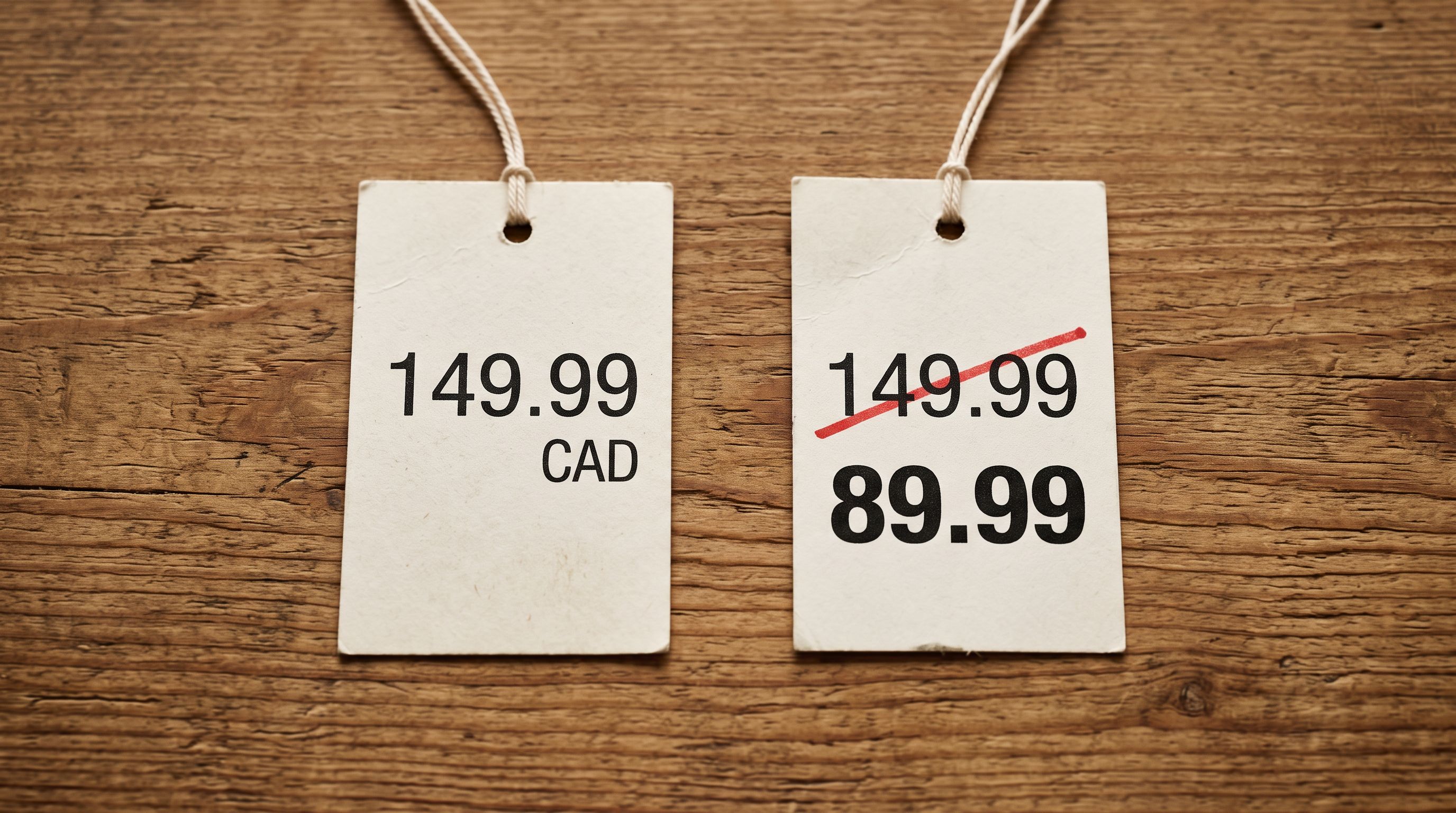
A Boxing Day clearance import updates two columns: Variant Price (the new reduced price) and Variant Compare At Price (the original full price, so the struck-through reference is visible on the product page).
| Handle | Variant SKU | Variant Price | Variant Compare At Price |
|---|---|---|---|
| linen-shift-dress-sage | LSD-SGE-10 | 59.00 | 99.00 |
| linen-shift-dress-sage | LSD-SGE-12 | 59.00 | 99.00 |
| rattan-serving-tray-natural | RST-NAT-ONE | 34.00 | 59.00 |
Variant Price is the Boxing Day selling price. Variant Compare At Price is the full price that will display as struck through on the product page. Shopify's Compare At Price documentation covers how the struck-through display renders and when it appears. Both columns are required; a Boxing Day import with only Variant Price and no Compare At Price removes the visual cue that products are on sale.
Products that had Compare At set for BFCM: if these products already had their Compare At cleared after BFCM (following the post-BFCM Compare At recovery process), their Compare At field is now blank. The Boxing Day import sets it again with the correct pre-sale reference price. The reference price should be the genuine pre-BFCM selling price, not an inflated figure.
Products that did not go through BFCM: their Compare At is already blank. Set Variant Compare At Price to their current Variant Price before writing the Boxing Day clearance price into Variant Price.
Building the File in November
Why November Is the Right Time to Build This File
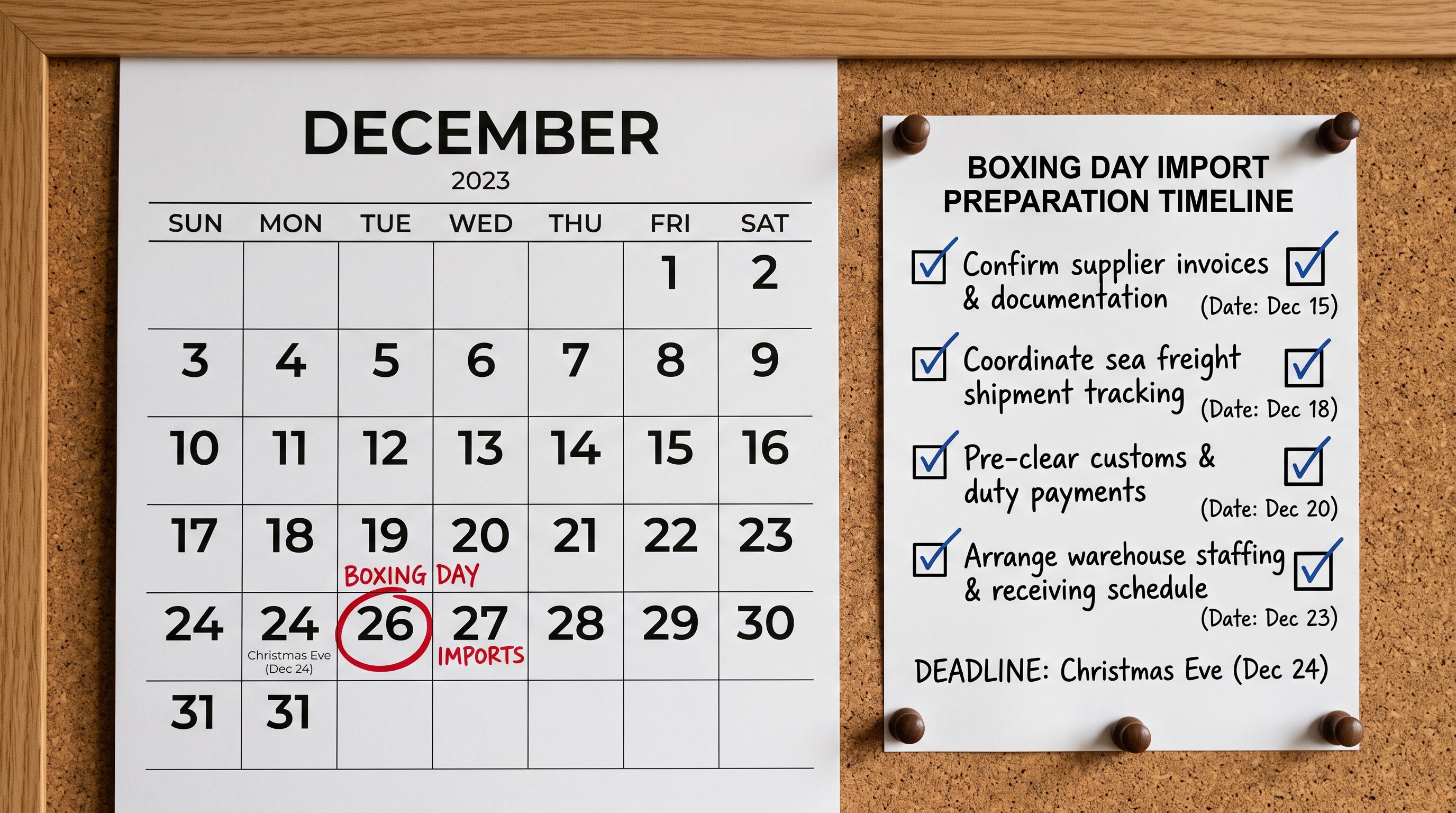
The import file needs to be ready by December 23 at the latest. Working backwards:
- December 24: test-push one variant in a draft collection to confirm prices apply correctly. Verify the product page displays the struck-through reference price. Push the full import file at 10-11pm.
- December 23: import file locked, reviewed, all variants confirmed correct. No further edits.
- December 10-20: review and revise the product scope. Add end-of-season stock identified during the December catalogue review. Remove any products sold through unexpectedly well in the December gifting period.
- November: identify candidate products. Build the initial file. Set the clearance prices.
The November build stage is not about finalising prices; Boxing Day prices typically get adjusted in December once BFCM sell-through is known. It is about having the structural foundation ready: the right product scope, the correct Handle and Variant SKU columns, and a price template that only requires updating figures rather than rebuilding the entire file from scratch.
Pricing Strategy for Boxing Day Clearance
Boxing Day clearance pricing in Australia operates under ACCC guidelines on pricing practices that require the reference price (the "was" price) to be a genuine price at which the product was actually offered. Setting a Compare At Price of $299 on a product that retailed at $149 in order to present a bigger discount creates consumer law exposure.
For products that went through BFCM: use the pre-BFCM Variant Price as the Compare At reference. This is a price the product genuinely held before the sale season began.
For products not promoted in BFCM: use the current Variant Price as the Compare At reference. This is what the product sells for right now.
Discount depth for Boxing Day clearance typically sits at 30-50%, deeper than BFCM (15-25%). Products that did not clear at BFCM with a 20% discount may need 40-50% to move in the Boxing Day window. The goal is stock clearance before January, not margin maintenance.
- 01Identify the Boxing Day scopepull the product list in November. BFCM overstock, end-of-season slow movers, pre-BFCM overstocked variants.
- 02Build the initial fileHandle, Variant SKU, Variant Price (clearance price), Variant Compare At Price (genuine reference price). Do not include description, tags, or status columns.
- 03Review the file in Decemberonce BFCM sell-through is known (by December 2-3), update quantities and product scope. Remove anything that sold through BFCM. Add anything that accumulated overstock during November.
- 04Finalise and lock by December 23no further scope changes after December 23. The file is now version-locked.
- 05Test on December 24push one or two test variants in a draft collection. Confirm the struck-through reference price displays correctly on the product page.
- 06Push the full import Christmas Eveupload the full Boxing Day file in Importier. Run with Update existing products only mode. Push at 10-11pm December 24 so prices are live at midnight.
- 07Verify on Boxing Day morningspot-check five product pages. Confirm prices and Compare At display correctly. Check that products are in the Boxing Day sale collection (by tag rule if used).
The Update Mode Requirement
Boxing Day imports must run in Update existing products only mode. The same risk that applies to mid-BFCM imports applies here: a Handle typo or an inadvertently included new product row creating a duplicate product at clearance price is harder to unwind at 11pm on Christmas Eve than on a normal business day.
Update existing only also protects against a common Boxing Day error: including a product in the import file that was discontinued or archived in December. Without update-only mode, the import would create a new active product at clearance price from an archived product's Handle data.
Post-Boxing Day Price Recovery
Boxing Day typically runs December 26-31. By January 1, clearance products that remain unsold should either stay at clearance price through a January clearance extension, or have their Compare At Price cleared and their Variant Price moved to the new season price.
The recovery file for Boxing Day uses the same blank-cell approach as the BFCM recovery: a file with the Handle, Variant SKU, and a blank Variant Compare At Price column, run on January 1 or 2. Products that sold through completely can be archived or removed. Products that did not sell through can be evaluated for January markdown continuation.
- 300 variant price updates entered one at a time in Shopify Admin on Christmas Eve
- No systematic record of which products are in the Boxing Day sale or at what price
- BFCM Compare At fields must be manually checked variant by variant before setting Boxing Day Compare At
- No test-push workflow; errors found on Boxing Day morning when customers are live
- No recovery file prepared; January 1 price reset requires repeating the full manual process
- Full Boxing Day price update pushed in a single import at 10pm Christmas Eve
- Import file serves as the product scope record; review and revise in November-December before locking
- Compare At recovery from BFCM handled in a prior import pass; Boxing Day file sets fresh reference prices
- Test-push one variant December 24 afternoon; full push evening with confidence
- Recovery file built from the Boxing Day setup file at the same time; January 1 reset is a one-step push
Build the Boxing Day import file in November. Push it Christmas Eve. The only thing that should happen on December 25 is lunch.
For merchants running Boxing Day on a subset of their catalogue (selected product types or collections rather than the full range), use the same scoping discipline as BFCM: build the product list from your BFCM overstock report and slow-mover analysis rather than selecting products ad hoc. A Boxing Day import that hits 40 products from a deliberate scope is more effective than one that hits 200 products selected at random because they happened to be in the same spreadsheet.
Try Importier free at importier.app.
Set up your first import in under five minutes.
Importier brings products into Shopify with AI descriptions, category metafields, and data enrichment on every run.
Free for your first 10 products. No credit card needed.