# Shopify Product Import for Baby and Nursery Stores
> Baby products carry age-range sizing, safety certifications, and material claims that buyers filter by. Here is how to import them as structured data in Shopify.
- Published: 2026-07-09
- Author: Importier Team
- Category: Import Guides / File Imports
- Canonical: https://www.importier.app/blog/shopify-baby-products-import
---
Baby and nursery merchants face a product data problem that most other retailers do not: their buyers filter by age range, material safety, and compliance certification before they filter by price or brand. A parent purchasing a sleep bag is not browsing. They are confirming that the product is rated for the right temperature range, made from materials certified safe for infant skin, and sized for a three-month-old who weighs 5.5 kilograms. When that information is in description text rather than structured attribute fields, the parent has to read through prose to find what they are verifying. When it is in structured taxonomy fields, a filter removes it from consideration the moment the specification does not match.
This article covers how to configure Importier for a baby and nursery product catalogue: mapping age range sizing to variant options and taxonomy attributes correctly, importing material and safety certification data as structured fields, generating descriptions for the parent buyer, and ensuring Google Shopping receives the `age_group` attributes it needs to serve baby product listings for age-specific queries.
## Why baby product data structure matters more than description quality
Baby product buyers apply specification filters early in their search. A parent looking for a 3-6 month sleep sack enters that age range in the search filter before they evaluate any listing. Google Shopping uses the `age_group` attribute to match listings to those filtered queries. Shopify's own product filtering uses the corresponding taxonomy attribute to support collection-level age filters in the storefront.
[Google's `age_group` attribute specification](https://support.google.com/merchants/answer/6324463) requires one of five values: newborn, infant, toddler, kids, adult. For baby and nursery products, the merchant must declare this attribute as a structured field on every product. A baby clothing product that carries its age range only in the product title ("Organic Zip Sleep Suit 3-6M") satisfies a title keyword match but does not satisfy the structured `age_group` filter that Shopping uses for category browsing and Discover placement.
Beyond age group, parents filter baby products by material safety in ways that other product categories rarely see. They look for OEKO-TEX certification for textiles, BPA-free status for feeding products, food-grade silicone designation for teethers and soothers, organic cotton certification for clothing and bedding. These are not aesthetic preferences; they are safety filters applied before any other evaluation.
Age range first, then material safety certification, then size, then price. Baby product listings that carry this data as description text rather than structured attributes are filtered out before they are read.
## Handling age-range sizing variants at import
Age-range sizing in baby clothing creates a specific variant challenge that standard CSV imports handle poorly.
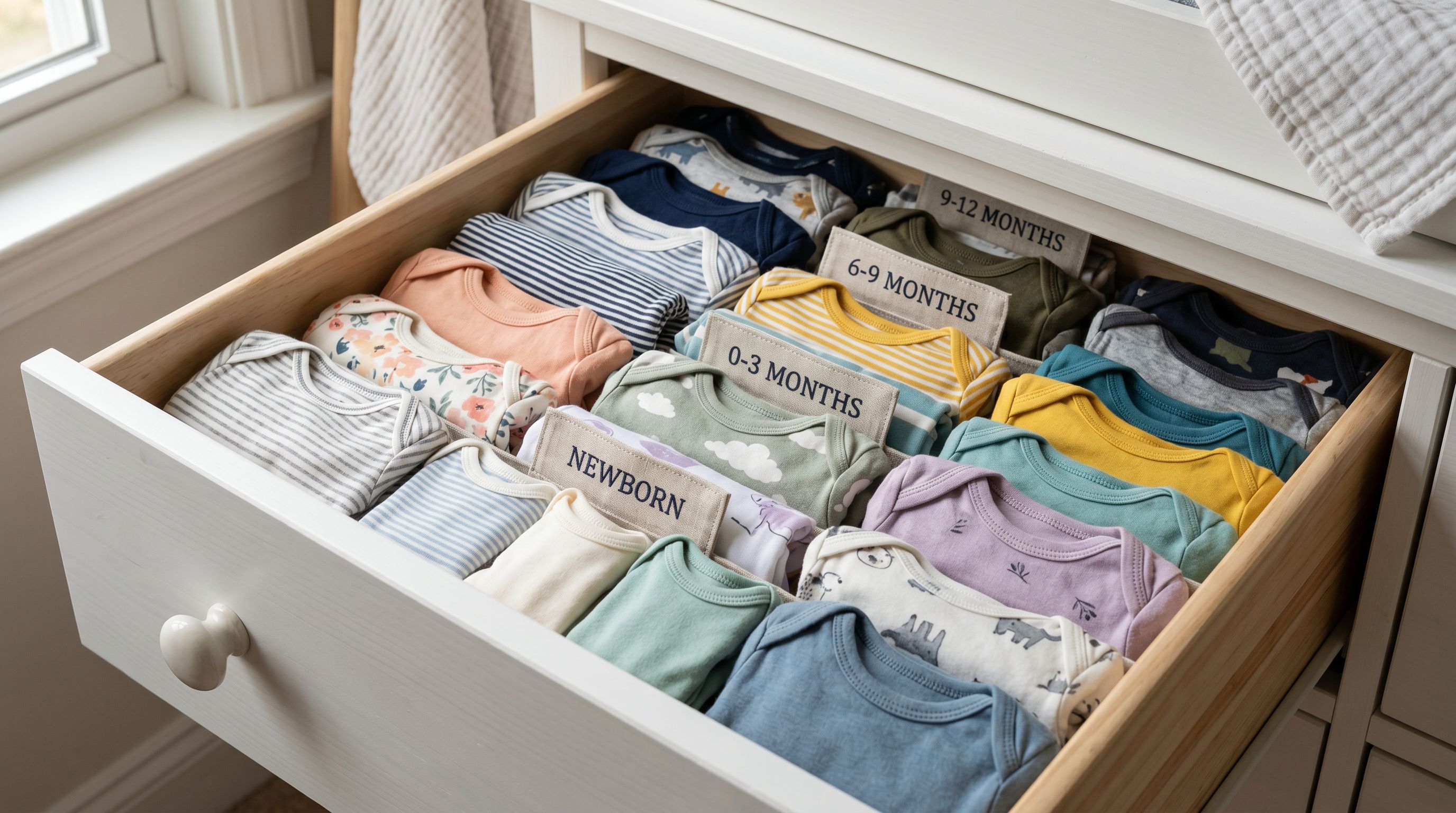
Supplier files for baby clothing typically carry age ranges as separate rows: one row for Newborn (up to 3.5kg), one for 0-3M (3.5-6kg), one for 3-6M (6-7.5kg), one for 6-12M (7.5-10kg), and so on through 18-24M. A single onesie style in one colour but six age sizes arrives as six rows. Without variant grouping, six separate Shopify products appear for one garment.
Importier's Smart Variant Detection identifies age-range sizing patterns (Newborn, 0-3M, 3-6M, 6-12M, 12-18M, 18-24M, 2T, 3T, 4T) and groups rows sharing the same product base into a single Shopify product with a Size option. The parent selects their child's age range from the dropdown rather than navigating six separate product pages.
A specific complexity arises when supplier files carry both age range sizing and corresponding physical measurements in the same row. A "3-6M" size entry may also carry the height range (62-68cm) and weight range (5.5-7.5kg) as additional columns. Importier maps the age range as the Shopify Size option and the height and weight ranges as taxonomy attribute data rather than creating separate option dimensions. The parent selects "3-6M" from the size dropdown; the height and weight ranges appear as category metafield details that confirm fit without requiring additional variant combinations.
For baby clothing with multiple colours across multiple age sizes (a bodysuit in 4 colours × 6 sizes = 24 rows), the grouping creates one product with two option dropdowns: Colour and Size. The import wizard's variant preview confirms the grouping before the import runs.
Read more about [how Smart Variant Detection groups size variants at import](https://importier.app/blog/shopify-import-product-variants).
## Mapping safety certifications and material attributes
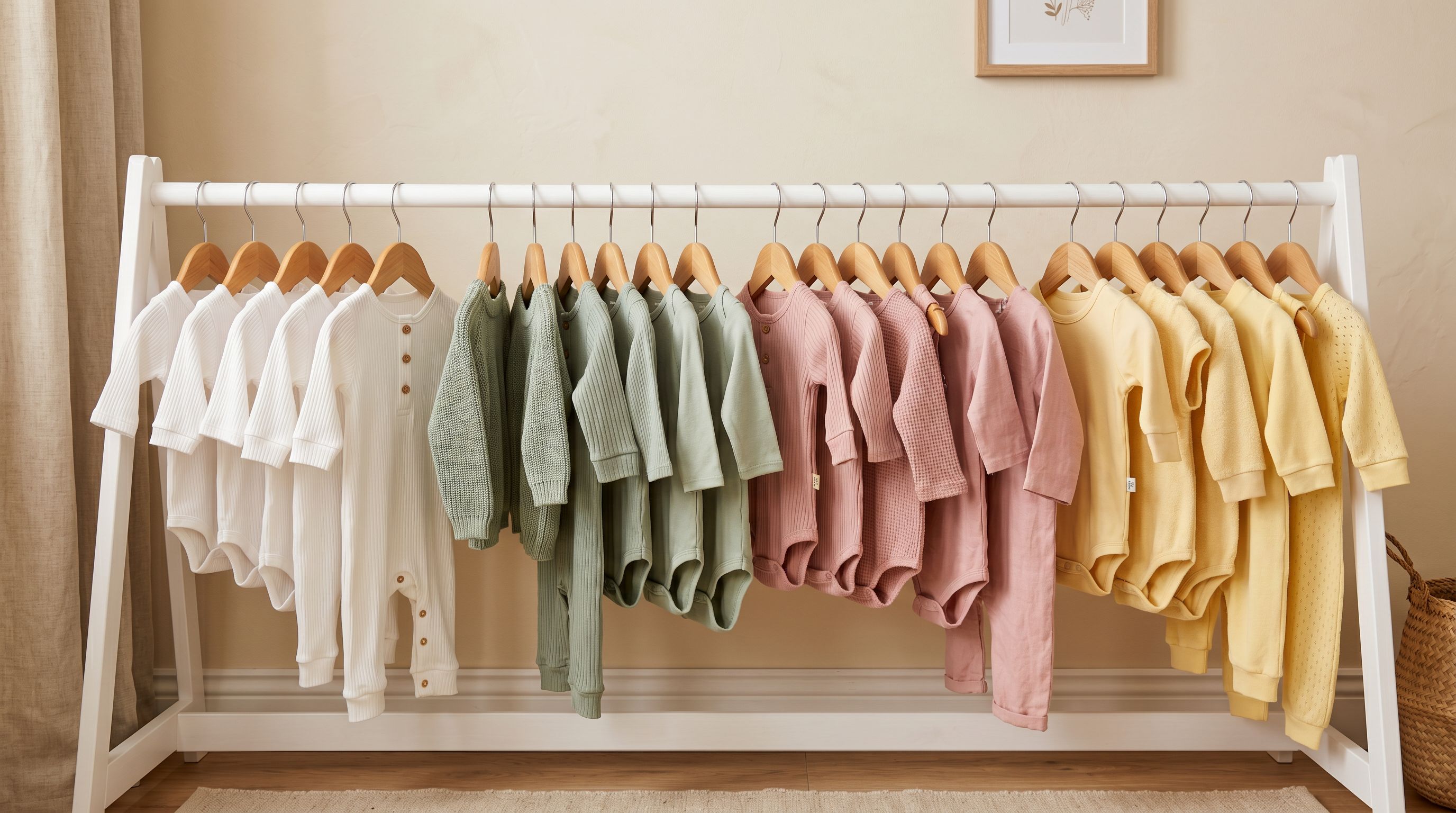
Baby products require material safety declarations that map to Shopify's taxonomy as structured category metafield attributes. The Importier Industry Pack for Baby and Nursery adds these attribute columns to the import:
- **Age group** (newborn, infant, toddler; Shopify taxonomy values)
- **Material** (organic cotton, BPA-free polypropylene, food-grade silicone, natural rubber)
- **Safety standard** (OEKO-TEX Standard 100, EN71, ASTM F963, AS/NZS 8124, CE)
- **Certification status** (certified organic, BPA-free, phthalate-free, food-grade)
- **Age recommendation** (minimum age in months for products with choking hazard considerations)
- **Temperature rating** (TOG rating for sleep bags and swaddles; warmth level for outerwear)
- **Wash instructions** (machine wash, hand wash, sterilisable; for feeding products)
- **Assembly required** (yes/no for nursery furniture and activity centres)
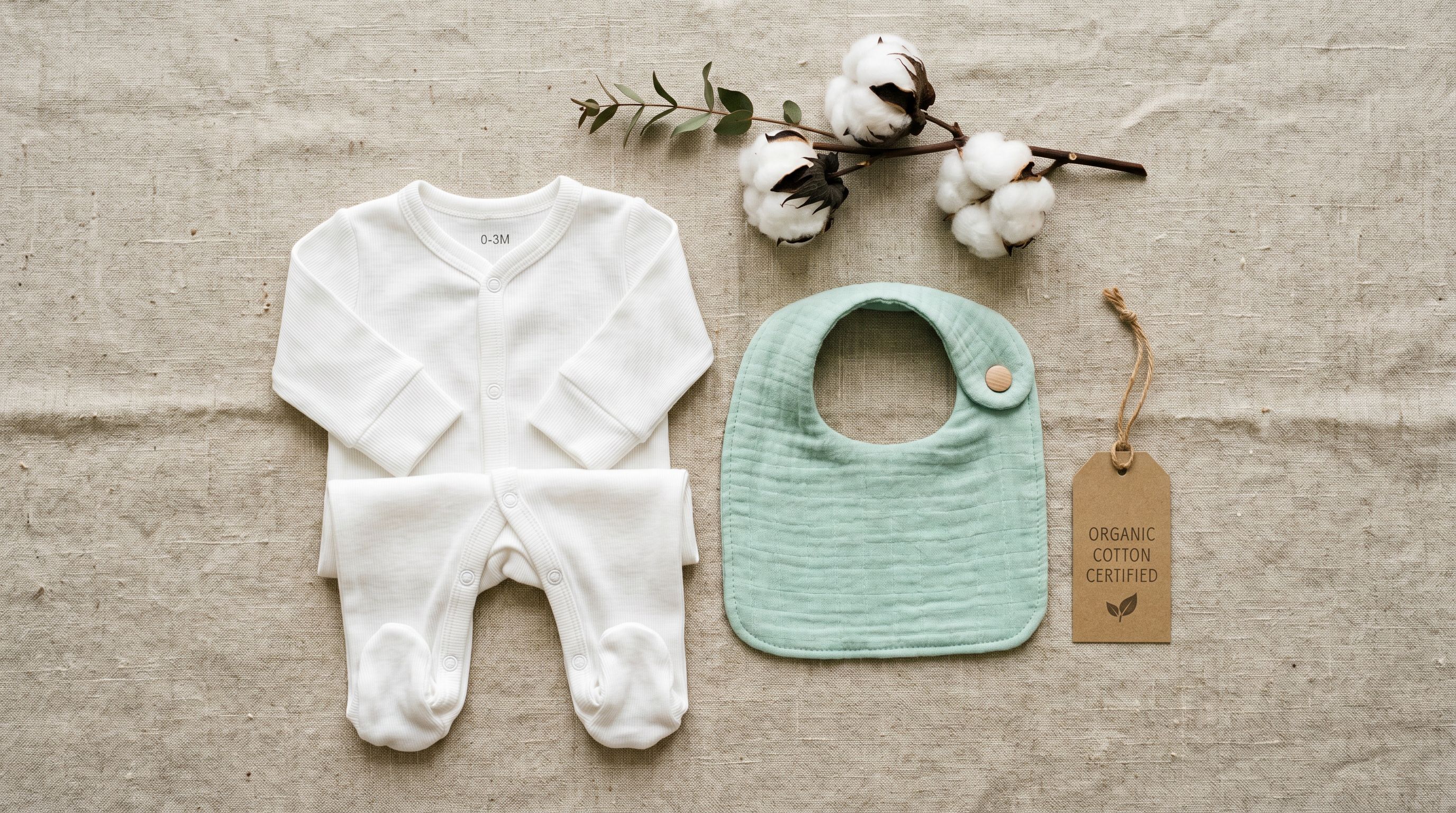
The AI assigns taxonomy values from Shopify's pre-defined list rather than free text. A material declared as "100% Organic Cotton GOTS Certified" in a supplier column maps to the taxonomy's organic cotton value, which Google Shopping reads as a canonical attribute rather than as an unvalidated string.
For supplier files where safety certifications are listed as a combined string ("OEKO-TEX 100, EN71 Part 1-3, CE Mark"), the enrichment context field accepts a parsing note that guides the AI in splitting the certifications into separate attribute values.
Read more about [how Industry Packs assign category metafields to your products](https://importier.app/blog/shopify-industry-packs).
## Descriptions for the parent buyer
Parents reading baby product descriptions are not primarily evaluating aesthetics. They are verifying that the product is appropriate for their child's age and safe for their child to use. The description that converts a parent buyer confirms safety and age-appropriateness first, then covers design and features.
The Benefits-First description style serves this buyer pattern. Benefits-First leads with the primary outcome the buyer wants: for a sleep bag, that is safe, comfortable sleep at the right temperature for the child's development stage. For a teether, that is safe, soothing relief for the infant. The specification details (TOG rating, material certification, recommended age range) follow as evidence that the product delivers on that primary outcome.
Importier's 156 expert personas include Paediatric Nurse, Child Development Specialist, and Nursery Retail Buyer options. Each brings vocabulary appropriate to parent buyers evaluating baby products: developmental appropriateness, age-stage guidance, and material safety awareness.
The Paediatric Nurse persona produces descriptions that confirm clinical safety criteria first (age recommendation, material certification, temperature appropriateness) before covering design and convenience features. The Nursery Retail Buyer persona leads with the parent's primary concern for each product type (safe sleep, comfortable feeding, age-appropriate stimulation) before confirming specifications.
A parent buying a sleep bag has already decided they need one. The description's job is to confirm that this specific product is safe for their child's age and weight before they spend another second on the page.
For baby skincare and feeding products, the Ingredient Spotlight description style works alongside Benefits-First. A baby wash description that leads with the certified-safe ingredient list (no sulphates, no parabens, no artificial fragrance, pH-balanced for infant skin) before covering scent and texture confirms the parent's primary verification before the aesthetic details.
## OEKO-TEX and material certification in listings
[OEKO-TEX Standard 100 certification](https://www.oeko-tex.com/en/) is one of the most recognised textile safety certifications in the parent buyer market. It confirms that every component of a textile product has been tested for harmful substances and is harmless to human health. For baby clothing and bedding merchants, declaring OEKO-TEX certification as a structured category metafield attribute achieves two things: it appears as a verifiable detail in the product's Shopify taxonomy display, and it provides Google Shopping with a structured certification value rather than a claim buried in description text.
For feeding products, BPA-free status as a taxonomy attribute serves the same function. A buyer filtering for BPA-free baby bottles on Google Shopping or your Shopify storefront matches against the structured BPA-free attribute field, not against the phrase "BPA-free" in description text. Importier's Industry Pack maps the BPA-free column in your supplier file to the corresponding taxonomy attribute automatically during import.
## Recommended import settings for baby and nursery catalogues
**Industry Pack:** Baby Clothing for garments and accessories. Baby Sleep for sleep bags, swaddles, and bedding. Baby Feeding for bottles, cups, and weaning products. Nursery Furniture for cots, highchairs, prams, and activity centres. Baby Skincare for creams, washes, and nappy care. For mixed catalogues, run separate import sessions per category with the matching pack.
**Description style:** Benefits-First for most baby products, leading with safety and age-appropriateness before design details. Ingredient Spotlight for baby skincare and feeding products where ingredient safety is the primary verification.
**Persona:** Paediatric Nurse for sleep, safety equipment, and developmental products. Nursery Retail Buyer for clothing and accessories. Child Development Specialist for activity toys and sensory products that carry a learning development angle.
**Variant options:** Confirm age range (Newborn, 0-3M, 3-6M, 6-12M, 12-18M, 18-24M, 2T, 3T) as the Size option in the variant grouping preview. Confirm Colour as a separate option where products come in multiple colours. Height and weight ranges map to taxonomy attributes, not to variant options.
**Title structure:** Age range + Product Type + Key Certification + Brand. "3-6M Organic Cotton Sleep Suit OEKO-TEX BrandName" leads with the primary filter attributes the parent applies first. For sleep bags: TOG Rating + Age Range + Type + Brand. "2.5 TOG Sleep Bag 0-6M BrandName" positions the temperature rating and age range in the first 50 characters.
**Enrichment:** Enable barcode lookup for products with EAN codes. For baby clothing from certified sustainable brands, the barcode lookup retrieves the certification details and material composition from the product's international registry, reducing manual data entry for certification attributes.