# Shopify AI Descriptions Ranking for Wrong Keywords
> Find out why AI-generated Shopify product descriptions attract the wrong search traffic and how the enrichment context field fixes keyword targeting.
- Published: 2026-08-28
- Author: Importier Team
- Category: Agentic Commerce / AI Product Descriptions
- Canonical: https://www.importier.app/blog/shopify-ai-descriptions-ranking-wrong-keywords
---
A kitchenware merchant ran Importier's AI description generator across 80 products after a supplier CSV import. The descriptions looked correct in Shopify admin. Three months later, Google Search Console revealed an unexpected pattern in their Shopify AI descriptions and wrong keywords rankings.
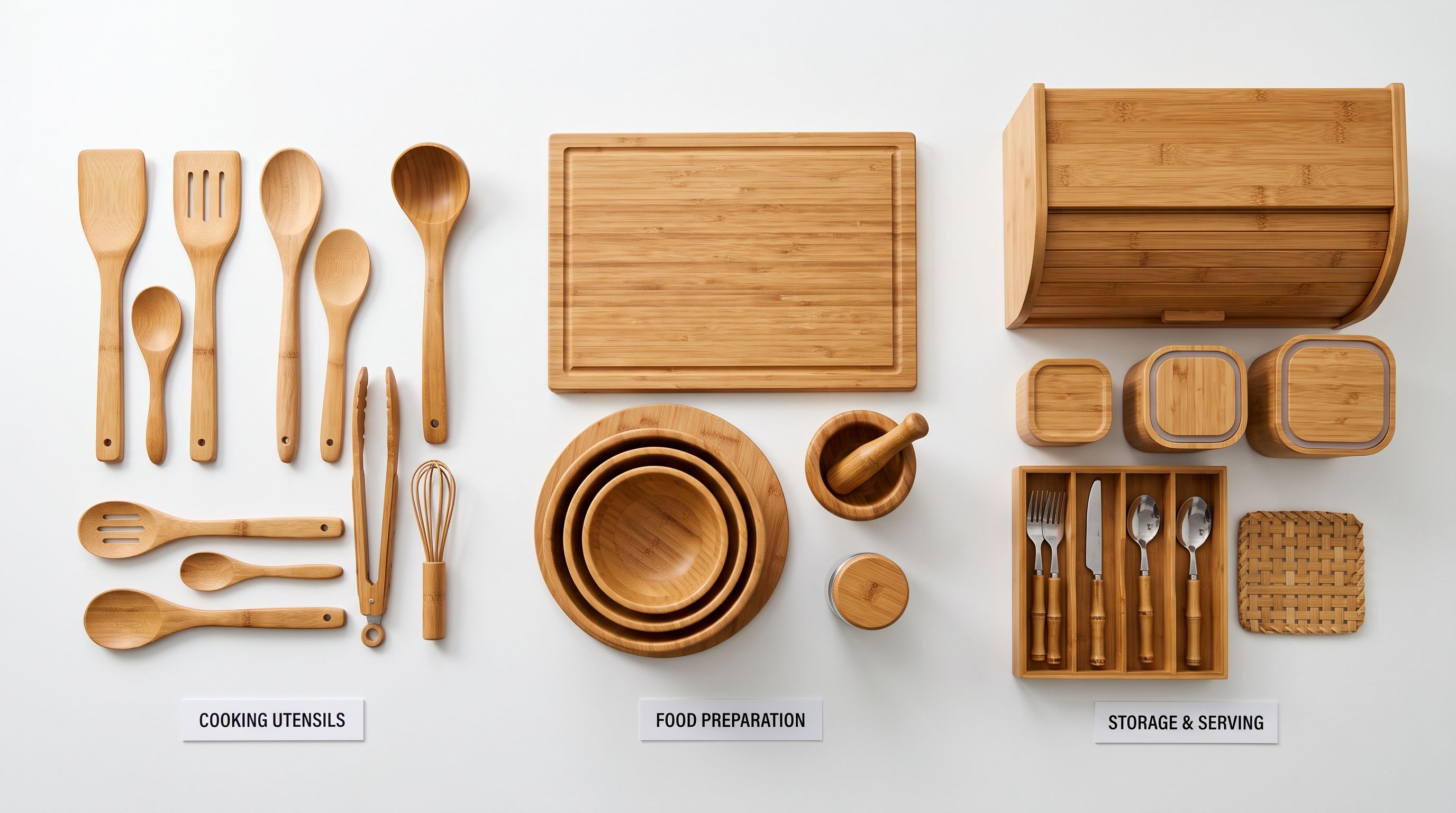
Their "6-piece bamboo serving board set" was generating 180 monthly impressions for "bamboo home decor" at an average position of 44. The same product earned only 23 impressions for "bamboo serving board" at position 68. Clicks from the home decor traffic: zero. Clicks from the serving board traffic: three.
The merchant had AI-generated descriptions ranking in Google, but not for searches that would lead to sales.
AI description generators produce the broadest vocabulary that fits the product when they have no specific context. Without an enrichment context prompt, the AI picks words that are technically accurate but optimised for neither the product category nor the merchant's target customer.
## Why Shopify AI Descriptions Attract Wrong Keywords
The problem is structural. When an AI model generates a product description with no additional context beyond the product title and attributes, it defaults to the broadest vocabulary that fits the input. For a bamboo serving board, the model knows bamboo is used in kitchens, in home decor, and in sustainable lifestyle products. Without a constraining context prompt, the model distributes vocabulary across all three.
Google reads product pages the same way it reads any web content. If a product description contains phrases like "adds natural warmth to any setting," "designed for display and entertaining," and "a beautiful addition to your home," the page earns relevance signals for home decor queries. The fact that the product is a food-grade kitchen item is buried under decorating vocabulary.
This is not a quality problem. Starter, Growth, Scale, and Enterprise tier models all produce this effect when context is absent. More capable models produce better prose, but they write within the topic space they receive. Constraining that topic space is the merchant's job, and it is done through the enrichment context field.
The wrong-keyword ranking problem compounds over time. A product indexed with generic vocabulary earns impressions for generic queries, accumulates click signals from mismatched visitors, and the incorrect positioning becomes harder to shift with each subsequent Google recrawl. Catching it early reduces remediation time significantly.
## How to Diagnose Wrong Keyword Rankings in Google Search Console
Before regenerating descriptions, identify which products are affected and which queries they are incorrectly ranking for. Google Search Console provides this data at no cost.

Open the [Performance report in Google Search Console](https://support.google.com/webmasters/answer/7576553) and switch the primary dimension to "Pages." Click any product URL to filter the report to that single page. The "Queries" tab for that filtered view shows every search query the page earned impressions for, sorted by volume.
Look for queries that do not match the product's primary category or intended use case. A food storage container ranking for "minimalist office organiser" is a wrong-keyword signal. A pet supplement earning impressions for "powder health supplement" in human nutrition searches is another.
The threshold worth acting on: any unintended query generating more impressions than the target keyword for the same product is a clear signal. Zero impressions for the intended category combined with dozens for unrelated queries means the description is working against the merchant's SEO goals, not for them.
A secondary signal is average position. A product at position 44 for an unintended query and position 68 for the intended query is being evaluated by Google as primarily relevant to the wrong category. Regenerating with category-specific vocabulary shifts both positions: the intended query improves and the unintended query drops.
## Using the Enrichment Context Field to Fix Wrong Keyword Rankings
Importier's [enrichment context field](https://importier.app/blog/shopify-ai-enrichment-context-field) accepts plain-text instructions that the AI reads before generating any description. The field does not change the AI model, the description style, or the persona. It adds a constraint layer that tells the model which part of its vocabulary is relevant to this product.
For the bamboo serving board problem, the enrichment context fix is direct:
"Kitchen serving and charcuterie boards, food-safe and food-grade bamboo, designed for cheeses, cured meats, and fruit. Customer is hosting and entertaining at home. Avoid decorating or home styling language."
The regenerated description anchors to food preparation vocabulary: "food-safe bamboo," "ideal for cheese and charcuterie assembly," "wipe clean between uses," "slotted compartments for portion control." The home decor vocabulary disappears because the model has been given a specific topic space to work within.
This fix does not require reimporting the supplier CSV. Importier's [Store Scanner](https://importier.app/blog/shopify-store-scanner) regenerates descriptions for affected products in place, without touching prices, inventory, images, or variants.
The enrichment context field also accepts product-specific exclusions. For a product where the supplier description mentions "can also be used as a desk organiser" (a common supplier upsell) by adding "do not include alternative use cases beyond the primary kitchen function" removes that language before it reaches a description that will appear on a kitchen products store and rank for office organiser queries.

## Step-by-Step: Regenerating Affected Descriptions
The enrichment context field is not a description rewriter. It is a topic scope constraint that prevents the AI from choosing vocabulary the merchant never intended.
## Pairing Enrichment Context With the Right Persona
The enrichment context field constrains vocabulary scope. The [AI persona](https://importier.app/blog/shopify-ai-product-description-personas) determines vocabulary quality within that scope. Combining both produces the most specific output.
For the bamboo kitchenware case, pairing the food-prep enrichment context with a persona from the Food and Hospitality category produces descriptions that include professional kitchen vocabulary: mise en place positioning, service-ready presentation, material durability under repeated washing. Pairing the same enrichment context with a Lifestyle persona produces more casual language suited to gifting and home entertaining.
Both are food-specific. They differ in register.
The persona choice depends on the target customer. A catering supplier sells to professional kitchens, so a Hospitality Professional persona fits. A gifting retailer sells the same bamboo boards to home hosts, so a Consumer Entertaining persona fits. The enrichment context is the same for both; the persona changes the language register. Running two separate Store Scanner passes, one per persona, covers both product subsets within the same category.

According to [Google's product page guidelines](https://developers.google.com/search/docs/appearance/structured-data/product), the description field is a key content signal that search systems use to determine product category relevance. It is what Google reads when image data and title alone are ambiguous about a product's intended use. Getting the category vocabulary right (kitchen, not decorating; running, not athletic apparel; B2B industrial, not consumer DIY) is the difference between ranking for buyer-intent queries and browsing-intent queries.
## Preventing Wrong Keyword Rankings at Import Time
The most efficient fix is prevention. When running the AI description generator during an initial import, adding an enrichment context before the first pass prevents the generic vocabulary problem from entering the catalogue at all.
A merchant importing 200 kitchen products from a supplier CSV who adds the enrichment context "food preparation and kitchen tools, used in meal prep and serving, customer is a home cook interested in practical performance" generates food-focused descriptions on the first pass. No remediation run is needed because the descriptions were category-specific from the start.
This approach is especially important for merchants whose supplier CSVs include products that overlap with multiple consumer categories. A bamboo product supplier may carry kitchen boards, desk accessories, and garden markers in the same catalogue. Splitting the import into category-specific batches, each with its own enrichment context, produces category-accurate descriptions for each segment rather than generic descriptions that blend all three.
## Key Takeaways
Wrong keyword rankings from AI-generated descriptions are a diagnostic problem, not a quality problem. The AI produces exactly the content it has scope to produce. Narrowing that scope with an enrichment context prompt aligns AI vocabulary with merchant intent from the first generation.
- **Diagnose with Google Search Console**: use the Pages report filtered by product URL to compare impressions by query. Any unintended query outpacing the target keyword for the same product is a signal worth acting on.
- **Enrichment context constrains scope, not quality**: the field does not change the AI model, persona, or style. It tells the model which vocabulary domain to draw from. A kitchen enrichment context eliminates home decor vocabulary without reducing description quality.
- **Pair context with a matched persona**: the enrichment context narrows the topic domain; the persona sets the language register. Both are needed for the most specific output.
- **Fix in place with Store Scanner**: affected products can be regenerated without reimporting the original supplier file. Store Scanner Replace mode overwrites the existing generic description; the product's price, inventory, images, and variants are untouched.
- **Prevent at import time**: setting the enrichment context before the first AI generation pass is more efficient than a remediation run. Category-specific vocabulary in the first draft avoids accumulating wrong-keyword ranking history that requires time to reverse.
Fix Shopify AI descriptions that rank for the wrong keywords at [importier.app](https://importier.app).