# Shopify AI Descriptions from Minimal Supplier Data
> When a supplier file only has product names and SKUs, Importier uses barcode lookup and enrichment context hints to generate meaningful descriptions.
- Published: 2026-07-11
- Author: Importier Team
- Category: Agentic Commerce / AI Product Descriptions
- Canonical: https://www.importier.app/blog/shopify-ai-descriptions-minimal-supplier-data
---
A wholesale accessories supplier sends a new season catalogue. It arrives as a spreadsheet with 300 rows: product name, SKU, price, barcode, and nothing else. No descriptions. No specifications. No images. The product names follow a pattern: "Leather Card Holder Black Slim RFID", "Canvas Tote Bag Natural Large Zip", "Stainless Water Bottle 750ml Matte Navy", but there is no description field, no material specification, no feature list.
Leaving all 300 products with empty or placeholder descriptions is not an option. An empty product page does not convert. A product with only its name and a price field sends buyers to a competitor's page that tells them what they are actually buying. At the same time, writing 300 descriptions manually takes days of work for a seasonal catalogue that will be replaced in 90 days.
This is the sparse-data import problem. It is more common than merchants expect because wholesale suppliers are not in the business of writing marketing copy. They are in the business of shipping product. Their catalogues are designed for buyers, not consumers; the assumption is that whoever reads the catalogue already knows what they are buying.
This article covers what Importier does with a sparse supplier file: how product name parsing extracts usable attributes, how barcode lookup retrieves manufacturer-published product data, how the enrichment context field allows a merchant to add batch-wide hints, and how to set correct expectations for the quality of sparse-data output.
## Why wholesale catalogues arrive with minimal data
Wholesale suppliers work in a different information environment to direct-to-consumer brands. A DTC brand that sells 50 hero products has invested in photography, copywriting, and product page optimisation for each one. A wholesale distributor that moves 5,000 SKUs across 40 categories has not, and will not.
The supplier file reflects this. It contains the data needed to place and process an order: a product identifier (SKU or barcode), a price, a name sufficient for the buyer to recognise the product, and sometimes a weight for shipping calculations. It does not contain the information needed to sell the product to an end consumer.
Import-stage data enrichment is the process of converting order-management data into retail-quality product records. It is not cosmetic work; it is the step that makes the product sellable.
Description quality is proportional to input quality. A product with manufacturer-verified specifications produces a more specific description than a product with only a name. Importier maximises output quality from whatever input is available, but it cannot fabricate specifications it does not have. A sparse-data description will be shorter and more general, and that is the correct behaviour.
## What Importier can do with a product name alone
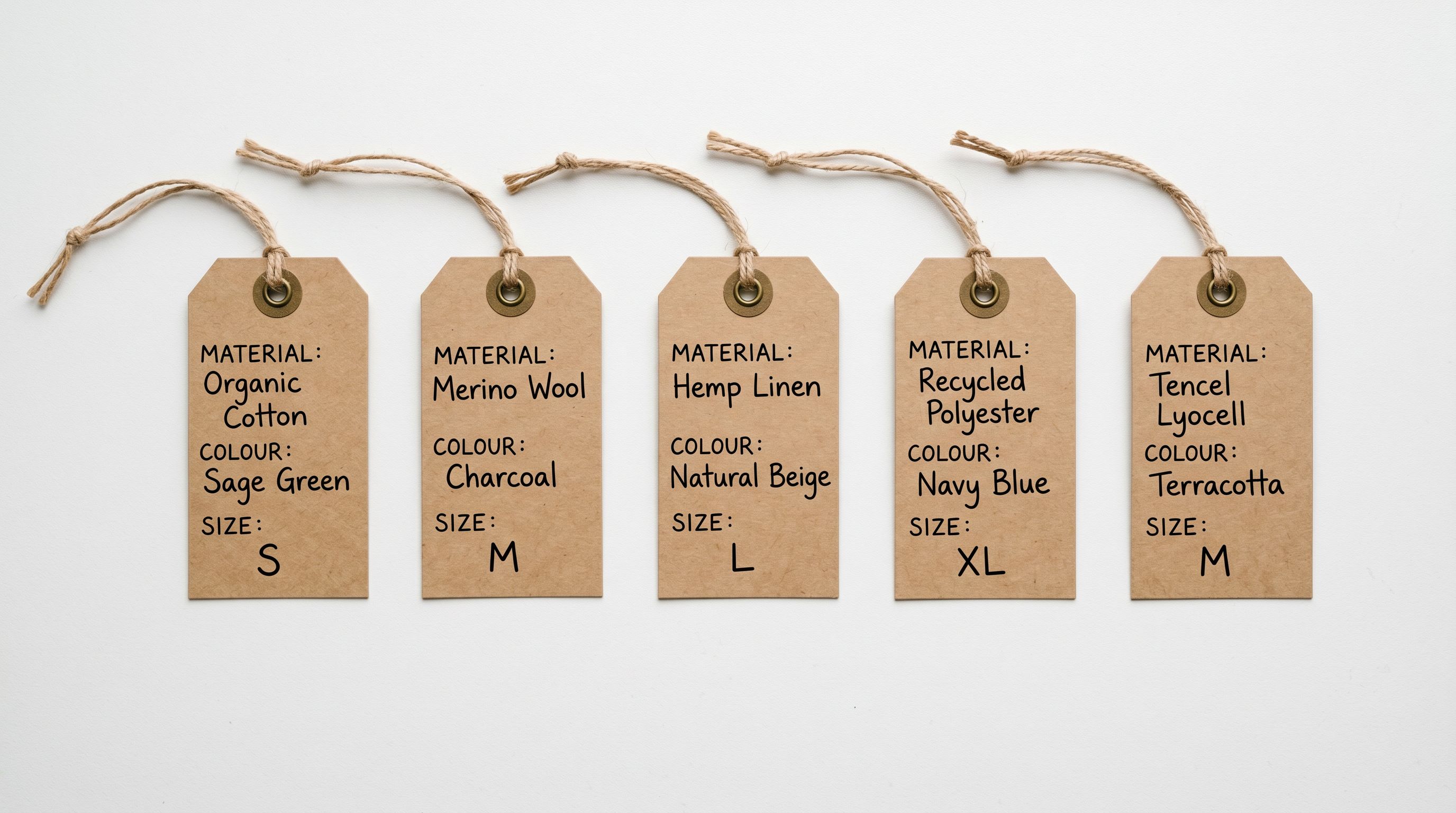
A well-structured product name contains more information than it appears to. "Stainless Water Bottle 750ml Matte Navy" contains product type (water bottle), material (stainless steel), volume (750ml), finish (matte), and colour (navy). Importier's import wizard parses the product name and extracts these attribute tokens before the description generation step runs.
The extracted attributes serve two purposes. They populate the category metafield fields that Shopify's filter widgets read: volume, colour, and material become structured data rather than string content buried in a name. And they become the input data for description generation, so the AI writes a description that reflects specific product characteristics rather than generic category filler.
For "Leather Card Holder Black Slim RFID", the parser identifies material (leather), colour (black), key feature (slim profile), and certification (RFID blocking). The generated description can open with "A slim leather card holder with RFID-blocking protection" rather than "A card holder for carrying cards": a materially different starting point that the buyer searching for "slim RFID leather wallet" recognises as relevant.
Name parsing performs most accurately when product names follow a consistent naming convention. A catalogue where some products use "Black Leather" and others use "Leather Black" and others use "BLK LTH" reduces the parser's accuracy. When a catalogue has inconsistent naming conventions, a note in the enrichment context field (covered below) helps the AI interpret ambiguous tokens.
## Barcode lookup as an enrichment source
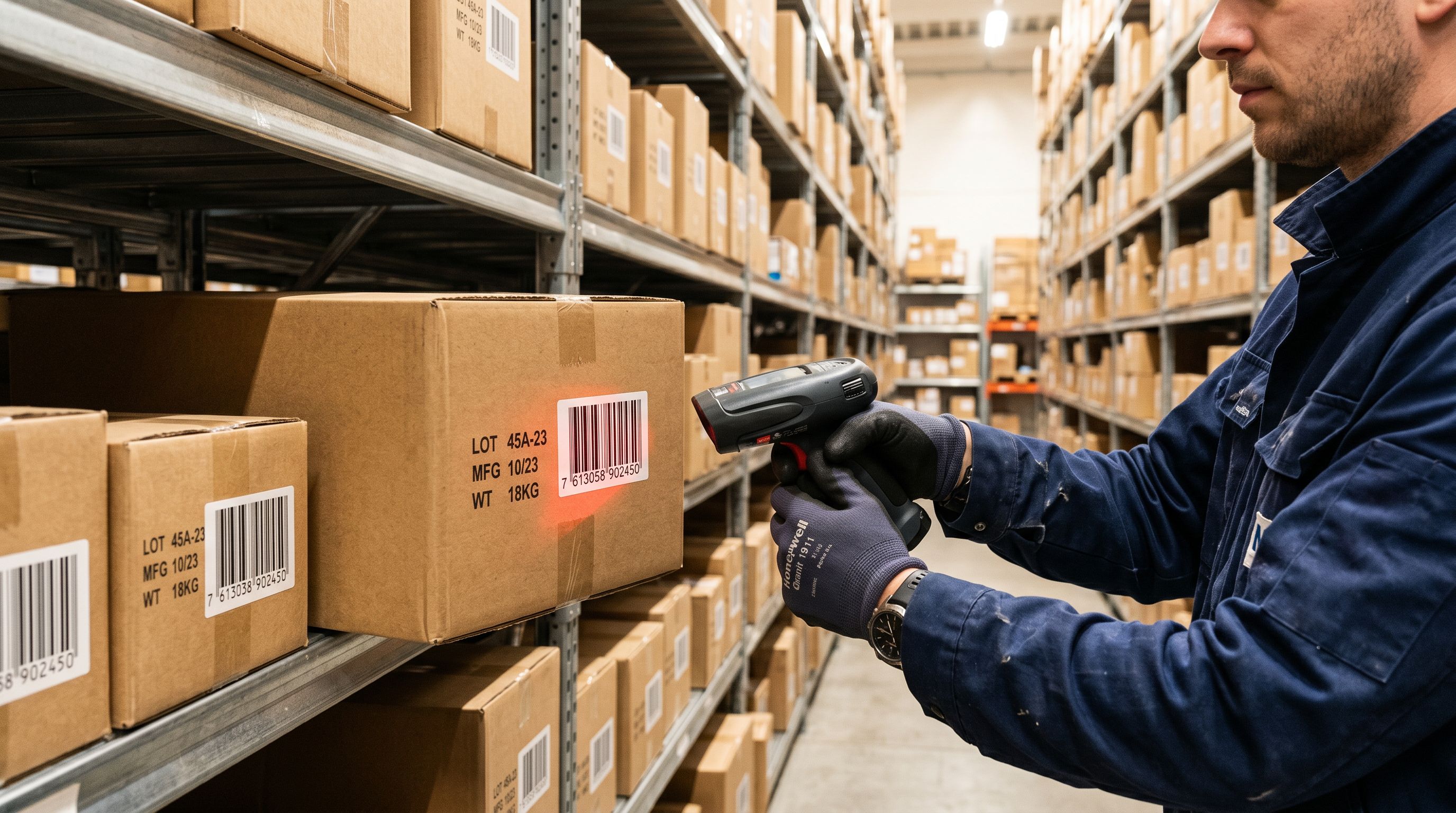
When the supplier file includes a barcode (EAN, UPC, or GTIN), Importier uses it to retrieve manufacturer-published product data from international product registries. This data typically includes the manufacturer's product title, a product description, specifications, weight, and packaging dimensions: the full set of information the manufacturer submitted when registering the barcode for retail distribution.
For commodity and branded products that carry a standard retail barcode, barcode lookup converts a sparse supplier row into a richly detailed product record before the description step runs. A water bottle with an EAN listed in international registries may return: manufacturer name, exact volume, dimensions, materials list, and a product description the manufacturer wrote for retail use. That information becomes the foundation for the AI description, and the output is substantially more specific than what name parsing alone could produce.
Barcode lookup adds value for branded goods, consumer electronics, and catalogue products that are registered in product registries. It adds less value for unbranded private-label products (common in wholesale fashion and accessories), where the barcode is the distributor's internal code rather than a registered EAN. For private-label products, the enrichment context field (below) is the more effective tool.
Read more about [how barcode data populates structured attribute fields alongside description generation](https://importier.app/blog/add-barcodes-to-shopify-products).
## Using the enrichment context field for batch-wide hints
The enrichment context field appears at the import configuration step. It is a free-text input where the merchant types information that applies to every product in the import batch. The AI reads this context alongside each product's individual data when generating the description.
For a 300-product accessories catalogue from a wholesale supplier, a useful enrichment context note might read: "All products in this import are from a wholesale accessories supplier based in Istanbul. Materials are genuine leather, canvas, or stainless steel as named in the product title. All leather products are ethically sourced. All metal hardware is stainless steel. Products are designed for everyday carry and travel use."
This context note does not replace product-specific data. It supplements it. The AI knows that every leather product in this batch is ethically sourced leather, and that detail appears in descriptions where it is relevant. It knows the stainless steel is a hardware material, not the primary product material, for canvas bags that happen to have a stainless zip pull. It knows the target use case is everyday carry and travel, which shapes the outcome framing in descriptions for every product in the batch.

The enrichment context field is most effective when the information it contains is:
- Consistently true across every product in the batch (not "most of these are leather" but rather "all products in this batch are leather")
- Not duplicating what is already in the product name (the AI reads both; repeating name information in the context wastes space that could hold new information)
- Specific enough to add meaning (not "these are quality products" but rather "all products carry a 12-month manufacturing warranty")
## Setting expectations for sparse-data output
A 300-product import where 200 products have only a name and price and 100 products have a name, price, and registered barcode will produce descriptions of two distinct quality tiers. The 100 products with barcode-enriched data will produce longer, more specific descriptions. The 200 name-only products will produce shorter, more general descriptions, accurate to what the AI knows about the product type, but not tailored to the specific product.
This is the correct behaviour. Importier does not fabricate specifications it does not have. A slim leather card holder described without barcode data will not receive a made-up "holds up to 12 cards" specification; it will receive a description about what leather card holders in this category generally offer, qualified to the extent the name and context confirm.
The review panel in the import wizard shows each product's input data and generated description side by side. Products where the description looks generic or short relative to other products in the batch are candidates for manual enrichment before pushing to Shopify. A merchant can note which products need supplementing and add product-specific information to those rows in the import file before running the import again.

Sparse-data descriptions are shorter and more general, not wrong, but less specific. The correct response is to identify which products need more input data, not to accept generic output or to fabricate details the AI does not have.
## Using the Store Scanner to fill gaps after import
For products that arrive with sparse data and ship to Shopify with shorter descriptions, the Store Scanner provides a second enrichment pass after the merchant has gathered more product information. As the merchant handles the physical product, taking photos, reading the packaging, talking to the supplier, they accumulate information that was not in the original supplier file.
The Store Scanner can target the specific products imported from the sparse-data catalogue by filtering on the import date, a tag applied during the import, or a collection assignment. Merchants can add the additional product information to the enrichment context for the Store Scanner run, generating updated descriptions without re-running the full import workflow.
For a seasonal accessories catalogue where the merchant receives physical samples three weeks after the initial import, the workflow becomes: import with sparse data to get the products live on the site, then run a Store Scanner enrichment pass after the physical samples arrive and the merchant has verified materials, dimensions, and care instructions.
## Supplier types that commonly produce sparse-data catalogues
Understanding which suppliers are likely to send sparse data helps merchants plan their import workflow in advance.
**Wholesale distributors covering multiple brands**: a distributor representing 40 brands in the accessories category has not written consumer descriptions for any of them. Their catalogue is a price list with product codes, and the expectation is that buyers know the brands and products already.
**International direct suppliers**: manufacturers in production centres typically send technical data sheets formatted for procurement: material composition, dimensions, weight, MOQ, and price. This is not the same as consumer-facing product information and requires conversion.
**New suppliers with no existing retail presence**: a small manufacturer that has never sold direct to consumers has no consumer descriptions to share. Their product documentation is designed for distributors and buyers, not shoppers.
**Private-label suppliers**: suppliers that produce generic goods for rebranding typically provide minimal data because the expectation is that the merchant will write their own branded content. The generic product record is the starting point for the merchant's brand positioning.

For all of these supplier types, the enrichment workflow (name parsing, barcode lookup, enrichment context field) is not an edge case; it is the standard import process. Planning the enrichment context note before the import runs, rather than after reviewing poor-quality descriptions, produces better output from the first batch.
[Shopify's product data guidance](https://www.shopify.com/blog/product-descriptions) notes that effective product descriptions address specific buyer questions about the product. The enrichment workflow is how those specific details reach the description generation step when the supplier file does not include them. [GS1's barcode registry](https://www.gs1.org/services/verified-by-gs1) is the primary database that barcode lookup queries for manufacturer-published product data, and merchants whose suppliers include registered EAN/UPC codes benefit the most from this enrichment path.
Read more about [how the Store Scanner runs a targeted enrichment pass on existing products with short or missing descriptions](https://importier.app/blog/shopify-store-scanner).