# Shopify Agency Product Import: Managing Client Catalogues
> Manage Shopify product imports across multiple client stores without configuration bleed. Covers per-client Brand Voice, tax settings, and Import History.
- Published: 2026-07-15
- Author: Importier Team
- Category: Import Guides / File Imports
- Canonical: https://www.importier.app/blog/shopify-agency-product-import
---
An agency managing four Shopify clients runs an import for Client A, a premium pet accessories brand with a measured, authoritative tone and UK VAT registration. The import finishes. Two days later, Client B's Shopify admin shows 200 new products with descriptions written in Client A's voice, the wrong delivery policy, and a UK VAT disclaimer at the bottom. The agency used the same import session. The configuration carried over.
This is the most common agency import error, and it has nothing to do with which file was uploaded or which products were in the CSV. It happened because the tool held Client A's Brand Voice, tax settings, and delivery copy between sessions. For a consumer merchant running a single store, this is not a problem. For an agency managing 10 client stores, it is a production incident.
Shopify agency product import at scale requires per-client configuration that is tied to the store, not to the session. This is the structural challenge for any [Shopify Partner agency](https://www.shopify.com/partners) managing more than one client store.
## Why standard import tools fail agency workflows
Most Shopify import tools are designed for single-store merchants. They hold one set of configuration: one Brand Voice, one tax number, one delivery policy. For a merchant who never switches stores, this is the right design. Configuration set once, applied every time.
For an agency, the same design becomes a liability. Agency workflows require:
- A different Brand Voice per client (tone, keywords, style, example phrases)
- A different tax registration per client (some clients are IOSS-registered for EU cross-border; others are UK VAT; others have no registration at all)
- A different delivery and returns policy per client (2-day shipping for one client, 14-day returns for another)
- A different Shopify store per client (so products land in the right place)
- An audit trail that shows which products were imported for which client and when
When a single-store tool is used across multiple client stores, the agency must manually reset every configuration field before every client import. In practice, this does not happen consistently. Descriptions are written in the wrong voice. Tax disclaimers appear on products that should not have them. Delivery policies from the previous import session appear on the new client's products.
Configuration bleed is when settings from one client's import session carry over into the next. It is not a user error; it is an architecture problem. A tool that stores configuration globally (not per store) makes bleed the default state, because the last-used settings are always the starting point for the next session. Per-store configuration storage is the only structural solution.
## Per-store configuration in Importier

Importier stores configuration at the Shopify store level, not the session level. When an agency switches from Client A's store to Client B's store in Importier, the configuration changes automatically. Client A's Brand Voice, tax settings, and delivery policy stay in Client A's store. Client B's settings load for Client B.
There are four configuration areas that matter for agency use:
**Brand Voice** is set per store. It has four inputs: a description of the brand's voice, keywords that should appear in product copy, words and phrases to avoid, and example phrases that represent the brand well. For a premium pet accessories client, the Brand Voice might specify "measured and authoritative tone, never casual", keywords like "premium", "durable", "veterinarian-approved", and avoided phrases like "amazing deal" or "check this out". For a youth sportswear client, the same four fields hold an entirely different configuration. Every AI description generated in each store uses that store's Brand Voice automatically.
**Tax and Compliance** is set per store. The [EU's Import One Stop Shop (IOSS) scheme](https://taxation-customs.ec.europa.eu/ioss_en) requires merchants selling goods under €150 into the EU to register for IOSS and display their registration number on relevant product pages. A client with IOSS registration has their IOSS number stored in their store configuration in Importier. A client with UK VAT has their VAT number stored. A client with no registration has no tax fields populated. When descriptions are generated, the relevant tax disclaimer appears only for the store that has a registration number configured.
**Delivery and Returns** is set per store. The rich text delivery policy and returns policy stored for each client store append to every product description generated in that store. Client A's "free UK delivery on orders over £50, 30-day returns" never appears on Client B's products.
**AI model and description style** are also per-store. One client may prefer GPT for technical accuracy; another may use Claude for richer prose. One client may use the Benefits-First description style; another the Technical Gadget style. These choices are stored with the store and applied automatically.
For an agency managing 10 client stores, the configuration is set once per store, not once per import session. Every subsequent import, Store Scanner run, and Title Optimiser pass inherits the correct settings automatically.
## The agency import workflow in practice

For a four-client agency using Importier, the setup process is a one-time cost per client, not a per-import cost.
For agencies that have previously used a single-session tool and manually reset configuration before each import, the shift to per-store configuration eliminates the reset step entirely. The productivity gain scales with the number of clients: a 10-client agency eliminates 10 manual configuration resets per import run.
## Import History as the agency audit trail
Agencies often need to account for their work to clients: what was imported, when, and how many products were processed. Importier's [Import History](https://importier.app/blog/shopify-scheduled-product-imports) provides a per-store activity log that meets this need directly.
Every import session is logged with the date, time, file name (or marketplace URL), and product count. For a client who asks "when did the last import run and how many products were added?", the answer is in Import History within seconds. For an agency billing clients by import session, Import History provides the timestamp evidence for each session.
Import History also enables [Import Undo](https://importier.app/blog/shopify-undo-product-import), which is the correct response to a client who says "please revert the last batch". Rather than manually deleting or restoring products, the agency selects the session from Import History and reverses it. Importier restores the affected products to their pre-import state. Up to 20 snapshots are retained per store, giving agencies a rollback window that covers typical client review cycles.
## Scheduled Imports for predictable client deliverables
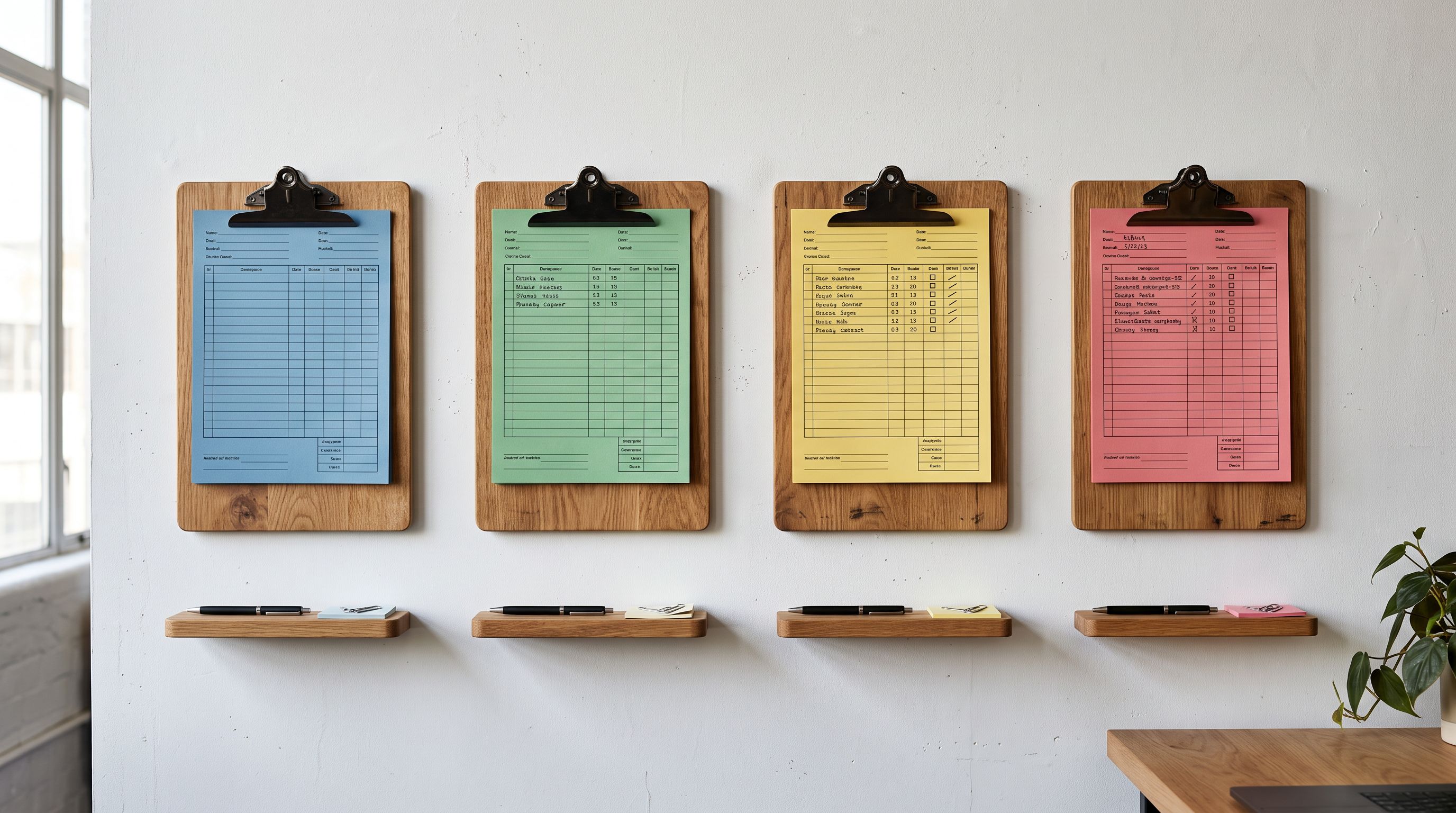
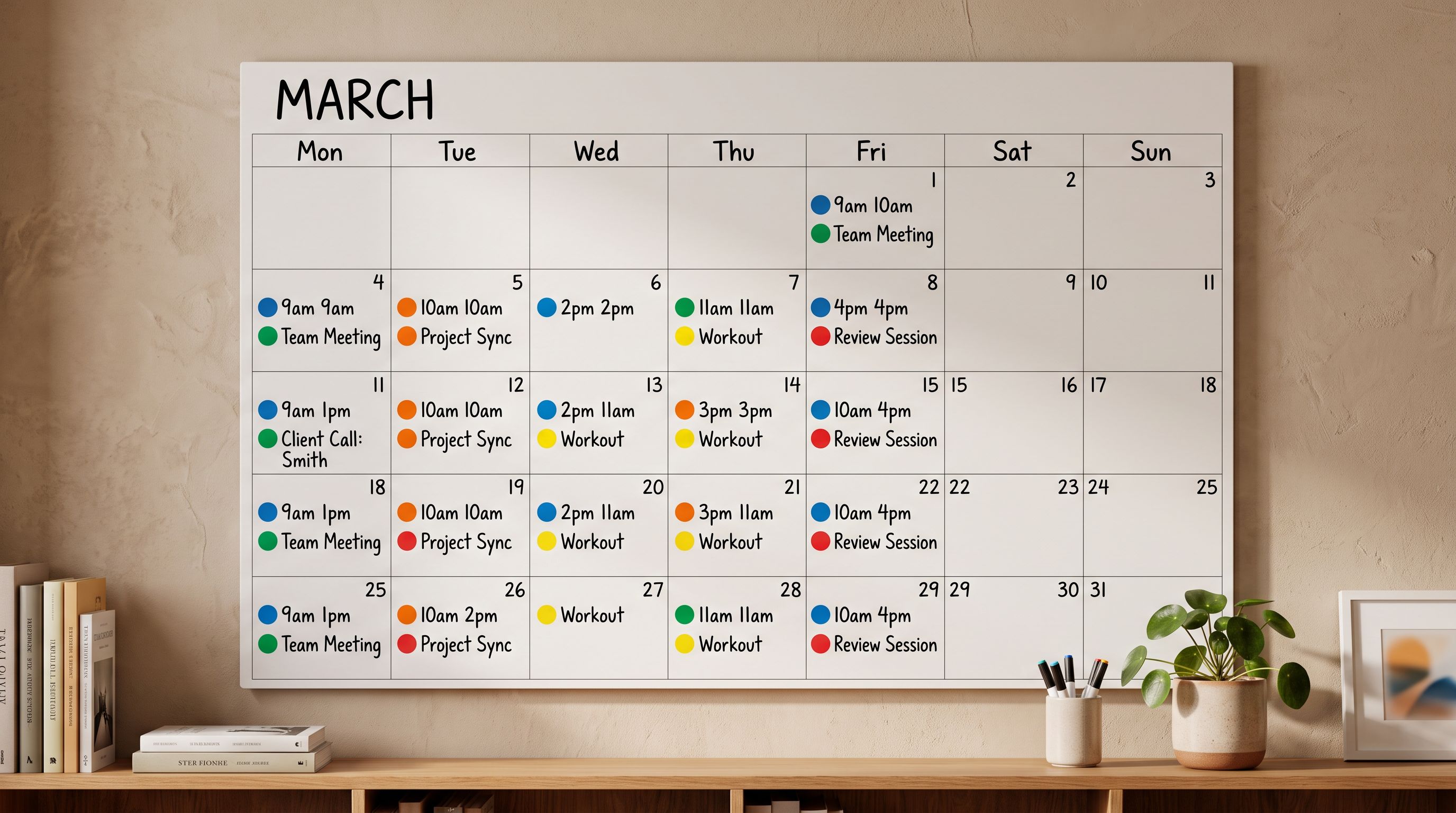
Agencies managing clients who receive weekly or monthly supplier updates benefit from [Importier's Scheduled Imports](https://importier.app/blog/shopify-scheduled-product-imports) feature. Available on Scale (2 schedules) and Enterprise (10 schedules) plans, Scheduled Imports let an agency upload a client's supplier CSV once and set the frequency (daily, weekly, or monthly) with a specific time window.
For an agency with 10 clients, each on Enterprise plan, 10 scheduled import slots means one dedicated schedule per client. Each schedule runs in the context of that client's store, using that store's Brand Voice, tax settings, and delivery policy automatically. The agency does not need to be present for each import to run: the configuration stored against the store handles the rest.
Scheduled Imports for each client appear in that client's Import History with their scheduled time and actual execution time. If a scheduled import encounters a problem (malformed CSV row, product limit reached), the Import History log records the failure, and the agency can inspect and fix it before the next scheduled run.
For clients who ship new collections seasonally, Scheduled Imports handle the mechanics of getting supplier data into Shopify on a fixed cycle. The agency sets the schedule once; ongoing imports run automatically.
## Managing product counts across client stores
Each connected Shopify store in Importier has its own product count toward the monthly plan limit. The count fires the first time any Importier surface touches a product in that store: when a description is generated, when a title is optimised, when a FAQ is added, or when a product is imported via the import flow. Per-product deduplication within a billing month means that the same product handled across multiple sessions in the same month only counts once.
For agencies billing clients on a per-product or per-import basis, this per-store counting model is the correct unit. An agency processing 200 products for Client A and 150 products for Client B in a month uses 200 product credits from Client A's plan and 150 from Client B's plan. The two stores are completely separate billing contexts.

The [importier-settings-setup-guide](https://importier.app/blog/importier-settings-setup-guide) covers the initial per-store configuration steps in detail, covering the Brand Voice inputs, the tax fields, and how the Delivery and Returns editor works. Reading it before setting up a new client store reduces setup time significantly.
## When a client changes their brand voice
Agencies periodically refresh client brand positioning: a rebrand, a new campaign, a shift in target audience. When this happens, the Brand Voice stored in that client's Importier store needs to be updated. It is a single settings change: update the tone description, adjust the keywords and avoid words, replace example phrases.
From the next import or Store Scanner run onwards, every new description uses the updated Brand Voice. Products that were already imported with the previous voice are not automatically updated. The [Store Scanner](https://importier.app/blog/shopify-agency-product-management) can scan the store for existing products and regenerate their descriptions with the new voice. For a client store with 500 products, this is a single Store Scanner session rather than 500 individual edits.
The same logic applies to tax settings. If a client obtains IOSS registration mid-year, adding the IOSS number to their store configuration means every subsequent description includes the correct EU cross-border disclaimer. The Store Scanner can regenerate descriptions for products that were imported before the registration was added.
## Key takeaways
Shopify agency product import at scale requires per-client configuration, not per-session resets. The structural answer is storing Brand Voice, tax settings, and delivery policy against each Shopify store, not against each import session.
Key points:
- Configuration bleed is an architecture problem, not a user error. It happens when settings are stored globally rather than per store. Per-store configuration eliminates it structurally.
- Importier stores Brand Voice, Tax and Compliance, and Delivery and Returns per connected Shopify store. Selecting a client store loads that store's settings automatically.
- For a four-client agency, the one-time setup cost per client is 5-10 minutes. Every subsequent import uses the correct configuration without a manual reset.
- Import History provides the per-store audit trail agencies need for client reporting and internal accountability. Import Undo handles client rollback requests.
- Enterprise plan includes 10 Scheduled Imports, enabling one dedicated import schedule per client for agencies managing up to 10 recurring-supplier clients.
- Store Scanner regenerates descriptions for existing products when a client's Brand Voice or tax settings change. One session replaces individual edits.
Manage multiple client catalogues with per-store configuration at [importier.app](https://importier.app). Enterprise plan includes 10 Scheduled Imports, Import Undo, and the full AI model suite for agency-scale work.