# Importier Industry Pack Guide: Which Pack to Choose
> 22 Industry Packs, 43 industries, 3,758 attributes. Here is how to pick the right pack for your product catalogue and what the wrong choice costs your descriptions.
- Published: 2026-07-27
- Author: Importier Team
- Category: Agentic Commerce / AI Product Descriptions
- Canonical: https://www.importier.app/blog/importier-industry-pack-guide
---
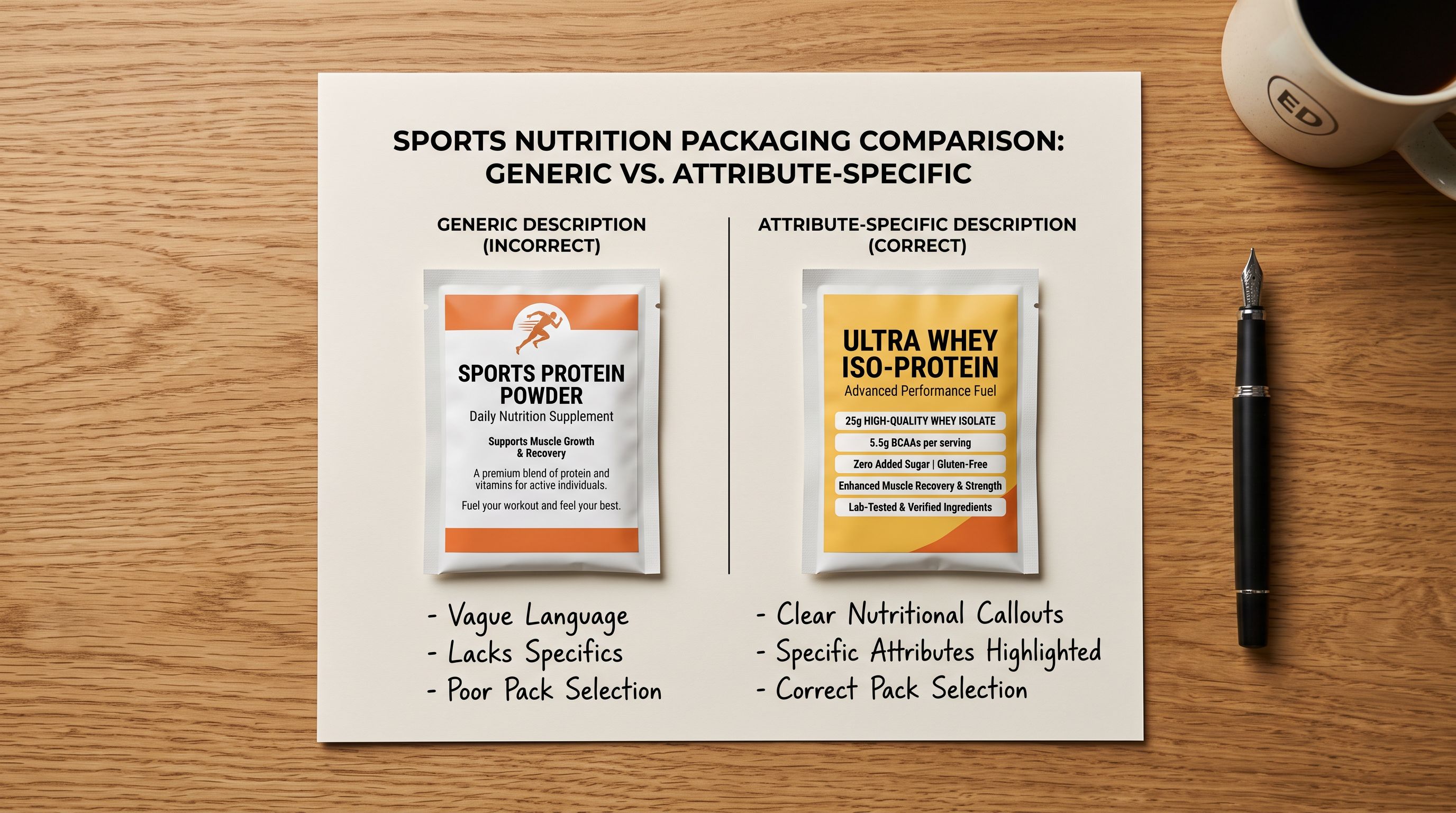
A sports nutrition merchant imports 200 products using Importier. They select the General industry pack because it seems like a safe default. The import completes, the AI descriptions are generated, and the results look reasonable on the surface. Then the merchant connects their Shopify store to Google Shopping and activates the store's presence on Amazon. Three months later, the merchant finds that products ranking well in organic Shopify search are being systematically skipped by Google Shopping AI recommendations and Amazon Rufus responses. The reason: their descriptions reference protein content and flavour in passing, but the structured attribute fields (protein per serving, serving count, flavour name, dietary certifications, allergen declarations) are empty. AI shopping agents match on attributes, not description prose.
The General pack was the wrong choice. The Sports Nutrition pack (within the Health and Fitness industry) would have populated those attributes during import.
The importier industry pack guide question (which of the 22 packs to select) is one of the most consequential configuration decisions an Importier merchant makes. This article answers it.
## What an Industry Pack Controls
Selecting an industry pack in Importier sets two things simultaneously.
**First, the category attribute fields that populate during import.** Importier's 22 Industry Packs map to Shopify's Standard Product Taxonomy, which defines the structured attribute fields for each product category. Each pack contains a pre-configured set of the attributes relevant to that industry: which fields to fill, which values are valid, and how the AI matches your product data to Shopify's taxonomy values. A product imported with the Clothing and Apparel pack gets Colour, Material, Size Type, Age Group, Neckline, Sleeve Length, and Fit populated as category metafields. A product imported with the General pack gets none of those.
**Second, the vocabulary the AI description generator draws from.** When Importier generates a product description, the language and emphasis the AI uses reflects the Industry Pack's attribute library. A Clothing and Apparel pack description leads with fabric texture, fit, and occasion. A Consumer Electronics pack description leads with connectivity, compatibility, and performance specifications. Switching packs changes which details the AI treats as primary and which it deprioritises.
The connection between these two outputs matters for AI shopping channels. Google Shopping AI, Amazon Rufus, Shopify Sidekick, and emerging AI agents all read both the description text AND the structured attribute fields. A complete product signal includes both: attribute-rich metafields plus description copy that uses the same vocabulary. A product with empty metafields but good description prose is half-optimised. A product with full metafields and description prose that uses the pack's attribute vocabulary is fully optimised.
Google Shopping's AI recommendations match products to buyer queries using structured attribute data. A buyer who asks "waterproof hiking boots size 10 brown" triggers a match against the Footwear category attributes: Water Resistance Level, Size, and Colour. If those fields are empty, the product does not match regardless of what the description says. The Industry Pack determines whether those fields exist and are filled.
## The 22 Industry Packs
Importier's 22 packs span 43 industries across Shopify's Standard Product Taxonomy. Each pack is scoped to a product category, not a business type. A store selling both outdoor furniture and garden tools would use two different packs, one per product type, handled by Importier's mixed-catalogue workflow (covered in the section below).
The packs by category family:
**Apparel and Accessories:** Clothing and Apparel, Shoes and Footwear, Bags and Luggage, Jewellery and Watches, Accessories and Sunglasses
**Home and Living:** Home and Garden, Furniture, Kitchen and Dining, Bedding and Bath, Lighting and Decor
**Health and Wellness:** Health and Beauty, Sports Nutrition, Medical and Wellness, Baby and Kids
**Electronics and Tech:** Consumer Electronics, Cameras and Optics, Computers and Networking, Gaming and VR
**Outdoor and Recreation:** Sporting Goods and Fitness, Outdoor and Camping, Tools and Hardware
**Other:** Food and Beverage, General
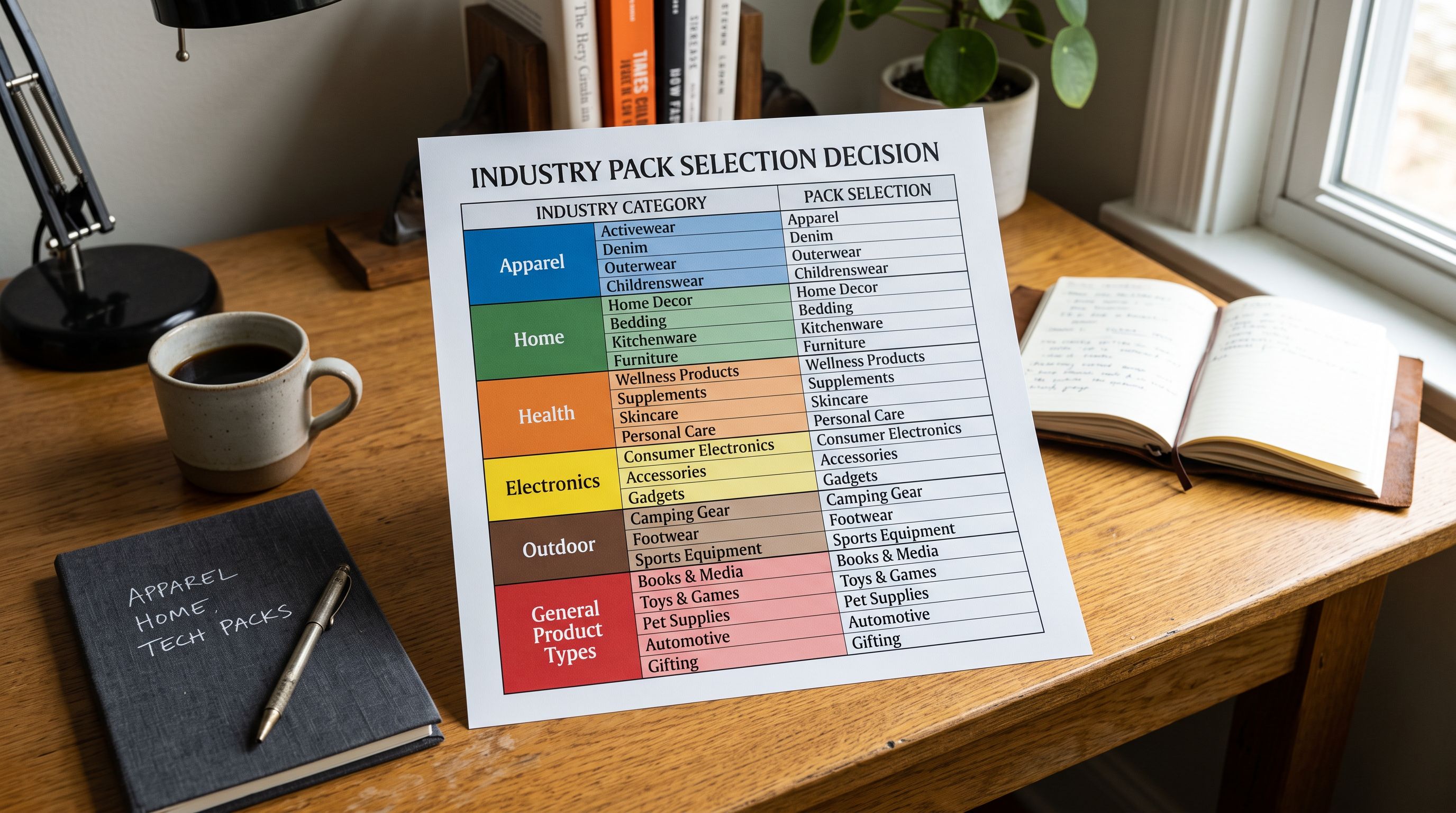
General is intentionally last because it is the fallback, not the starting point. It exists for genuinely uncategorisable products (novelty items, mixed-lot clearance, one-off custom products) where no specific pack applies. For any product that belongs to a recognisable product category, a specific pack will produce better output than General.
## How to Choose the Right Importier Industry Pack
The selection process has three steps.
**Step 1: Identify your primary product category.** What does the majority of your catalogue consist of? Not your brand name or your business model (wholesale, dropshipping, DTC). The primary consideration is the physical product type. A merchant selling activewear, athleisure, and running shoes sells apparel and footwear. A merchant selling protein powders, pre-workouts, and recovery supplements sells sports nutrition. The primary product type determines the primary pack.
**Step 2: Match to Shopify's Standard Product Taxonomy.** Importier's packs correspond to Shopify's taxonomy categories. If you are unsure where your products land, [Shopify's product category browser](https://help.shopify.com/en/manual/products/details/product-category) shows the full taxonomy tree. Find where your product type sits, then match to the closest Importier pack. Consumer Electronics covers cameras, monitors, and audio equipment. Sporting Goods covers gym equipment, racket sports, and team sports gear. Sports Nutrition is within Health and Wellness.
**Step 3: Apply at the collection or import level.** In Importier's import wizard, the Industry Pack selection appears before the AI description generation step. For Store Scanner runs (adding descriptions to existing products), the pack applies to the full batch. For mixed catalogues, Importier allows running separate import sessions with different packs (see the section below).
## Decision Guide: Which Pack for Which Product
The following guidance covers the most common selection decisions.
**If your products have nutrition facts, serving sizes, or dietary certifications:** Health and Wellness packs (Health and Beauty or Sports Nutrition). General will miss protein content, caloric density, allergen declarations, and flavour matching, all of which AI shopping agents match against.
**If your products have technical specifications like wattage, connectivity, or compatible devices:** Consumer Electronics. This pack surfaces the attributes Google's Product Listing Ads use for technical product queries.
**If your products have size charts, materials, and care instructions:** Clothing and Apparel for garments, Shoes and Footwear for footwear. These packs populate the size type (regular, plus, petite), material composition, and age group attributes that filter correctly in Shopify's Search and Discovery.
**If your products have dimensions, materials, and room type context:** Furniture for upholstered or hard furniture, Home and Garden for outdoor items, Kitchen and Dining for cookware and tableware.
**If your products have load ratings, cutting capacities, or power requirements:** Tools and Hardware. This pack prioritises the operational specifications that professional buyers search for.
**If your products are genuinely uncategorisable:** General. Use it as a fallback, not a default.
## Multi-Category Stores and Mixed Catalogues
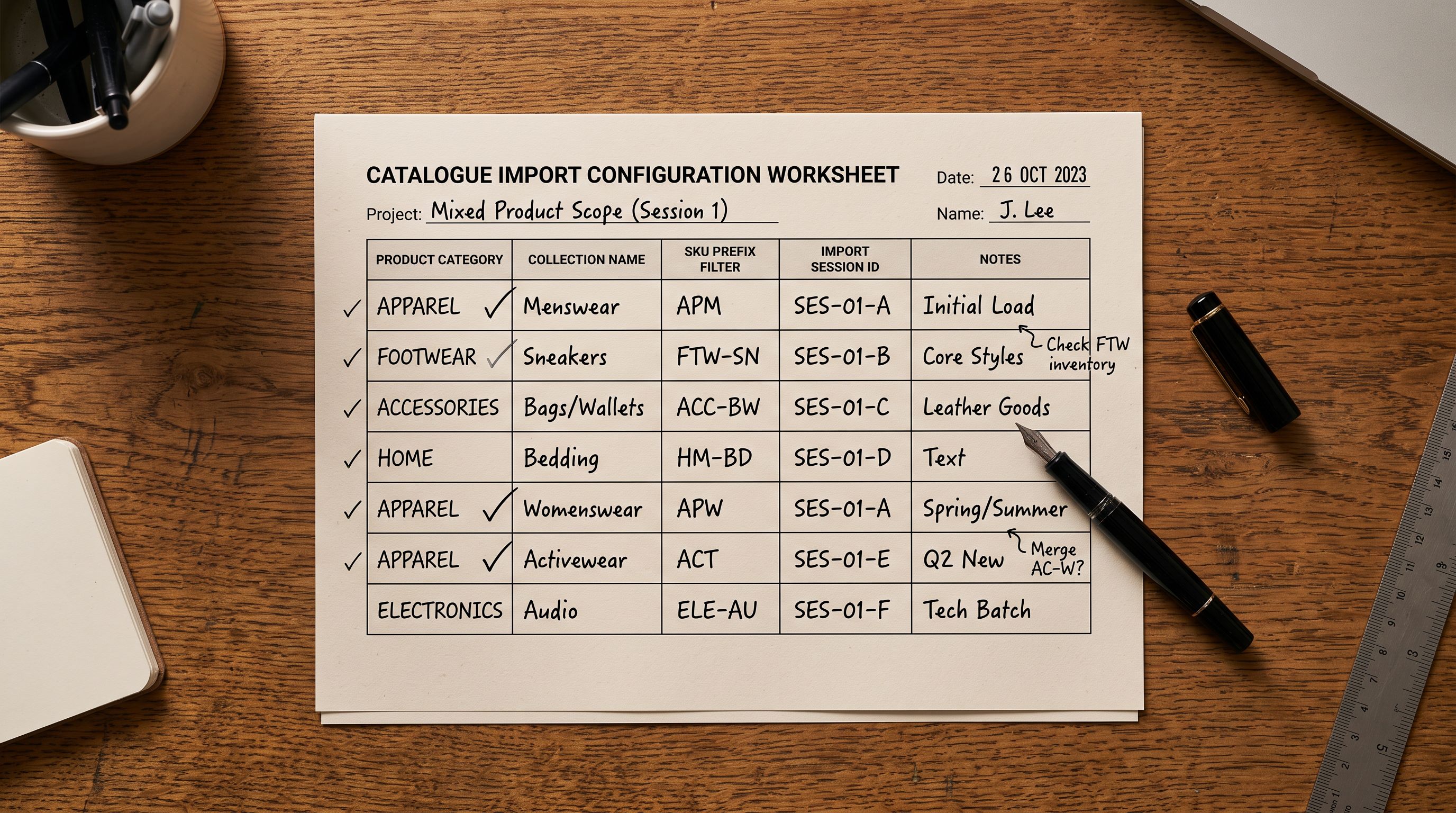
A store that sells both leather bags and jewellery needs two packs. A store selling camping gear and outdoor clothing needs two packs. Running all products through a single pack will produce correct output for some products and miss-attribute others.
Importier handles mixed catalogues through session-based pack selection. Each import session applies one pack to the products in that session. For a mixed catalogue:
1. Filter the first session to the products in one category (by collection, vendor, SKU prefix, or product type)
2. Apply the correct pack for that category
3. Complete the session and push
4. Filter the second session to the products in the second category
5. Apply the correct pack for the second category
Store Scanner runs follow the same logic. When running descriptions for a mixed catalogue, filter by collection first to scope each session to a single product type, then apply the matching pack.
According to [Google's product taxonomy documentation](https://support.google.com/merchants/answer/6324436), the structured attribute fields that matter for Shopping feed quality are category-specific. A product submitted to Google Merchant Centre is evaluated against the expected attributes for its category. A leather bag without Material, Closure Type, and Strap Type populated performs differently in category ranking from one that has those fields filled, regardless of how strong the description copy is.
Importier's [existing overview of Industry Packs](https://importier.app/blog/shopify-industry-packs) covers how packs map to Shopify's Standard Product Taxonomy and how the two-phase matching (text matching plus AI matching) works. This guide covers the selection decision; the overview covers the mechanics.
For agency accounts managing multiple clients across different product categories: create a separate import session per client and apply the client's relevant pack to that session. Do not use a shared General pack for all clients: it will produce generic descriptions that miss category-specific attribute signals for every client. The pack selection is per-session, not per-account.
## Importier Industry Pack Guide: Key Takeaways
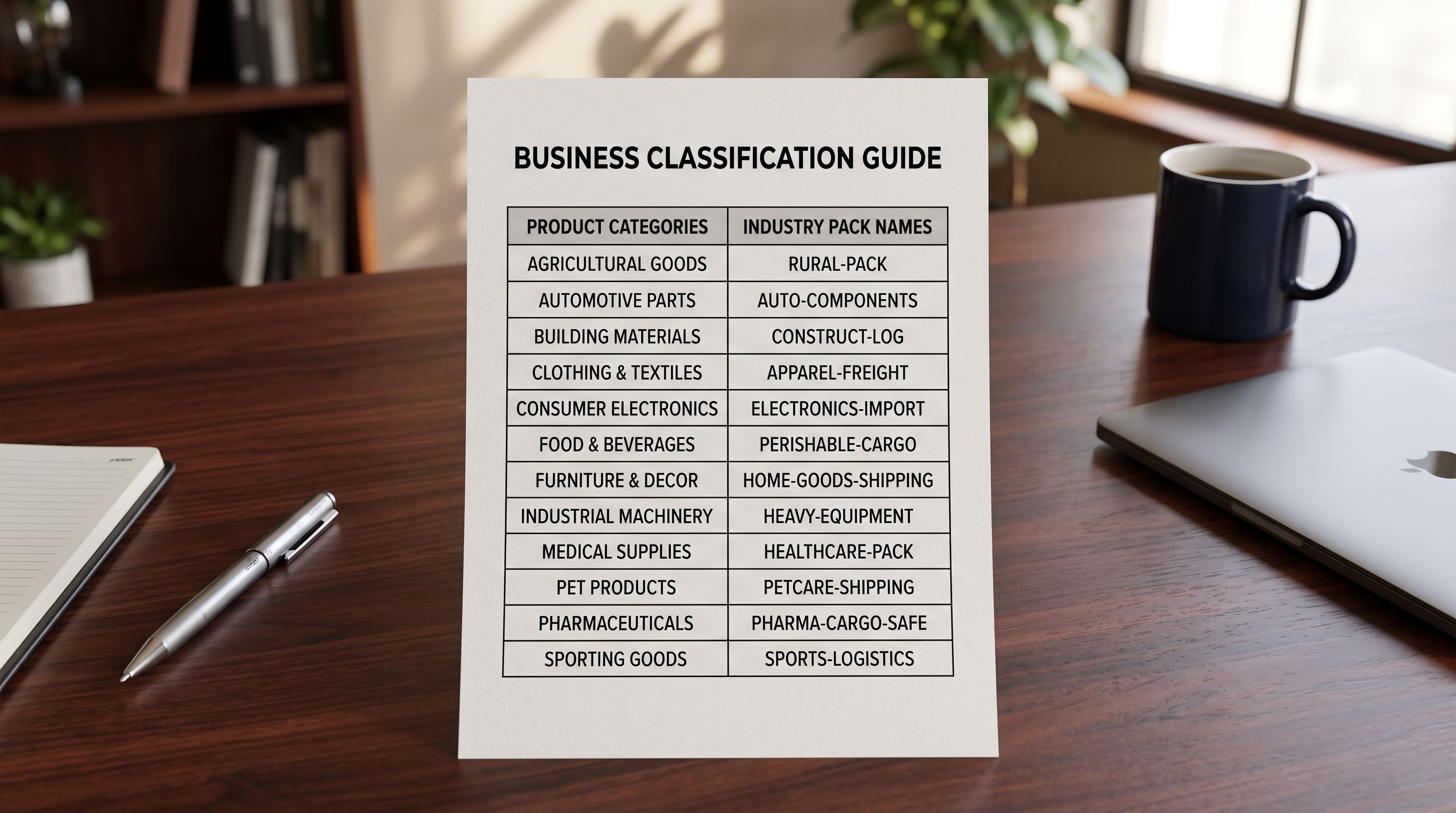
The importier industry pack guide decision reduces to one question: what is the primary product type, and which Shopify taxonomy category does it belong to?
- 22 Industry Packs cover 43 product industries across Shopify's Standard Product Taxonomy. General is a fallback for uncategorisable products, not a safe default for categorisable ones.
- The pack controls two outputs simultaneously: which category metafields populate (and with which values), and which attribute vocabulary the AI description generator draws from. Both affect how AI shopping channels find and rank the product.
- The wrong pack produces descriptions that miss category-specific signals. A sports nutrition product without protein, serving size, and flavour as structured attributes is invisible to AI agents that match on those attributes for recommendation queries.
- To identify the right pack: find where your product type sits in Shopify's Standard Product Taxonomy, then match to the closest Importier pack. The pack summaries in the import wizard show which attributes each pack fills.
- Mixed catalogues run in multiple sessions, one per product type, with the matching pack applied to each session. Filter by collection or SKU pattern to scope each session before running.
- For agencies: apply the client's relevant pack per session. Using a shared General pack across clients guarantees generic output for all of them.
Select your pack at [importier.app](https://importier.app). The right Industry Pack populates the structured attribute fields your products need to match AI shopping queries from day one of import.